Question
Guides on Photoshop?
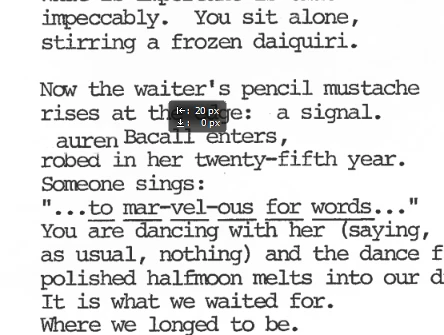
What are these guides, and can I turn them off? I am trying to drag layers to reposition and this guide keeps snapping them to certain spots and not letting me manually position things. Any advice appreciated. Thanks!

Already have an account? Login
Enter your E-mail address. We'll send you an e-mail with instructions to reset your password.
 AdChoices