Question
Halftone Issue
Hi! Would someone be able to help me fix this issue? I want to have a dotted halftone pattern on the blurred circle shown in the photo but instead, this thing happens.
Note: The version I'm using is Photoshop 2022
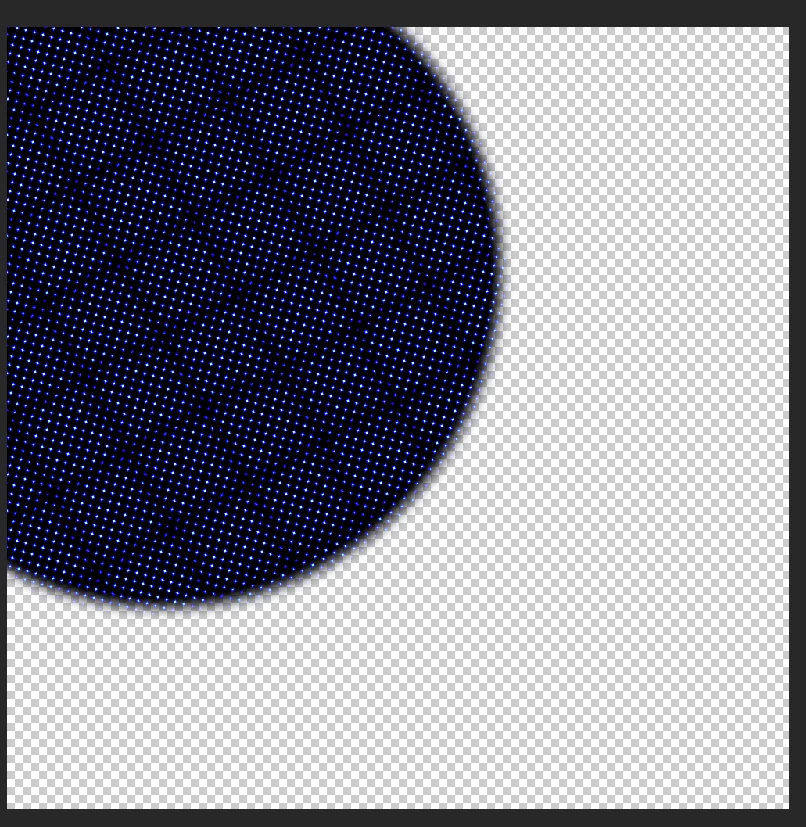

Hi! Would someone be able to help me fix this issue? I want to have a dotted halftone pattern on the blurred circle shown in the photo but instead, this thing happens.
Note: The version I'm using is Photoshop 2022
Already have an account? Login
No account yet? Create an account
Enter your E-mail address. We'll send you an e-mail with instructions to reset your password.


 AdChoices