
Question
Hands-on tutorials instructions are blocking the sample image in Photoshop and cannot be moved?
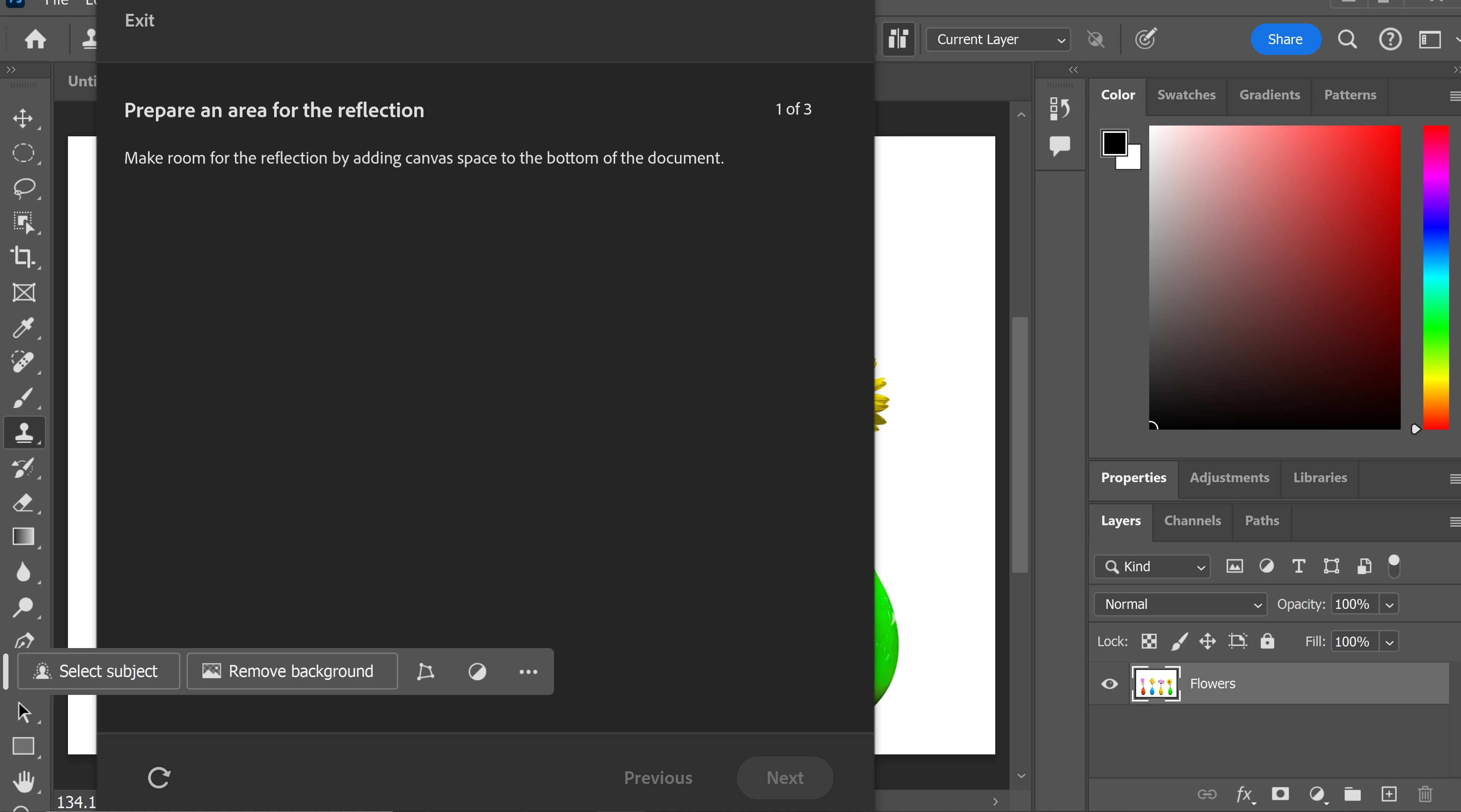
When you open up Hands on Tutorials within Photoshop Help menu and then choose a particular tutorial, the screen is largely covered by the tutorial black instruction layer and you cannot access or see the sample image it is asking you to operate on. I can find no way of moving this screen out of the way. Is this a bug?


 AdChoices