
Question
Having issue's exporting from Substance Painter to Photoshop
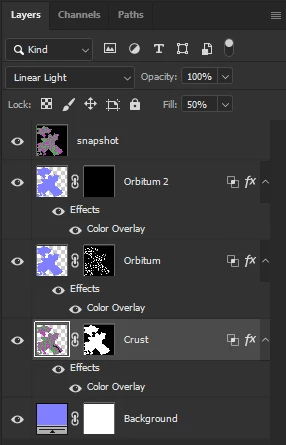
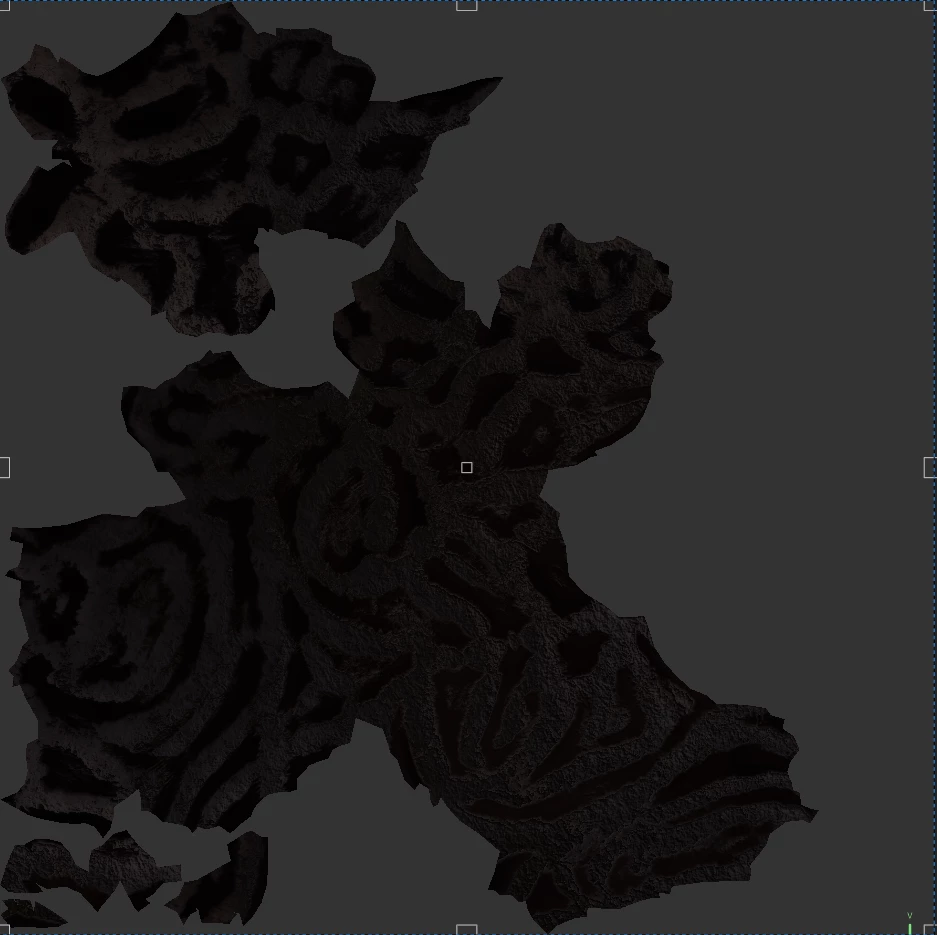
When I export my texture from Substance Painter to Photoshop it looks very strange and almost inverted, when attempting to invert simply via IMAGE - ADJUSTMENTS - INVERT the 2 colours just switch. How can I fix this? I wish to edit the texture in photoshop just how it looks in Substance Painter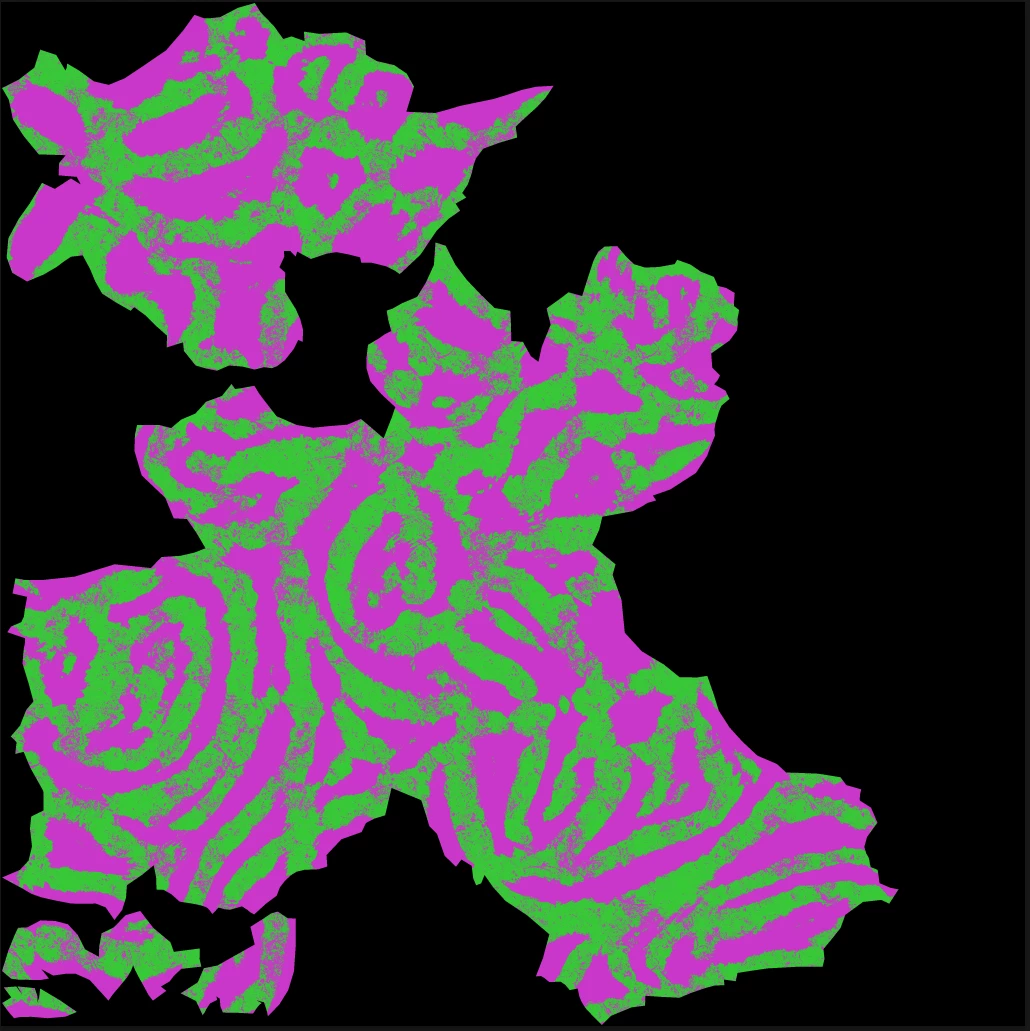


 AdChoices