Known Participant
October 21, 2023
Question

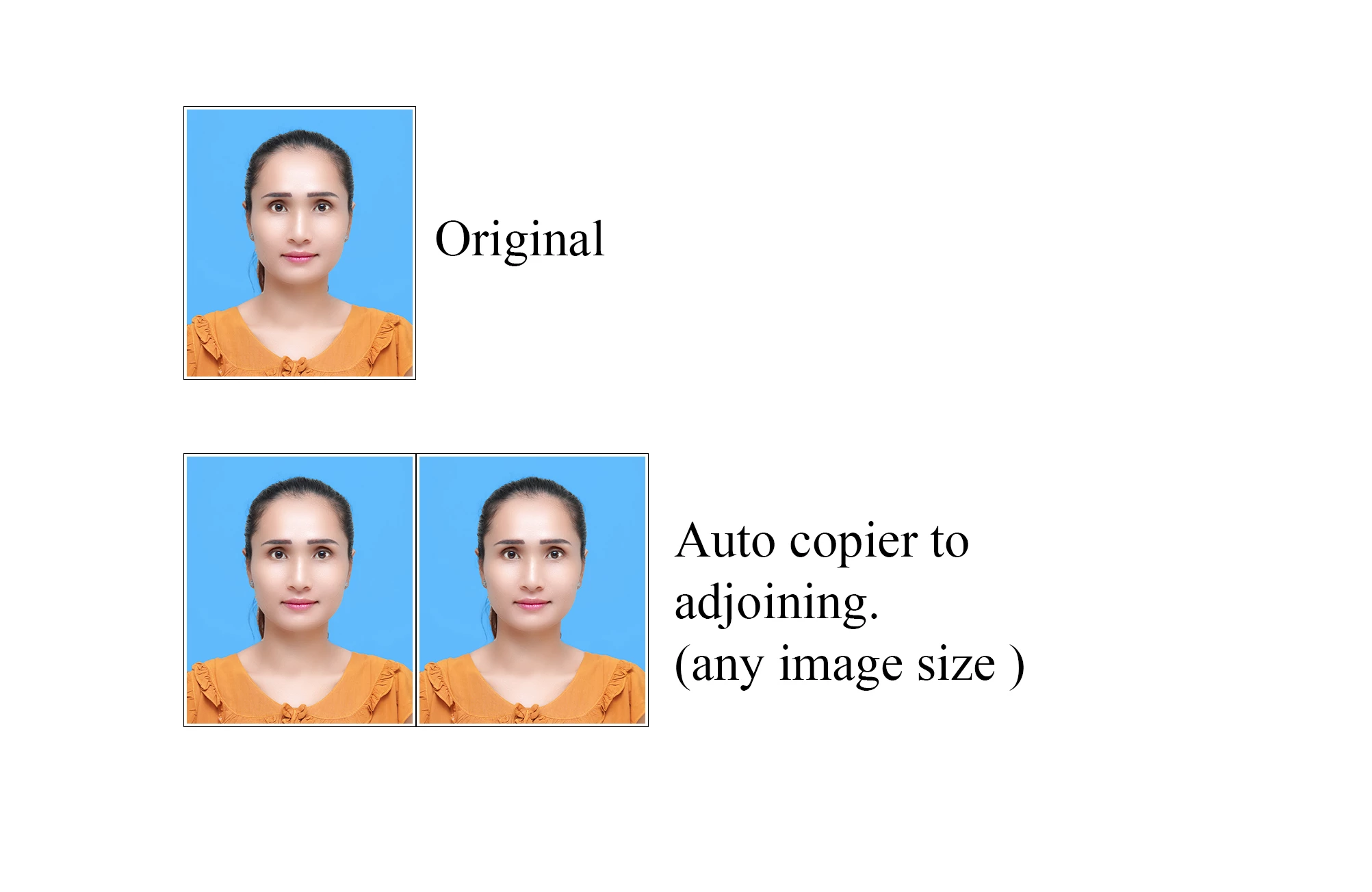
Hello Sir . . . Auto copier to adjoining. (any image size ) photoshop scripts

  • October 21, 2023
  • 1 reply
  • 435 views

Please !

Can i get  auto copier to adjoining. (any image size ) Photoshop Scripts.

This topic has been closed for replies.

1 reply

Stephen Marsh
Community Expert
Community Expert
October 21, 2023

You can do this with an Action, or a Script.


Will there be a gap between the images?


Will this always be 2-up horizontal, or will the number of images vary?


Have you searched the forum for similar topics? Here is a script:


https://community.adobe.com/t5/photoshop-ecosystem-discussions/creating-duplicate-images-for-multi-packs-on-online-marketplaces-within-photoshop/m-p/12511723


This Action presumes a flattened or single-layer original:


This Action works with multi-layered files or flattened or single-layer files:


Or you can use Smart Object layers, so that updates to the layered original are automatically reflected in the duplicated layer.


There are many possibilities.


ThihasoeAuthor
Known Participant
October 22, 2023

Hello Sir @Stephen Marsh  

How can I set the Action to always place the center point on the left in any image size? 


Stephen Marsh
Community Expert
Community Expert
October 22, 2023

Click on the middle left anchor icon in canvas size.


Would you like me to upload the .atn Action file?