Hey @madelinec59480065
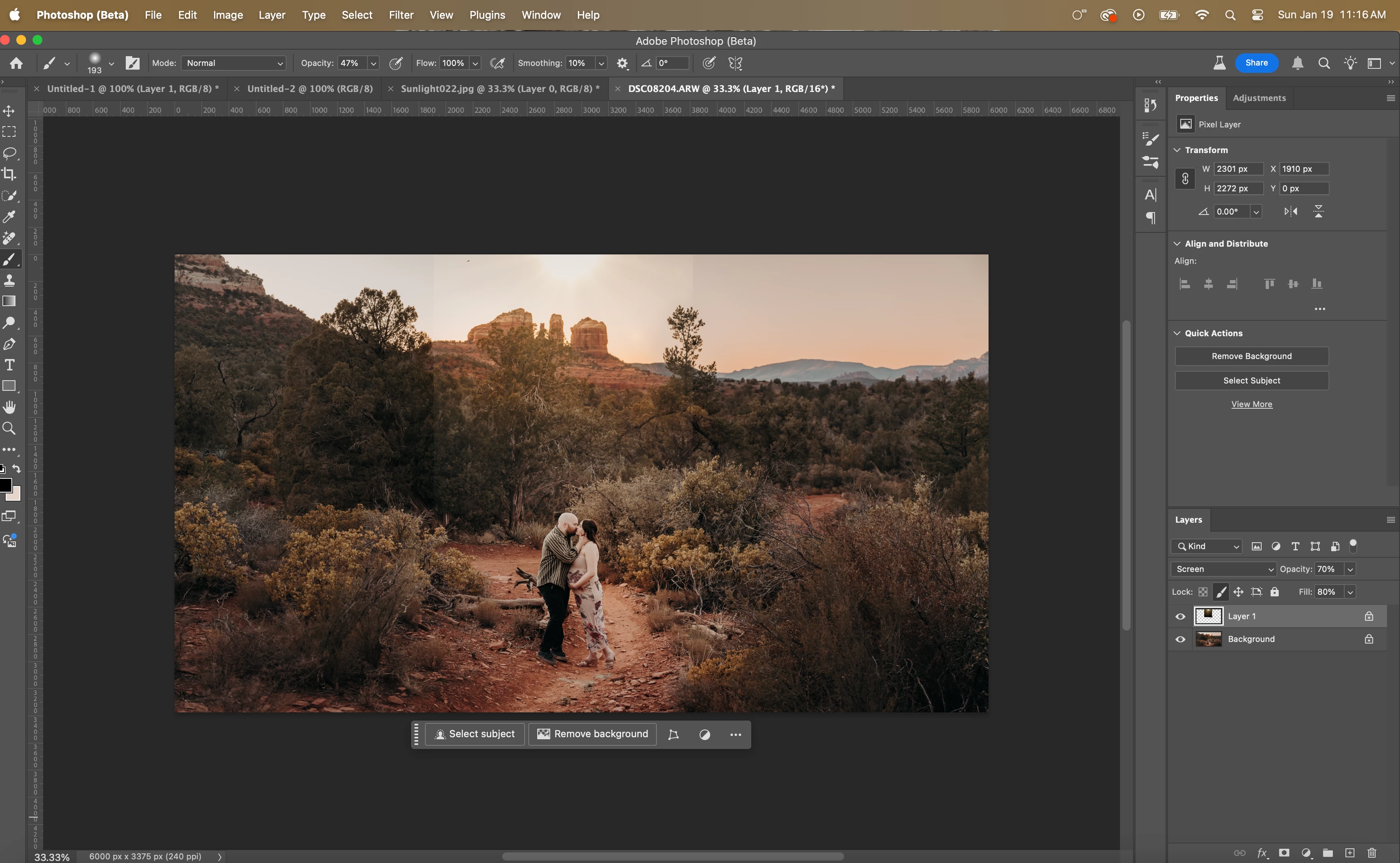
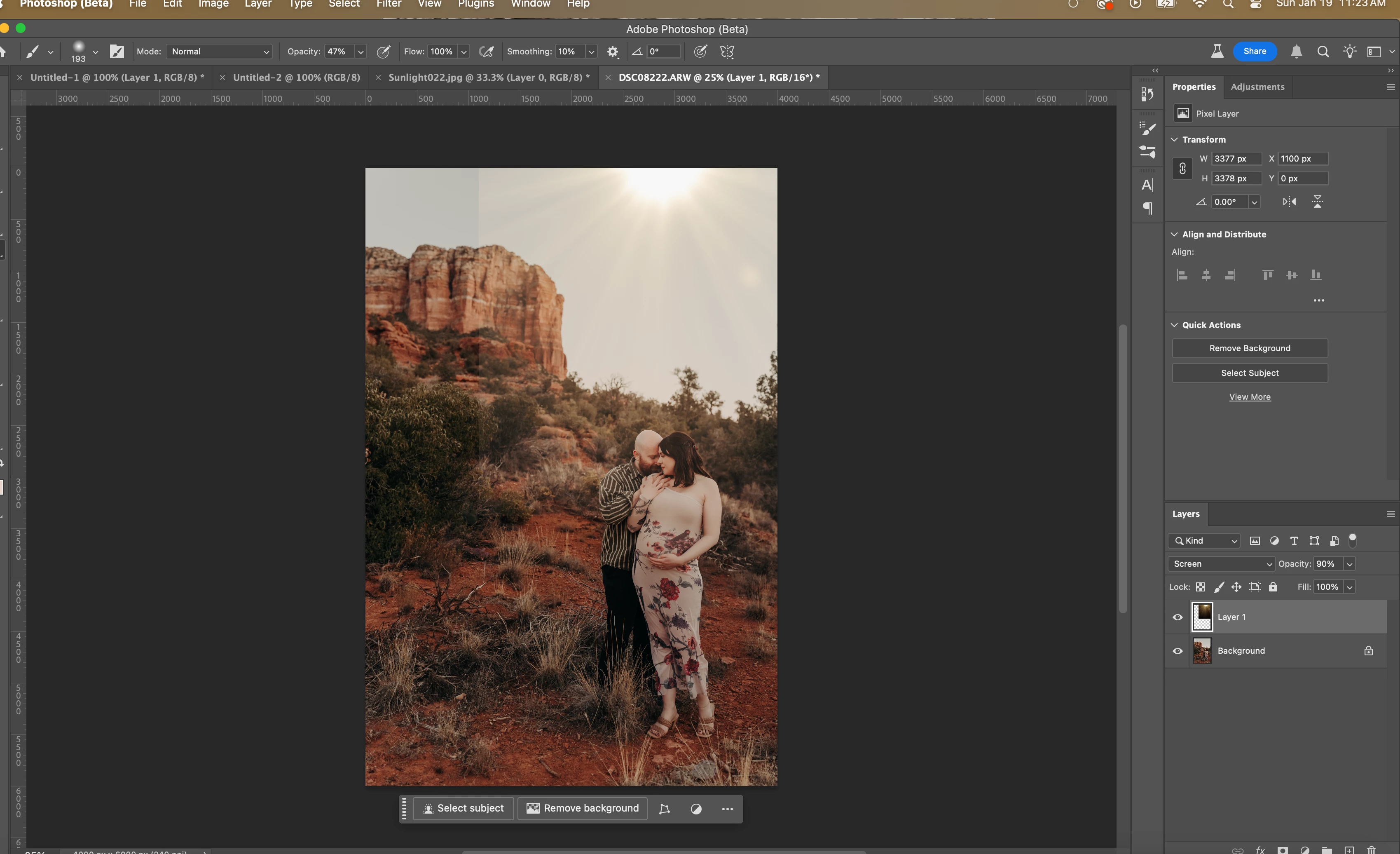
You would want to create a mask. Then add gradient G for gradient.
Choose the linear Gradient to create a smooth transition.
1) choose the layer that you want to blend/ create a gradient for
In this example I have a red solid colour.
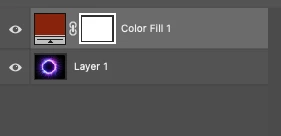
1b) Choose the white box (this is your mask)
2) Press G or the Gradient Tool in the tool bar
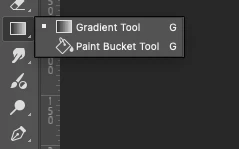
3) choose the linear gradient at the top
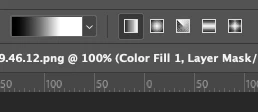
(If you don't see the Options bar, go under Window scroll down to Options. Press Options to open Options bar)
4) Double click on the Gradient button in the tool bar. You will see this white bar.
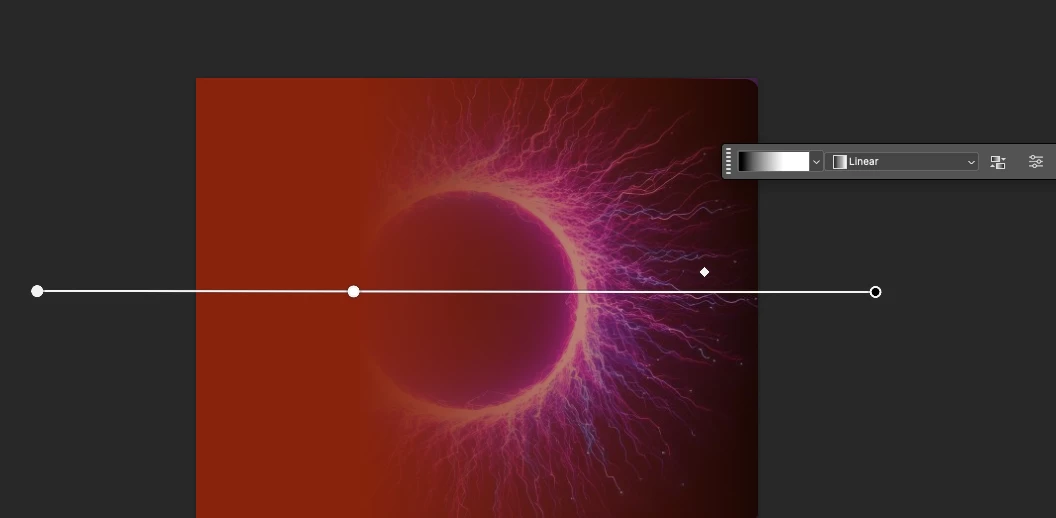
Have and Pull the white big button Right to left in your case.
(You will need to adjust the points. The little triangle/ diamond shape adjusts how sharp or smooth of a transition you want.)
Cheers
O.Nate



 AdChoices