Participant
September 16, 2025
Answered

Help! How to extend the lines in the exact same style?

  • September 16, 2025
  • 3 replies
  • 284 views

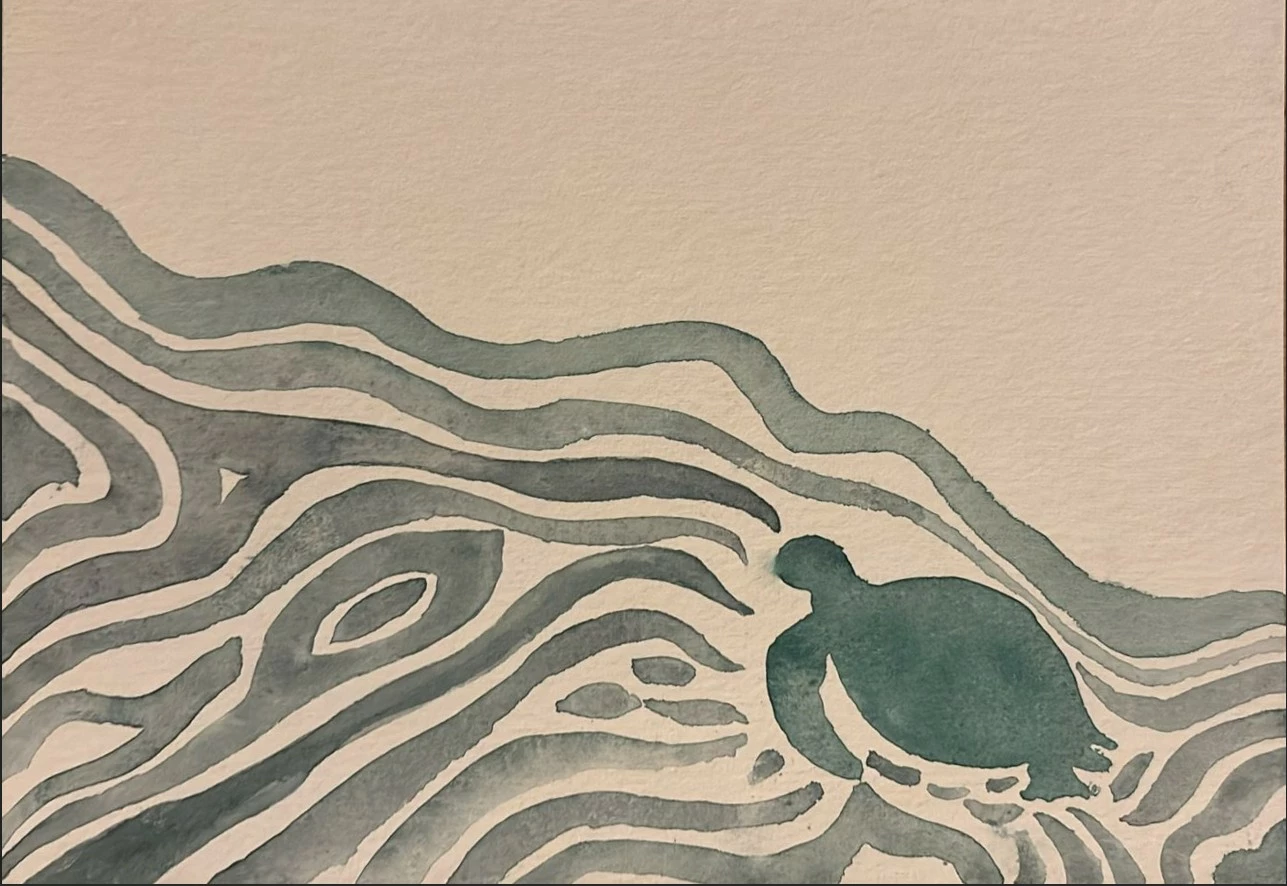
Hi all, I'd like to extend the lines/waves to the left (like in the attachment of the watercolor), creating the exact same texture and color gradient. It should resemble a watercolor, but digitally. Any tips are welcome, thanks in advance! 
Correct answer Trevor.Dennis

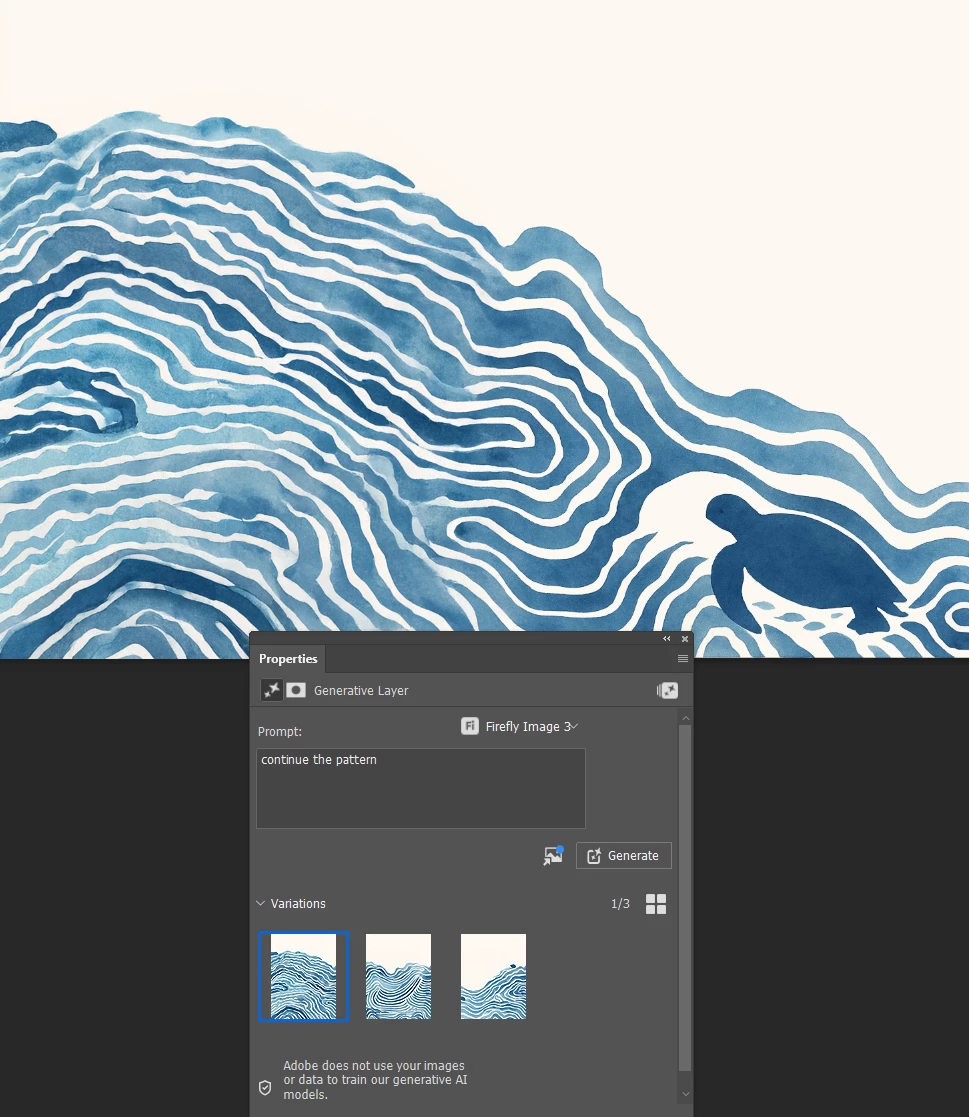
It did this with Generative Fill and the simple prompt 'Continue the pattern'.

All three options were probably usable, but this was the best.

I initially tried it without a prompt and the results were not so good.

The shape of the selection made a big difference.


I have a strong feeling that we are in a 'Watch this space' situation right now, as Terry White has hinted that the full Nano Banana engine is coming to the Photoshop beta version in a week or so.  If it works the same as Nano Banana we won't need to make a selection. Just describe what we need to happen and the Ai will do it.

3 replies

Trevor.Dennis
Community Expert
Trevor.DennisCommunity ExpertCorrect answer
Community Expert
September 16, 2025

It did this with Generative Fill and the simple prompt 'Continue the pattern'.

All three options were probably usable, but this was the best.

I initially tried it without a prompt and the results were not so good.

The shape of the selection made a big difference.


I have a strong feeling that we are in a 'Watch this space' situation right now, as Terry White has hinted that the full Nano Banana engine is coming to the Photoshop beta version in a week or so.  If it works the same as Nano Banana we won't need to make a selection. Just describe what we need to happen and the Ai will do it.

Participant
September 19, 2025

thanks for your reply! just heard about nano banana, cool!

it's still not quite right, but ill keep on trying 🙂

Sameer K
Community Manager
Community Manager
September 16, 2025

Hey, @annekeeg94353325. Welcome to the Photoshop Community. I'll help you figure this out.


There could be 6 other ways to do this but here is what I just tried to get this result.


Go to the Crop tool and set the crop mode to Generative Expand > Extend the crop overlay from one or two sides and hit crop > go to properties panel & use Enhance on one of the variation you liked the best and repeat. Also, you can switch between the FireFly models to try out which model produces better textures. 


Let me know if this helps. Thanks!
Sameer K
(Type '@' and type my name to mention me when you reply)

Participant
September 16, 2025

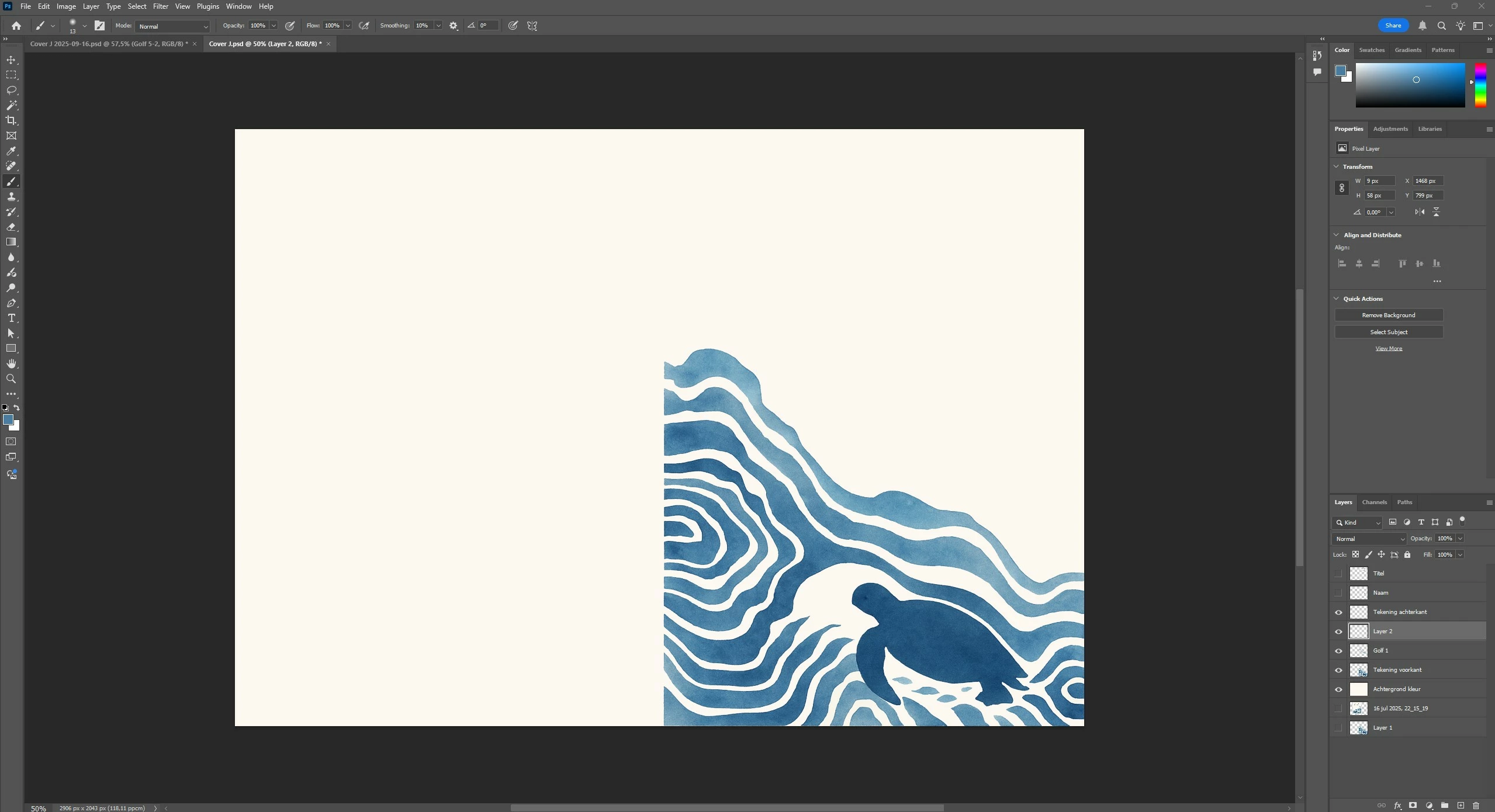
Hi @Sameer K thanks for your reply! Sorry I wasn't clear, I need to do it with the blue drawing (forget about the green watercolor that you've used, that was my example of how the image should be twice as wide..). So the blue image that is already in my photoshop (see attachment). Not sure I'm doing the right thing...

Participant
September 16, 2025

@Sameer K Having trouble making it the same style with generative expand..