



Help with Bevel and Emboss - Blending Options
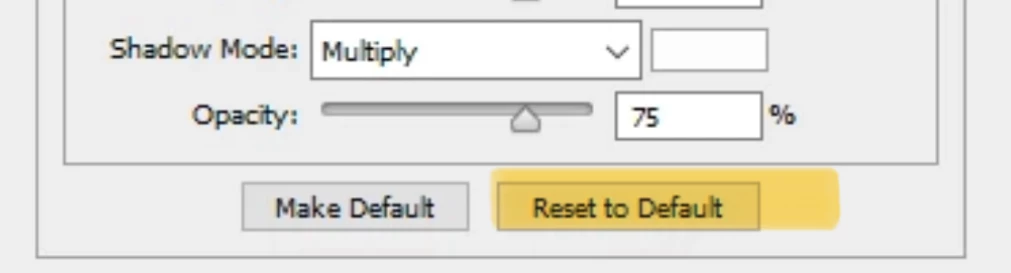
I use a psd file on a transparent background wor watermarking. I layer this onto the photograph - right click the psd layer and select blending options - that has always then allowed me to control not only the opacity, but the volume / depth of that watermark. I ran a batch process yesterday where it did about 800 of these without error. The next time I went to do one - manually now, blending options would not respond so far as ant of the depth commands would go. All it would do was allow the layer to be flat - it would no longer create that illusion of being embosssed. etc. Nothing has changed to the best of my knowledge and I have assures that nothing is set on 32 bit, no opacity is set to 0, I have no idea why that function has suddenly come up lame. I have reset the styles in that menu, restarted the program, restarted the computer, but cannot get blending options to - Bevel and Emboss. Any ideas or thoughts ? Windows 10 / CS6 / everything the same so far as I know. Wored successfully 1,000 times yesterday. Thank for any help or suggestions - Strene

 AdChoices