
Answered
Help with Turning off rosetta
Hi all,
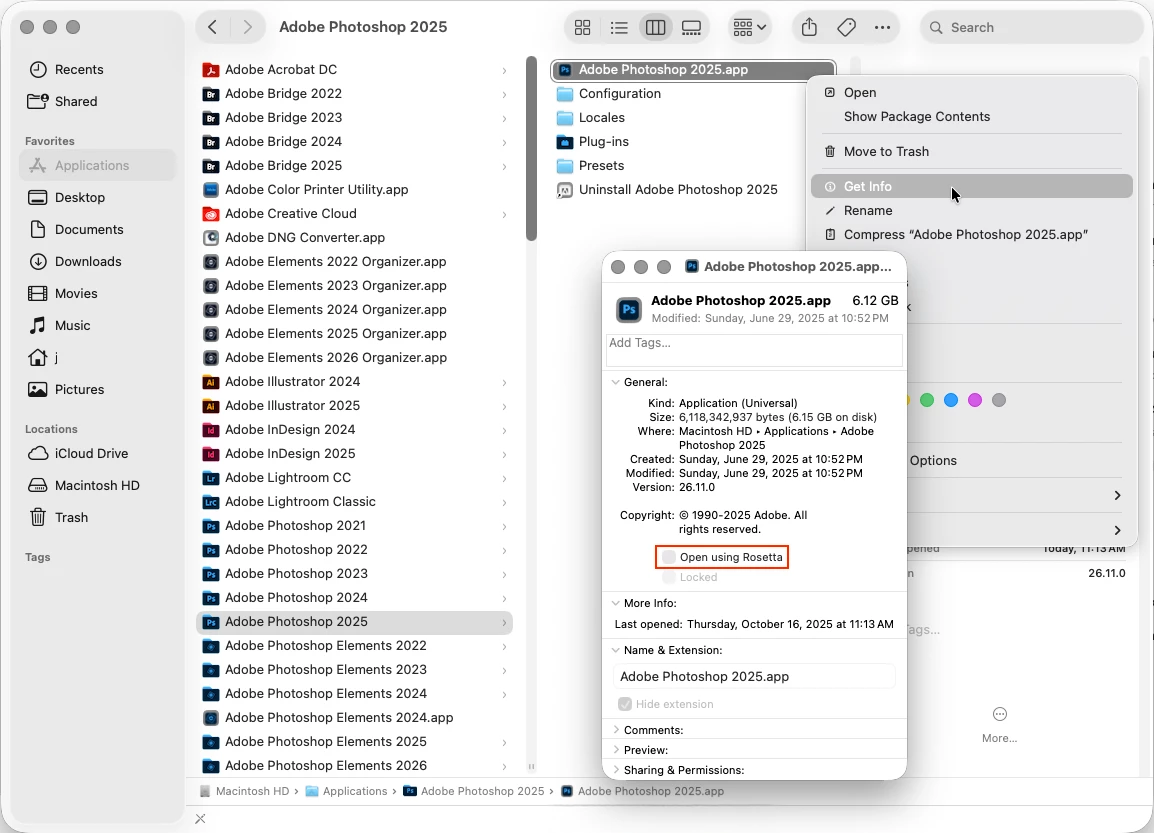
I started running into the issue with photoshop not allowing the remove tool to be used because my "system is running in rosetta". I do not have the box to uncheck "open in rosetta" under the get info section and I cannot find other ways to turn this off. This was not an issue beforehand and i just did a photoshoot and need to get these photos done asap. I need any advice or help on this issue.
I have a MacBook Air 15-inch M3 2024 and it is updated the newest version.
Any advice is appreciated! Thank you!



 AdChoices