Participant
Oct 7, 2026 8:09 AM UTC
Question

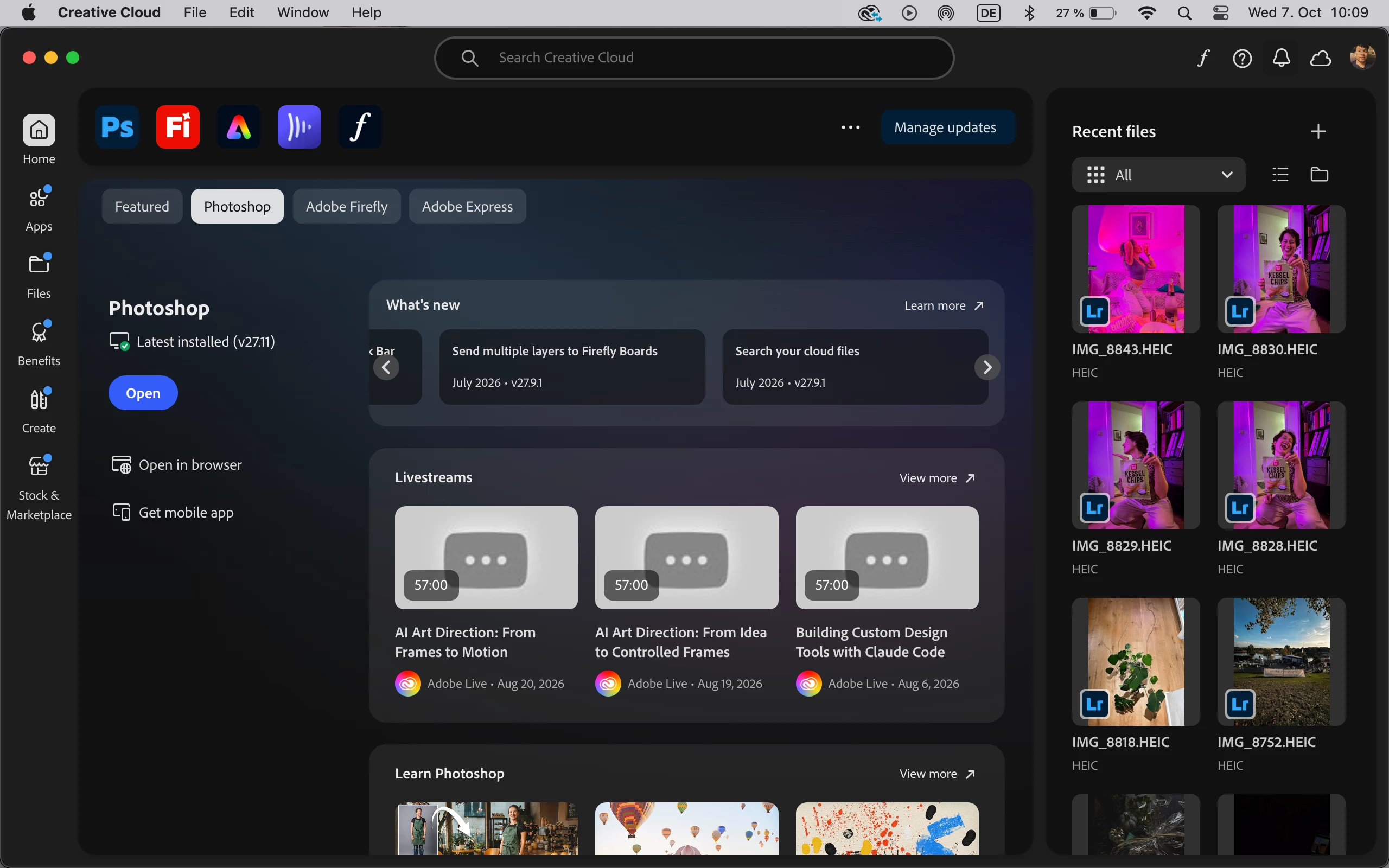
hey, I installed the app through manager but the app doesnt open


    3 replies

    MarekMularczyk
    Community Expert
    Community Expert
    Oct 26, 2026 9:11 AM UTC

    Let us know if you managed to get it working?

    Translate
    Adobe Community ExpertAdobe Certified Professional
    justlearn
    Community Expert
    Community Expert
    Oct 14, 2026 7:39 AM UTC

    ​@MarekMularczyk Curious, are you able to open Photoshop now? My first thought is your Photoshop has corrupted files. I would uninstall Acrobat. Run Adobe Cleaner Tool to cleaning up corrupt files, https://helpx.adobe.com/ca/creative-cloud/apps/troubleshoot/diagnostics-repair-tools/run-creative-cloud-cleaner-tool.html. Once that is done, delete the previous download that had Photoshop and empty your trash can or recycle bin. Then go back to Adobe Creative Cloud Desktop app, and download a ‘fresh’ and ‘new’ Photoshop for your computer.. 

    Translate
    m
    MarekMularczyk
    Community Expert
    Community Expert
    Oct 7, 2026 9:19 AM UTC

    What happens when you try to open Photoshop? Any error messages, pop up windows?

    Translate
    Adobe Community ExpertAdobe Certified Professional