


Participant
August 10, 2025
Answered

Hidden console messages in UXP Developer Tools for photoshop

  • August 10, 2025
  • 1 reply
  • 205 views

Hi I'm trying to write a plugin with UXP developer tools for Photoshop, but I'm getting stuck with the debugging. I've got a lot of debugging info written to console.log() and in UXP developer tools. If I click debug and bring up the console, I can see there are a number of console messages, but I can't read them because they are hidden. I can't figure out how to get them to display.


I've tried clicking all inside  the side panel. If i hover over levels it says controlled by sidebar, but when i collapse sidebar still nothing shows
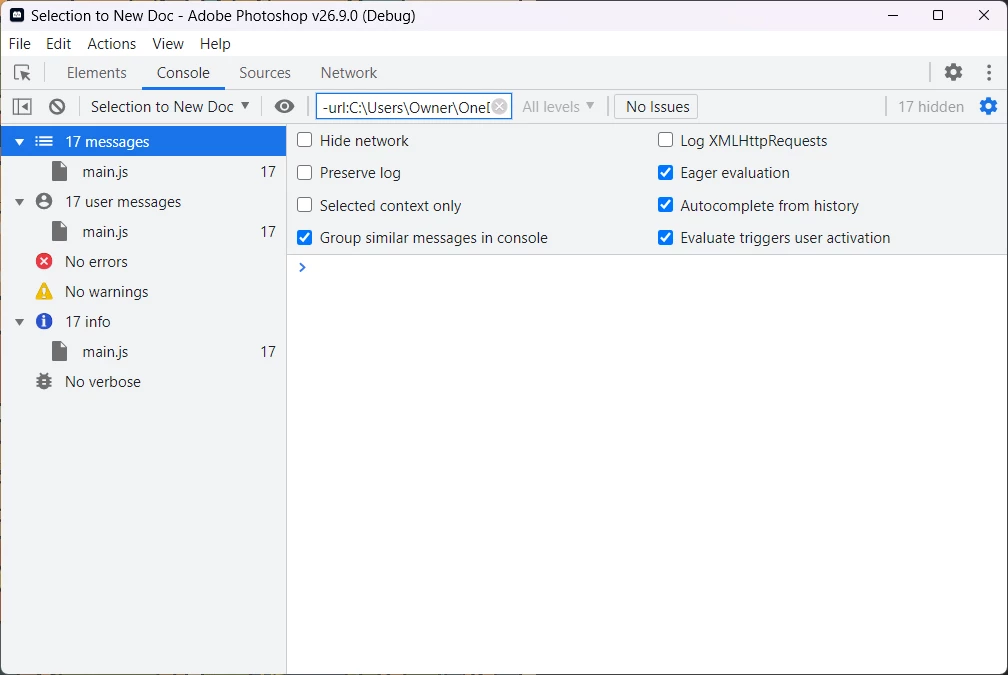
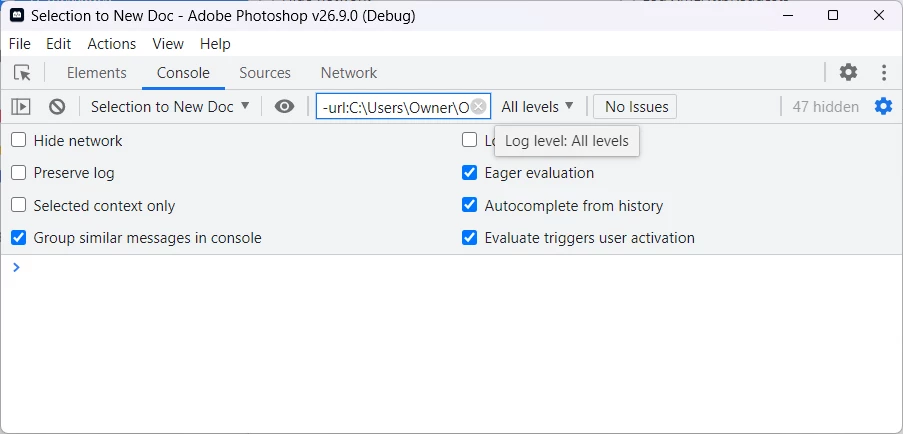


Im pulling what's left of my hair out lol

Correct answer romantic_Rainbow4579

Finally i fixed it.

I closed Photoshop and the Developer Tools
Then went to the install directory for UXP Developer Tools, in my case that was "C:\Users\Username\AppData\Roaming\Adobe UXP Developer Tools"

I then deleted the contents of the folders "Local Storage" and "Session Storage"

I also deleted the file "preferences" in the root folder.

I restarted Photoshop, then UXP Developer Tools, reloaded the plugin and tested it, and all the debug messages came back.

1 reply

romantic_Rainbow4579AuthorCorrect answer
Participant
August 10, 2025

Finally i fixed it.

I closed Photoshop and the Developer Tools
Then went to the install directory for UXP Developer Tools, in my case that was "C:\Users\Username\AppData\Roaming\Adobe UXP Developer Tools"

I then deleted the contents of the folders "Local Storage" and "Session Storage"

I also deleted the file "preferences" in the root folder.

I restarted Photoshop, then UXP Developer Tools, reloaded the plugin and tested it, and all the debug messages came back.