


Inspiring
January 7, 2025
Answered
How Can I Change the Behavior of the Photoshop Window?
- 3 replies
- 639 views
- Translate
I've just moved over to a new Mac, and I'm finding the behavior of the Photoshop window is not acting like it used to. I'd like to go back to the way it was. I've tried different choices in the settings, but to no avail.
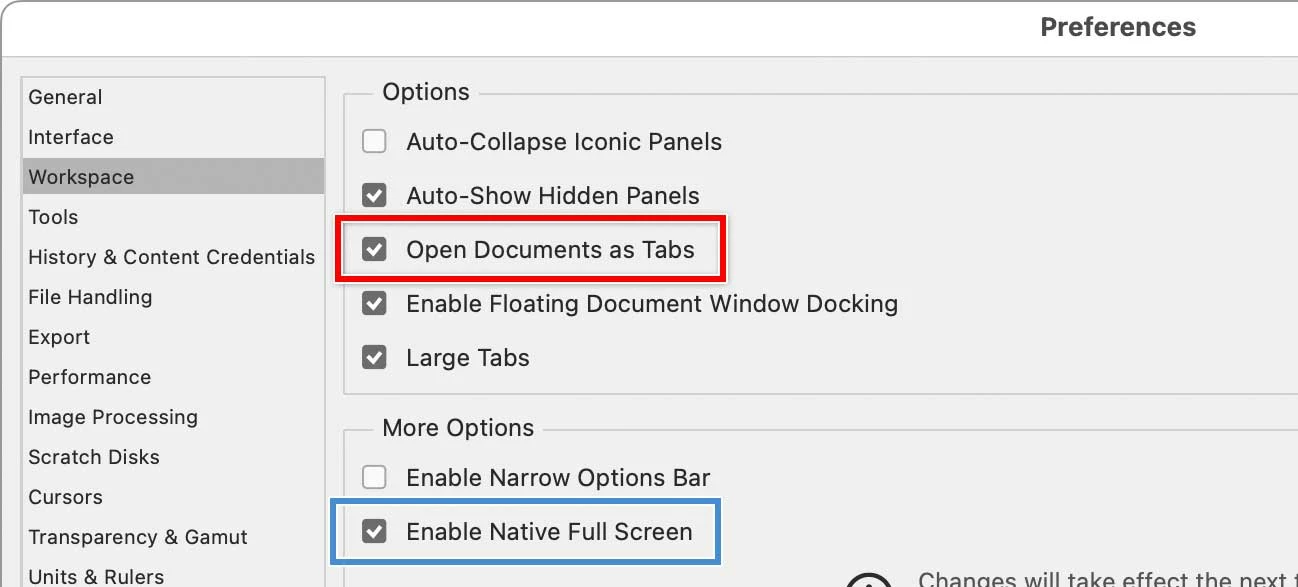
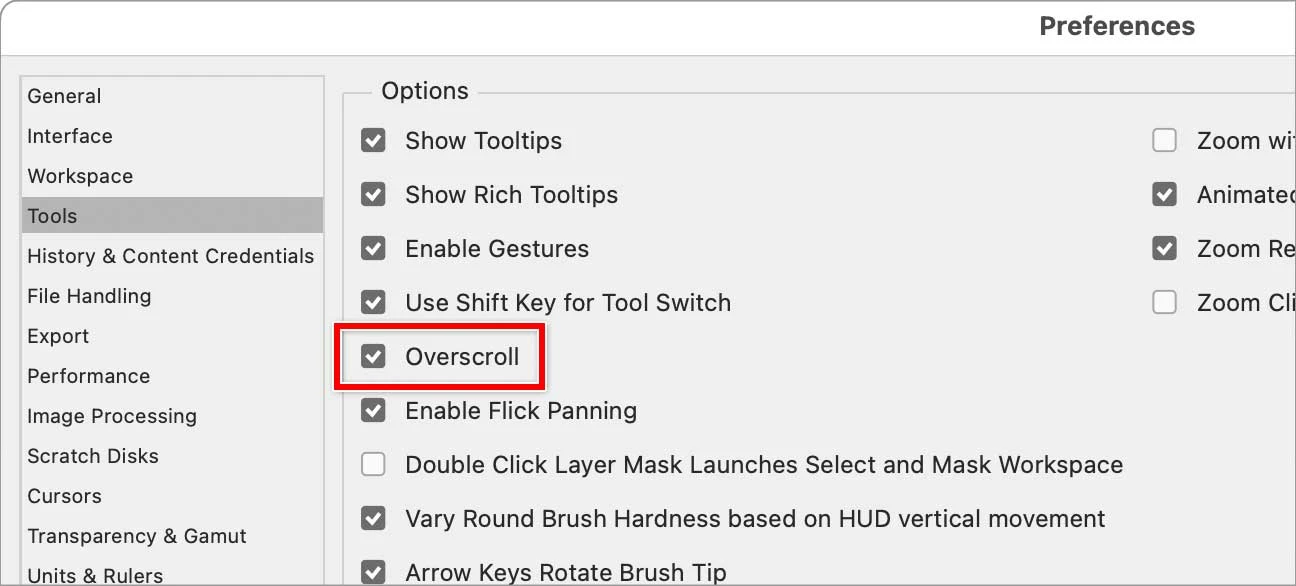
I like to use an independent window when I'm working on a file, not tabs (see screenshot). But I'm used to the entire image not scrolling to display the artboard within that window unless I manually resize the window. When the entire image is shown in the window, I don't want to be able to scroll into the artboard. Does that make sense.
The screenshot I'm posting shows what I don't want.
I'm using Photoshop 2025 on a Mac.

 AdChoices