
Known Participant
May 5, 2025
Question

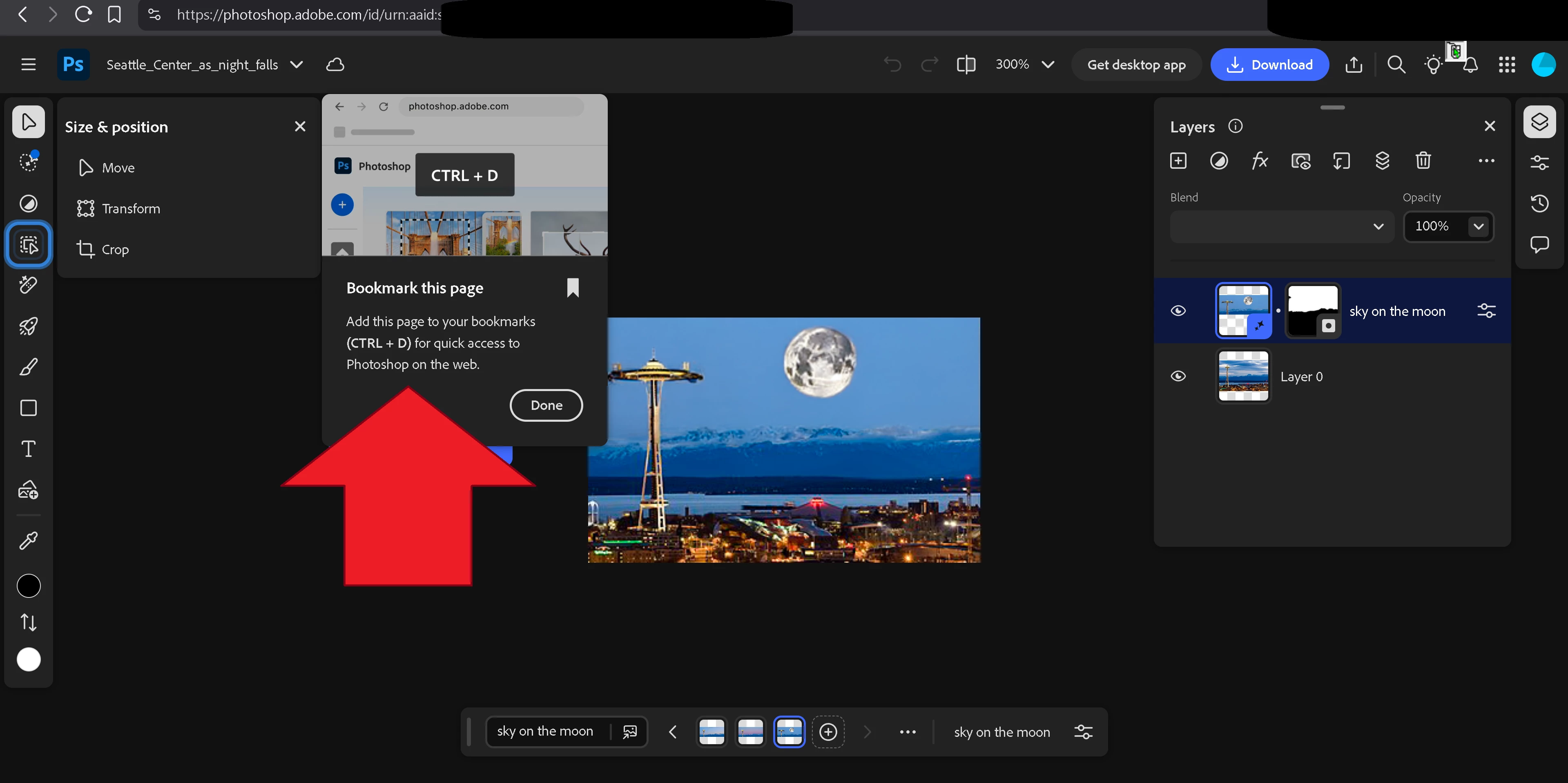
How can I configure Photoshop web so that it doesn't ask me to bookmark the page?
  • May 5, 2025
  • 2 replies
  • 191 views

How can I configure Photoshop web so that it doesn't ask me to bookmark the page?


It keeps asking me that at random times.


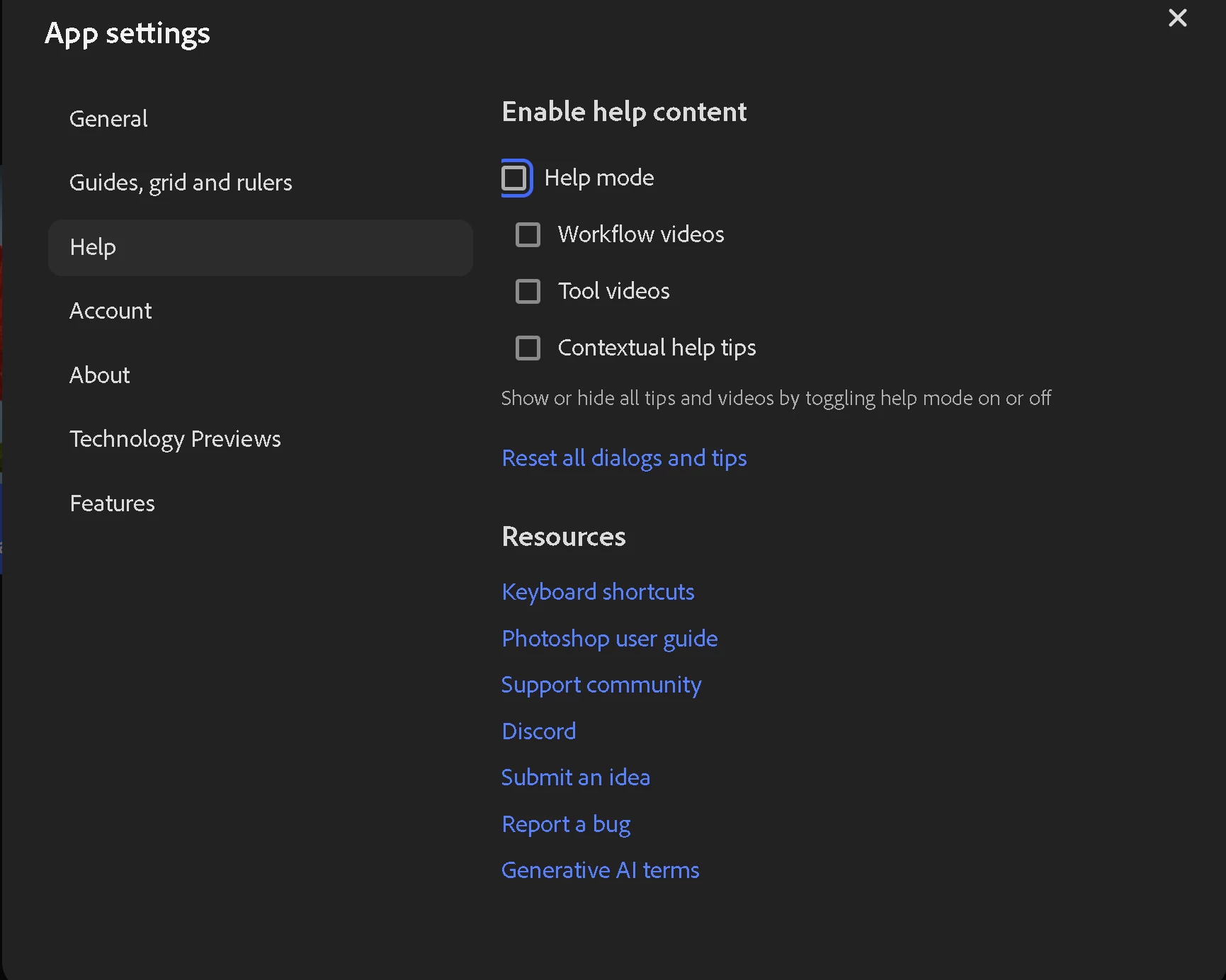
I disabled all help in the settings, but to no avail.
 

2 replies

Srishti_Bali
Legend
May 22, 2025

Hi there,


I'm checking in to see if the steps shared earlier helped resolve the issue or if you're still experiencing trouble. We're here to help if you need further assistance!


Regards,

Srishti


Claire H.
Community Manager
Community Manager
May 5, 2025

Hi @Franck Dernoncourt, That sounds pretty annoying! Let's try to figure this issue out: 

1. Check Browser Settings: Please ensure the browser settings do not interfere with Photoshop Web. Sometimes, browser extensions or settings can cause unexpected prompts.

2. Clear Cache and Cookies: Clearing the browser cache and cookies can sometimes resolve persistent issues with web applications.
3. Update Browser: Make sure the browser is up-to-date. Photoshop Web is optimized for the latest Google Chrome, Microsoft Edge, and Firefox versions.

4. Disable Extensions: Temporarily disable browser extensions to see if any of them are causing the issue.


Let us know if none of these steps work, and we can keep trying to figure this out. I hope this helps! ^CH