
Answered
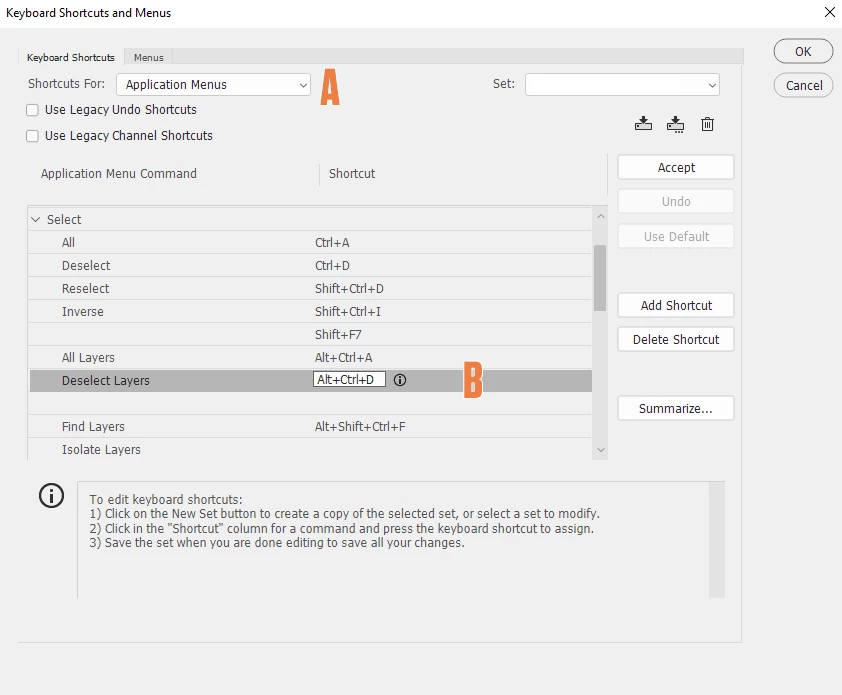
How can I deselect all layers?
I'm constantly adding shapes to images. I usually deselect a shape layer by clicking in an open space in the Layers panel. Lately, a lot of my image are much more complex with multiple text,shape,etc layers. I could group them to make more room but I'm not archiving or saving PSD's.
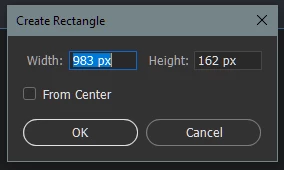
SO, is there a De-Select all layers shortcut? Clicking an open area in the canvas area won't work for shapes.You get a pop up window for Shapes instead.
Thanks for any help


 AdChoices