


Answered
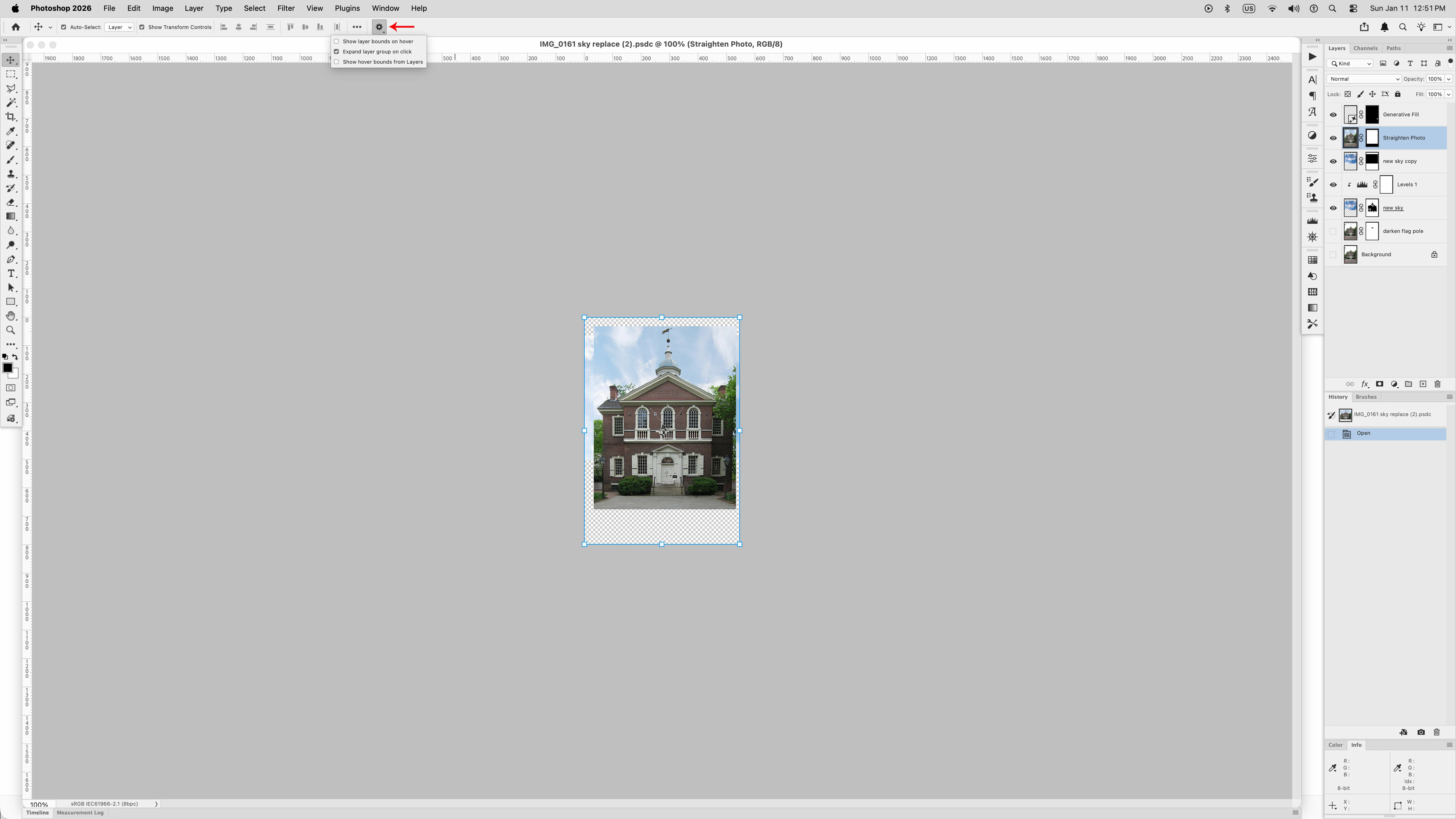
How can I get rid of Hover Layer Bounds in PS 27.2.0
There seems to be no way to remove hoveer layer bounds or make them not be visible. It used to be possible to turn them off but there is no way to do that in PS 27.2. They are a problem and interfere with editing every image. Adobe keeps forcing this feature on users but I don't see any use for it and would really llike NOT to have to have a line appear around a portion of every layer whenever my cursor happens to be over the layers or oayer palette. Had this problem since PS 25 but it was possible to turn off in older versions of Photoshop.

 AdChoices