



How can I keep older versions of Photoshop when installing a new version?
How is it possible to install a new version of photoshop WITHOUT it removing the version I have now that is working correctly?
A week or two ago I updated to version 22.4.1, the 3D tools were destroyed and wouldn't work. After several hours of trying to get an answer from adobe's chat help, the guy finally admited that there was a bug in the 22.4.1 version that broke the 3D tools. He recomended that I go back to version 22.3.0 because that version worked with the 3D tools. So I did and it works.
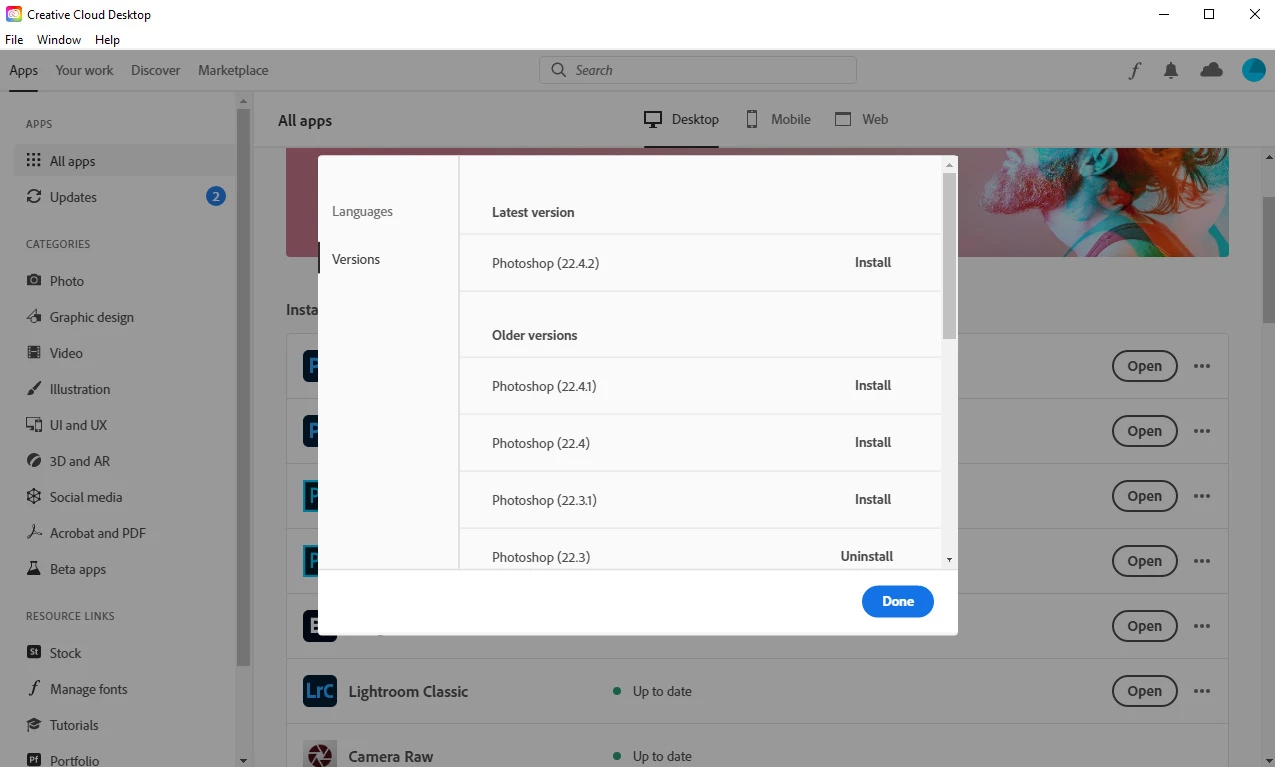
Now there is a new update to version 22.4.2 and I'd like to install it to see if they actually fixed anything. BUT, here is the problem, adobe has removed the option to Keep Older Versions from the update link.
I read somewhere that in order to do that now auto update must be enabled. That is unacceptable! I won't enable auto update because then it'll start updating everything and may break the working version I have now and remove it before I can get it stopped. Then I'll be stuck with a broken version 22.4.2 and have to go through the hassle of uninstalling it and reinstalling version 22.3.0 again.
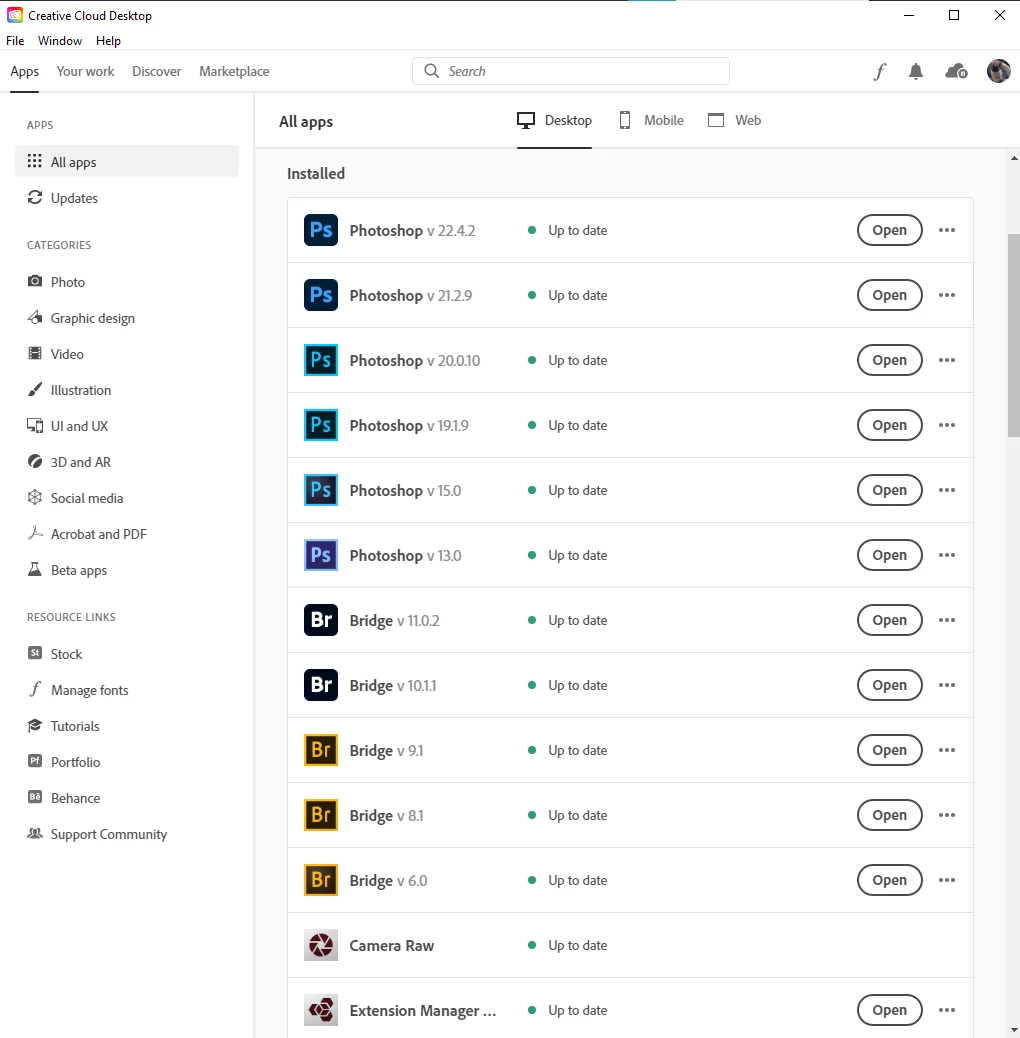
Why did they remove this option? It used to be there, with auto update turned OFF. Here is a screenshot showing that the option to keep older versions is not there anymore. Does anyone know how I can bypass this, and keep the older version and everything intact, without turning on auto updates?
Adobe, please restore the option to keep older versions so that we are not auto updated to a buggy and broken version!

 AdChoices