jimlight
Known Participant
March 11, 2019
Answered

How can I make a gradient around a circle?

  • March 11, 2019
  • 3 replies
  • 7172 views

Hi folks!

I have a dumb question -- how can I make a gradient around the circumference of a circular shaped object?

Here's an example -- I want to make a gradient that is black and white and goes linearly around the inside of this shape:
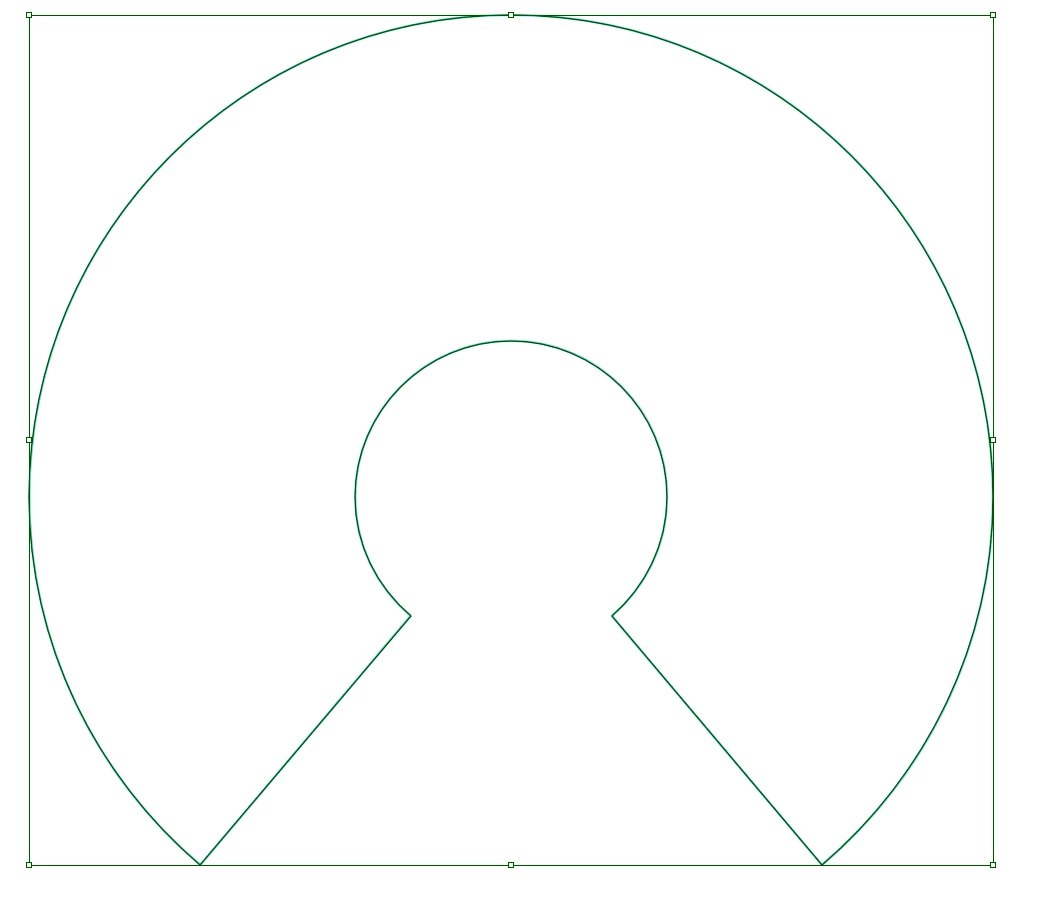
Is there a way to make this happen?
This topic has been closed for replies.
Correct answer Chuck Uebele

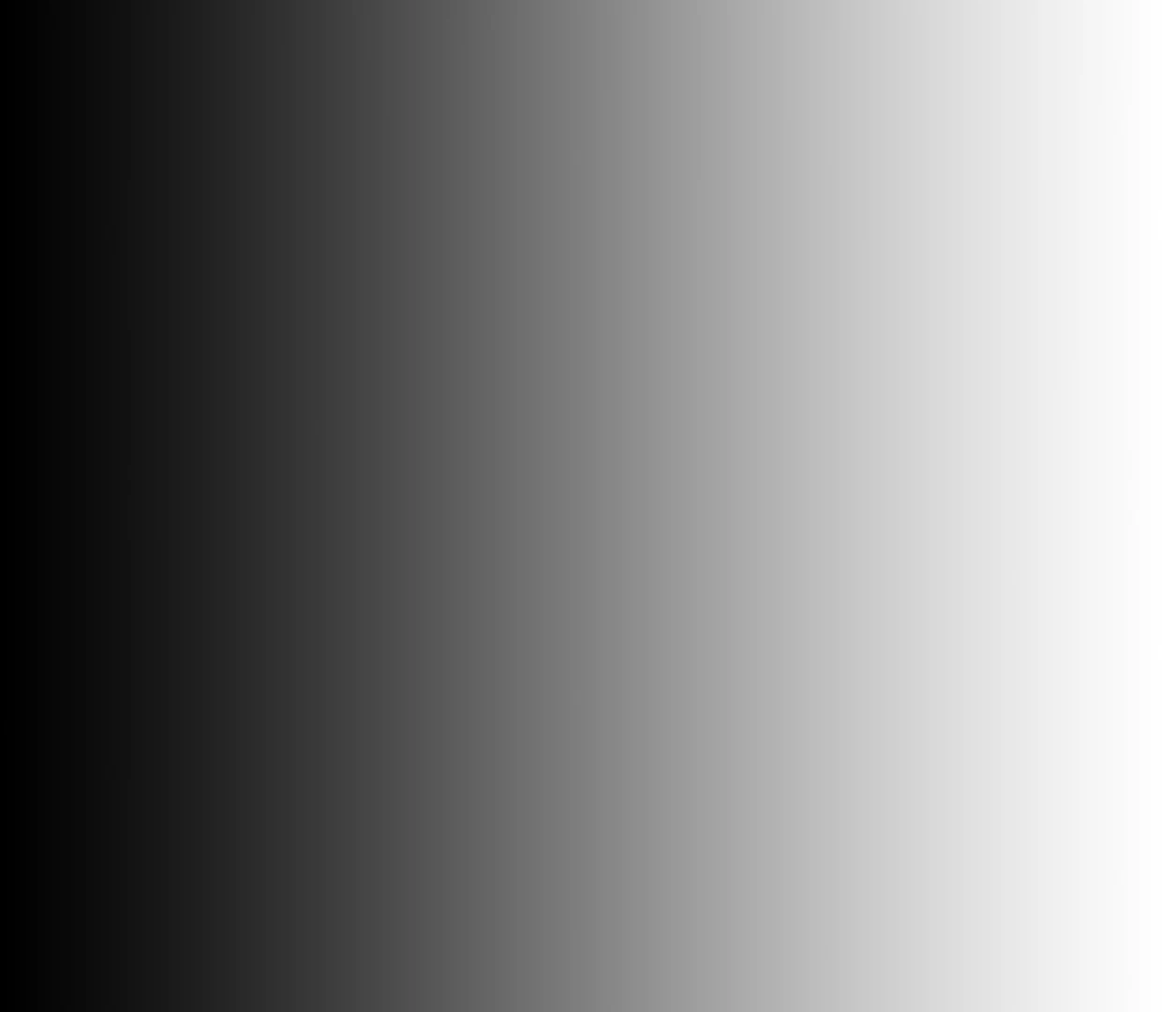
Make a gradient left to right:

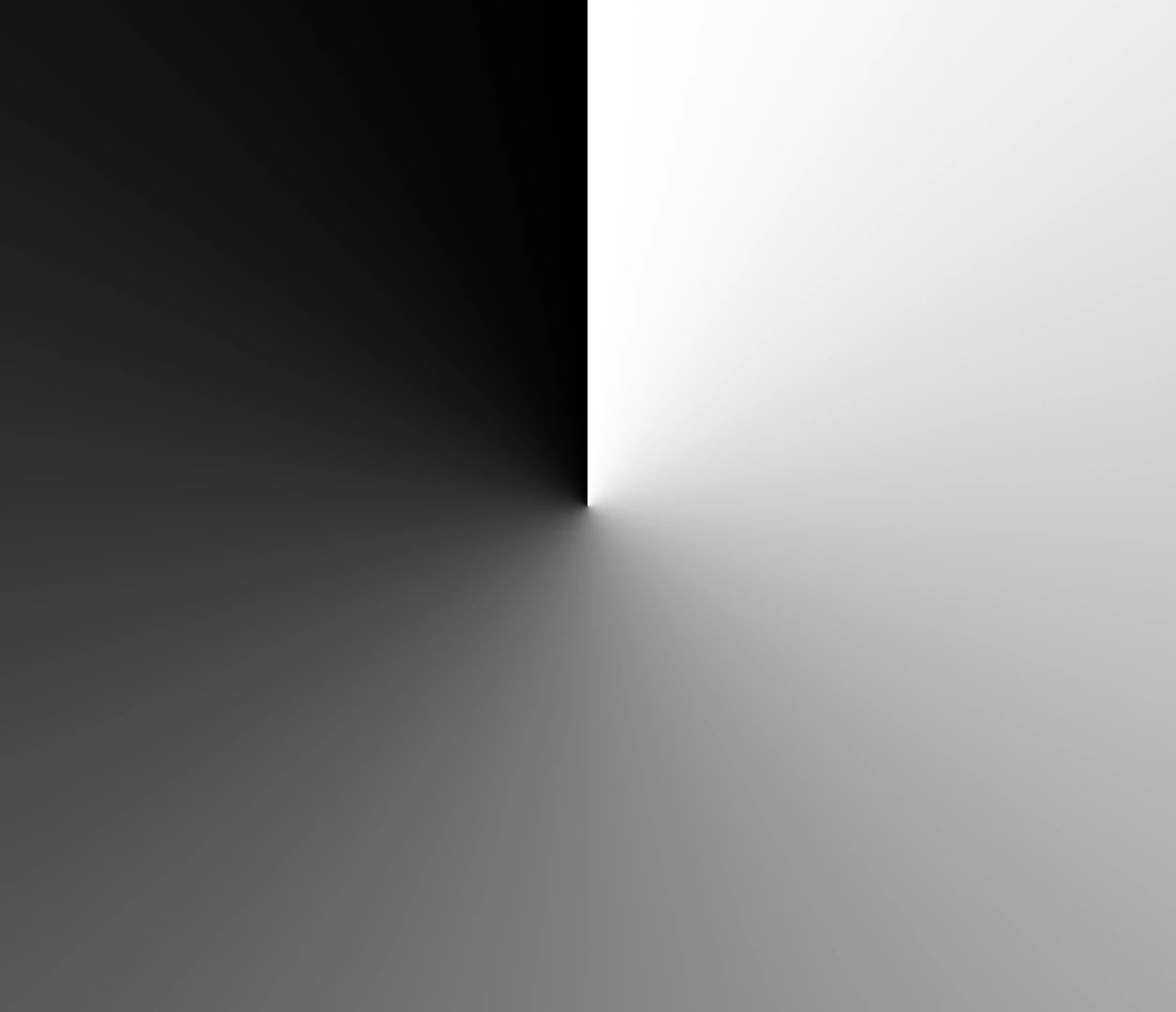
Use polar coordinates to bend the gradient:

If you used a Smart Object, rasterize it and rotate the gradient 180, then add a layer mask to confine the gradient to your shape.

3 replies

Nancy OShea
Community Expert
Community Expert
March 11, 2019

I did this a little differently. 

First I selected the area and filled it with black using the Paint Bucket tool.

I duplicated the layer with Ctrl / Cmd + J.

Then I double-clicked  the topmost layer to open the Styles Panel and added a Gradient Overlay.

Nancy O'Shea— Product User & Community Expert
Chuck Uebele
Community Expert
Chuck UebeleCommunity ExpertCorrect answer
Community Expert
March 11, 2019

Make a gradient left to right:

Use polar coordinates to bend the gradient:

If you used a Smart Object, rasterize it and rotate the gradient 180, then add a layer mask to confine the gradient to your shape.

Trevor.Dennis
Community Expert
Community Expert
March 11, 2019

Chuck, just thinking that there is an Angle Gradient option in the Gradient options.

Chuck Uebele
Community Expert
Community Expert
March 11, 2019

That works also, Trevor.

Bojan Živković11378569
Community Expert
Community Expert
March 11, 2019

If you could post example to ensure what you exactly want to achieve. Perhaps Stroke inside can do the job? You can add multiple strokes by the way. Bottom stroke should be thicker.

Here is example of red and white strokes inside applied for the effect against black background.