

Answered
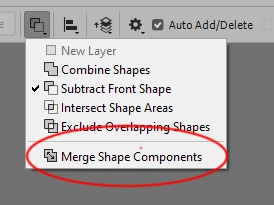
How can I merge a shape that's been boolean-ed/Pathfinder-ed? In order to clean up afterwards.
So I have a shape I made by using the Subtract From Shape option in the Pathfinder area under Properties.
It visuall looks fine, but I wanted to know if it's possible to clean up the areas I no longer need by deleting away the extra shapes and points, like I would be able to do in Illustrator by Merging and then manually deleting away what I didn't need, while keeping the part I do need in tact, and retaining the fill color obviously?
Basically, I only need the orange shape seen in the screenshot below, without all the extra empty areas shown. Is that possible to achieve in Photoshop while keeping it as a smooth editable vector shape?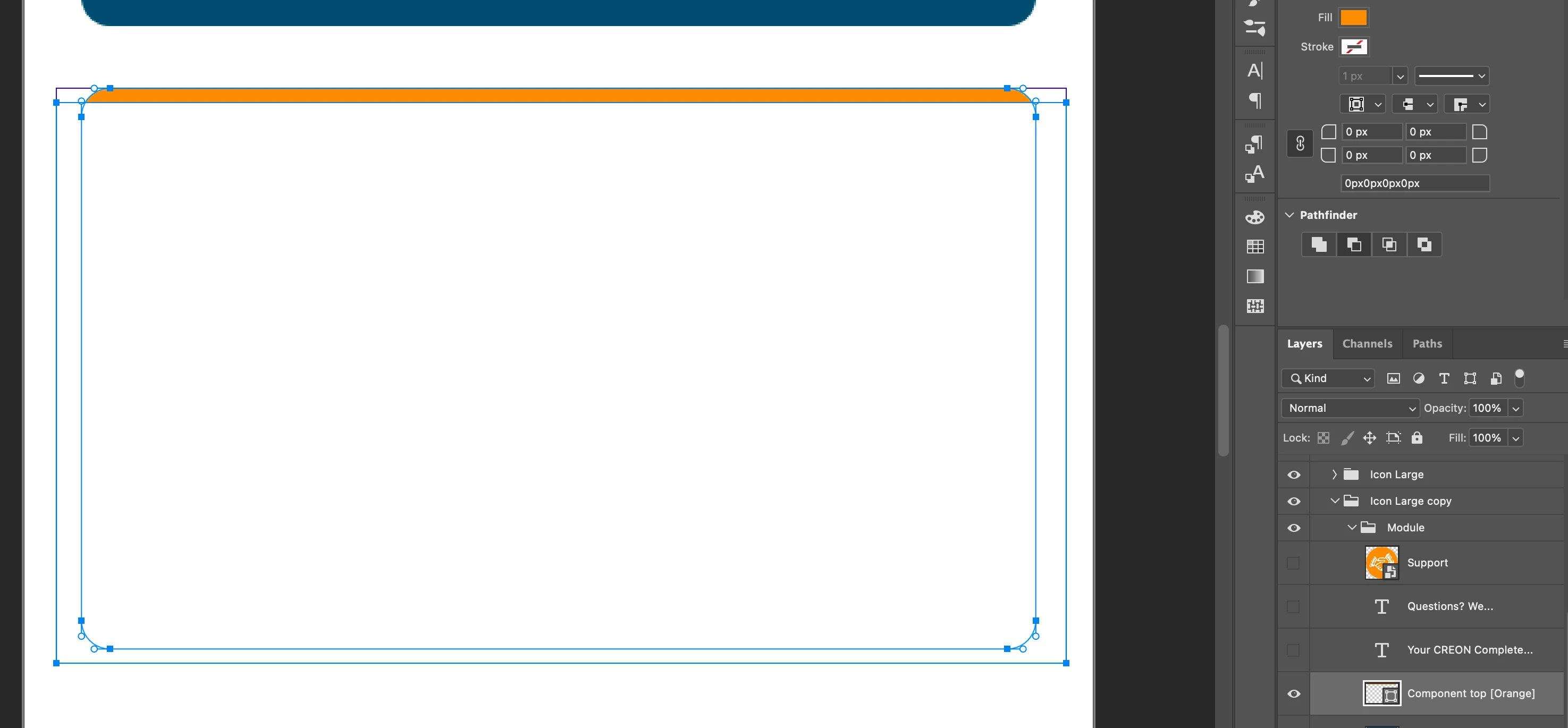


 AdChoices