Hmmm... I am not sure if you can do it completely in one operation, but someone else will no doubt come up with an idea.
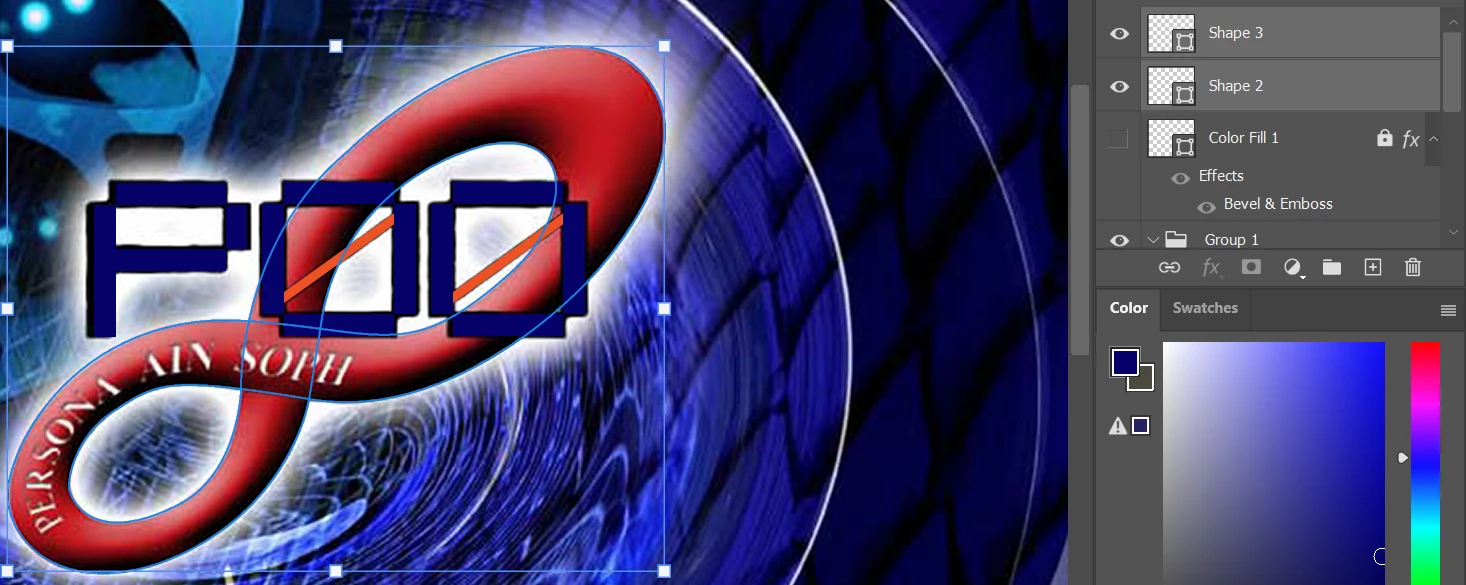
To get the shape below I started the upermost outline and dragged to the New Path icon to save it.
Click on New path again and create the inner path.
With the second path selected, select the Direct Selection tool and drag across the path to make all the points active, and use Ctrl c (Cmd c) to copy it.
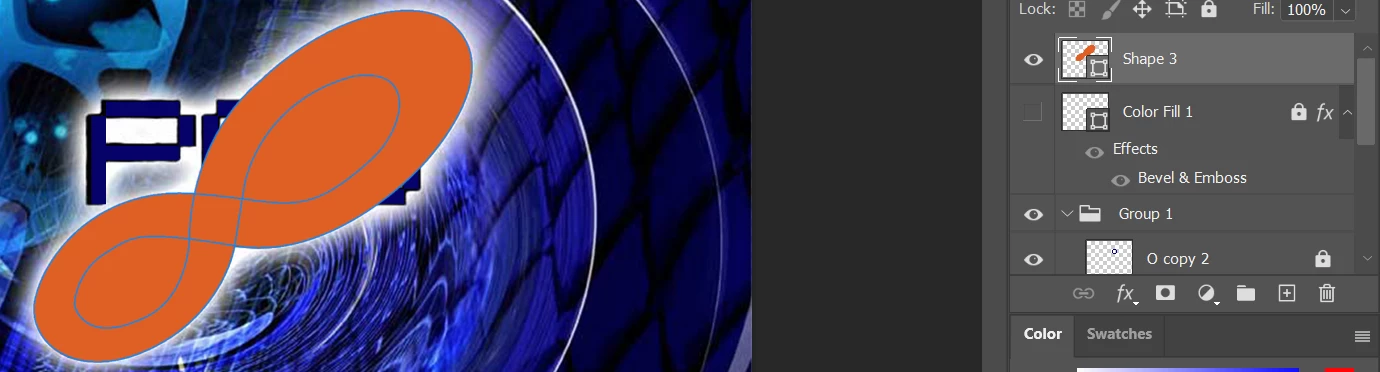
Select the first path and paste with Ctrl v, and select Exclude Overlapping Shapes
You might need to drag a window around the two paths to make all the points active.
Are you only asking about the workpaths and shapes? Are you OK making the mobius strip illustration from here?
Did you import the Infinity shape from Illustrator or Draw it directly in Photoshop? If you drew it in Illustrator, did you apply a compound path? If you copy and paste it from Illustrator, did you try pasting as a path or as pixels to see if you still get the same fill issue?
Please give us a little more information about your process so we can help you more effectively.



 AdChoices