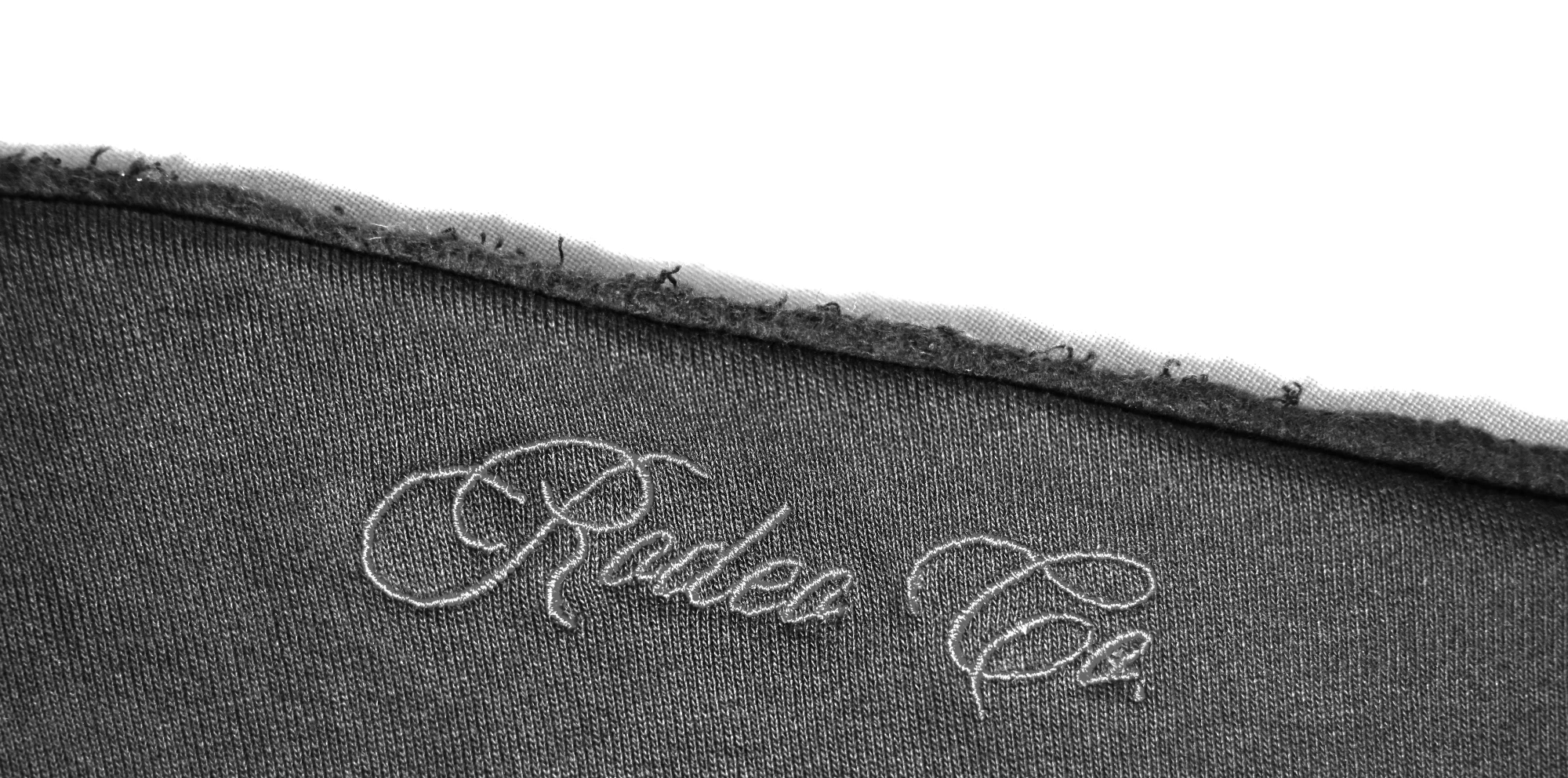
We Run Hollywood!
Known Participant
April 20, 2024
Question

How can I remove the shadow and background, while preserving the ruffled edge of this shirt?

  • April 20, 2024
  • 1 reply
  • 596 views

Hey Everyone!


Question, what would be the cleanest way of removing the shadow and background in this photo, while preserving the ruffled edge of this shirt? I don't care how meticulous, painstaking, or detailed the procedure would be.


I want it to look like the edge of this shirt is superimposed over a pure white background.
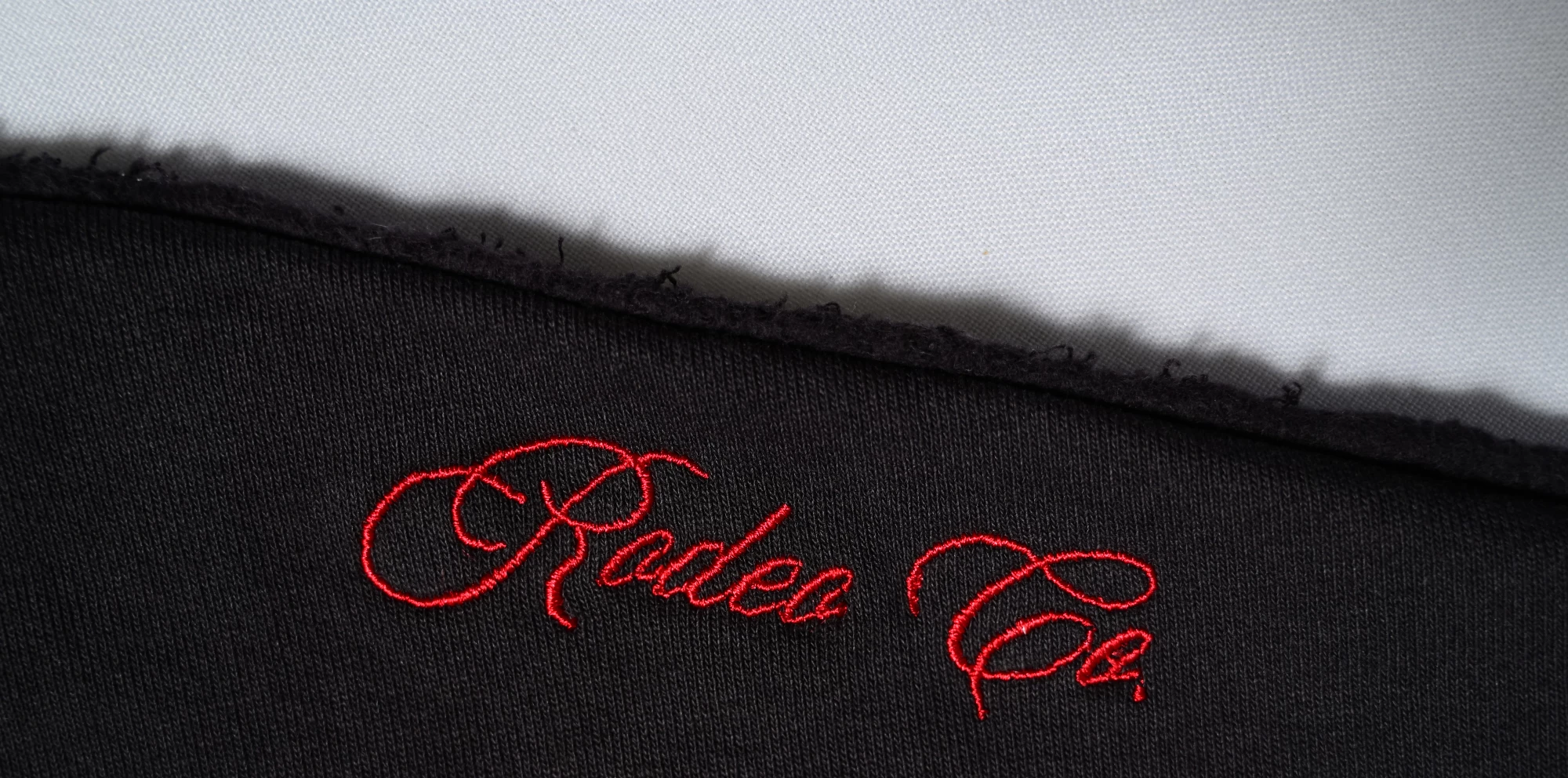


Is there a way to achieve a clean yet detailed selection of the edge of this shirt, where I still preserve the little cotton fibers and threads randomly sticking out?


Thank you so very much for any and all recommendations and suggestions!!!

This topic has been closed for replies.

1 reply

Myra Ferguson
Community Expert
Community Expert
April 20, 2024

I would recommend using the Object Selection Tool in Lasso mode to draw a loose selection around the fringe at the edge and enclose the dark fabric area.


While the selection is active, use the Select and Mask workspace (click the button for it in the Options bar). Select the Refine Edge Brush Tool to refine the edge to include any threads that didn't become part of the original selection.

We Run Hollywood!
Known Participant
April 20, 2024

Myra,


Thank you so much for your fast reply to my question! I took a screenshot of your reply and will follow your recommendations. Have a wonderful day!!!

Myra Ferguson
Community Expert
Community Expert
April 20, 2024

You're very welcome and good luck! 🙂