


Answered
How can I reset Photoshop so the "window"? "workspace"? - not sure of the term - automatically fits
Photoshop 22.0.1
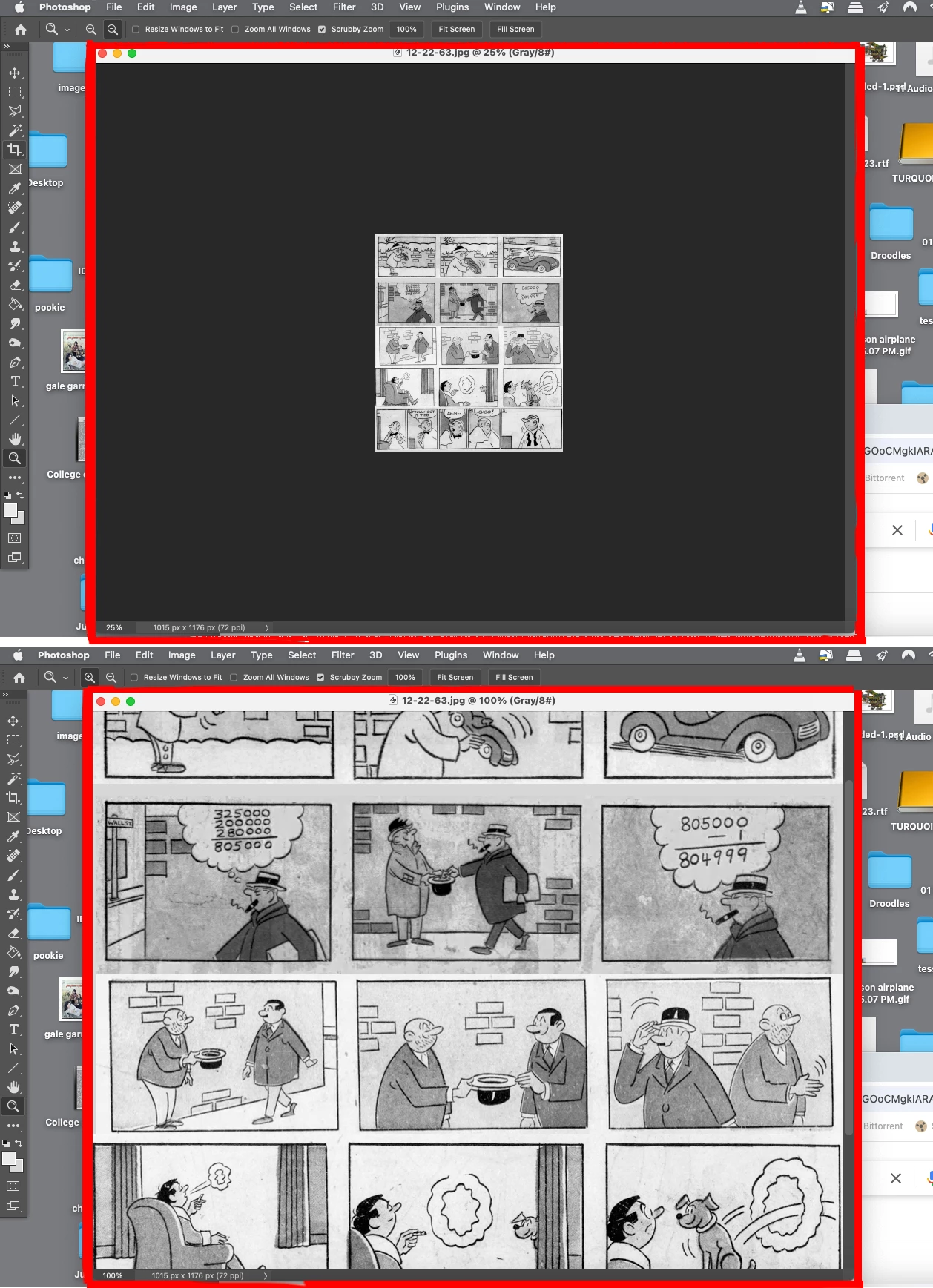
How can I reset Photoshop so the "window"? "workspace"? - not sure of the term - automatically fits the image you are working on? It used to be if I used the zoom tool, the space would zoom or unzoom to fit the
image, then suddenly that stopped working.
See below. I'm talking about the red border area - in the top pic, it's too large for the image; in the bottom it's too small. I want it so whenever you zoom or unzoom, the border area zooms with it.
Thanks for your help.

 AdChoices