


Answered
How can I update all my text layers in one go?
I have a large documents with a lot of text layers. My font got updated and now some letters look a bit different, so I need to update all my text layers in one go instead of wasting time doing it manually with every layer.
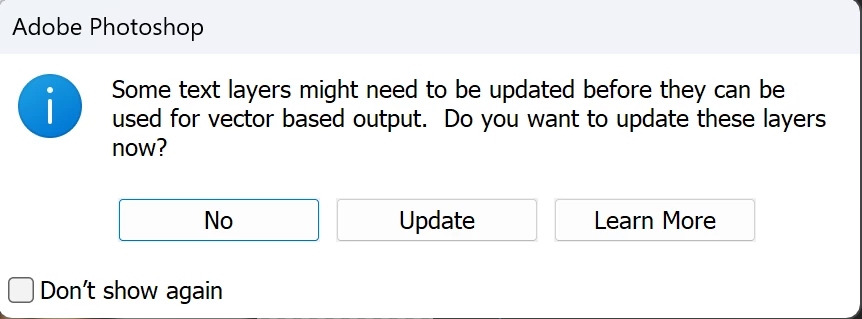
Problem is, a while back I clicked on "No" then checked "Don't show again", and now I can't make that message to show up again. I tried: Preferences > General > Reset All Warning Dialogs, closed PS then reopened my file, but that message still doesn't want to come up for this exact file (it does however show up for other files). I looked everywhere for a way to apply this update to my entire document but I can't find anything. How can I solve this very simple task?
 AdChoices