

Answered
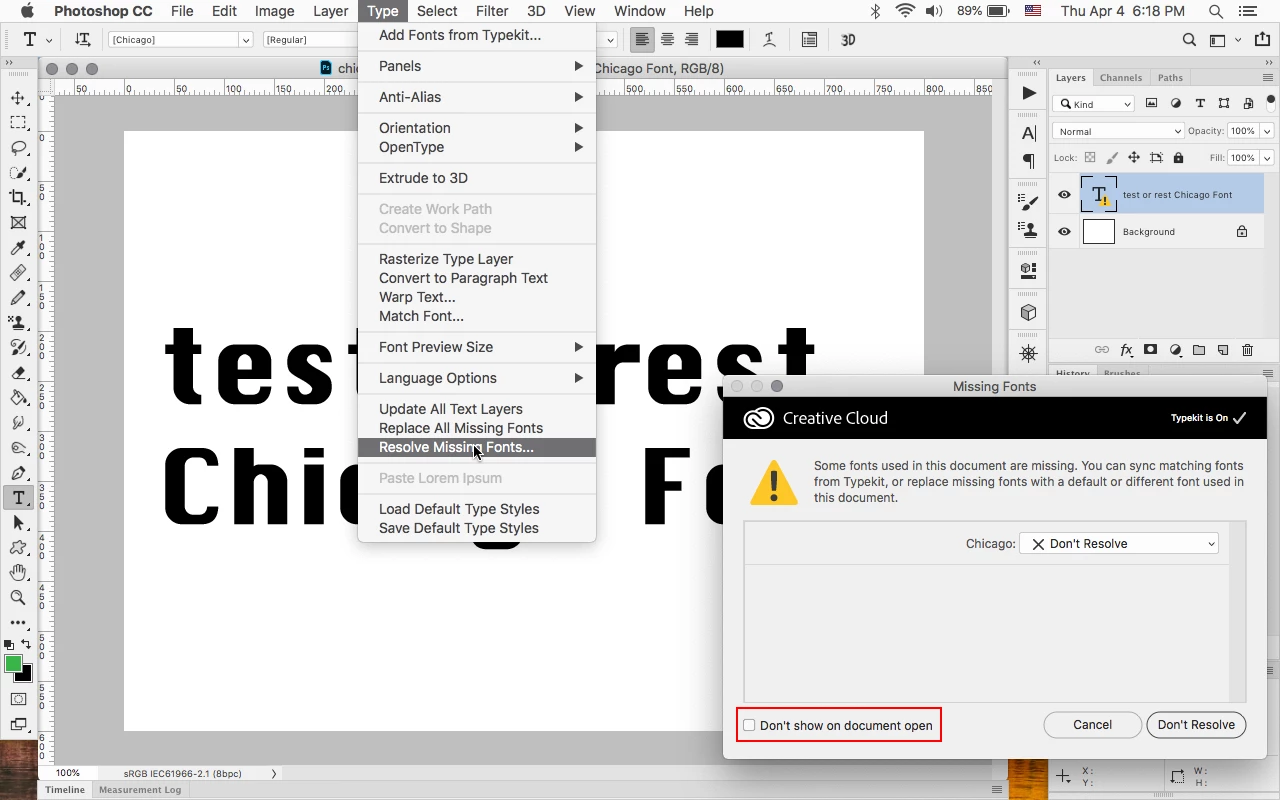
How do I bring back the Missing Fonts window if I permanently dismissed it?
I think I may have accidentally permanently dismissed the missing fonts window that shows up when a file is opened up that has a font that isn't currently installed on my computer. How do I bring this window back? I have tried closing and reopening the same file with missing fonts multiple times without success in bringing the window back. It seems nice to have access to that window so I can quickly find and replace missing fonts.
Thanks in advance for any help given!
 AdChoices