

Question
How do i change the default startup foreground background colors (black/white) on adobe?
How do i change the default startup foreground background colors (black/white) on adobe? or reset them?
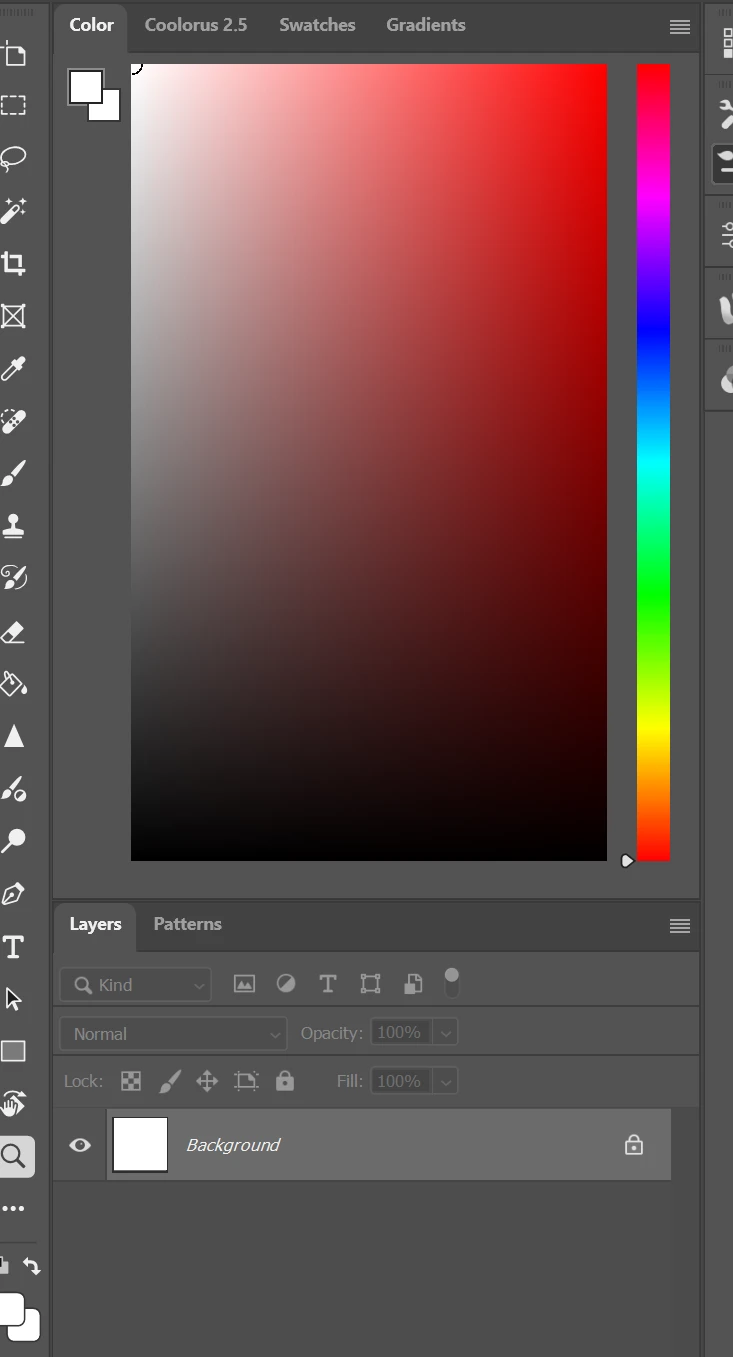
Before on startup it used to show the defaults, but now they show up both white and i want to know how to reset them to default on startup (i know “D” resets them during sessions)
it looks like this when i startup photoshop now for some reason.
 AdChoices