Known Participant
Nov 4, 2026 4:54 PM UTC
Answered

How do I clear generation history?

“Histories” is greyed out from Edit>Purge. 


How do I clear this garbage? Thanks for any help.

    J E L
    J E LCorrect answer
    Community Expert
    Nov 4, 2026 6:29 PM UTC

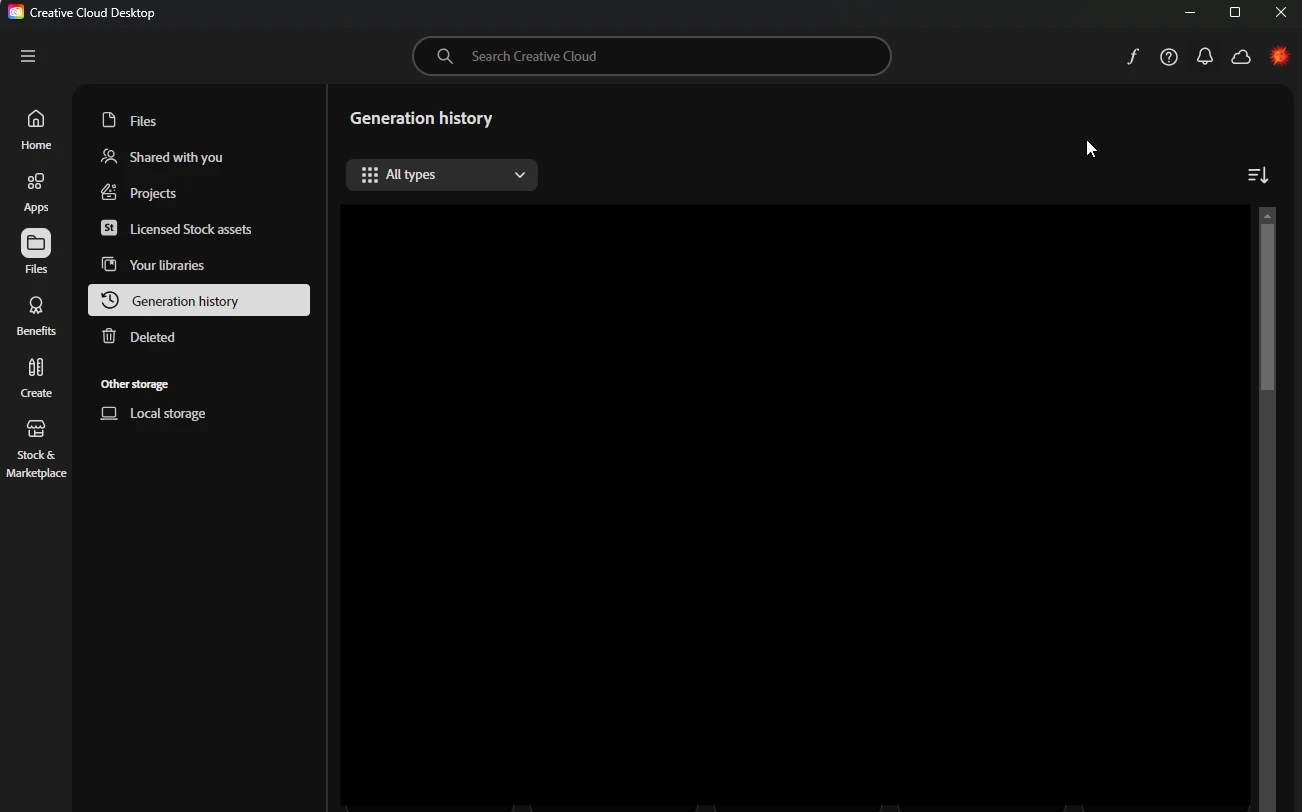
    ​@Chris3000 In the Creative Cloud Desktop app, you can see your Generation History under the Files tab. Check the images you want to delete and use the blue bar at the bottom to decide what you want to do. 


    7 replies

    Conrad_C
    Community Expert
    Community Expert
    Nov 4, 2026 7:12 PM UTC

    It’s important to understand how Photoshop is getting split into two by cloud-based generative AI.

    Everything on the Edit > Purge menu are long-time commands for traditional Photoshop: They affect the clipboard, history, and cache that have to do with recent locally stored and edited documents by Photoshop only. So Edit > Purge > Histories won’t affect cloud-based documents like Generation History.

    In contrast, Generation History is all about cloud-based generative AI, and the history is stored in the cloud. Generation History is also not just about Photoshop because it can contain items generated by other Adobe tools such as Firefly. That’s why this is managed outside of Photoshop, on the web or in the Creative Cloud desktop app as J E L showed.

    If you look at the Photoshop Home Screen, everything from Firefly all the way to the bottom are cloud-based content, and are not managed by traditional Photoshop menu commands. (Except for Photoshop cloud documents that work with the traditional Open/Save commands.)


    Translate
    J E L
    Community Expert
    J E LCommunity ExpertCorrect answer
    Community Expert
    Nov 4, 2026 6:29 PM UTC

    ​@Chris3000 In the Creative Cloud Desktop app, you can see your Generation History under the Files tab. Check the images you want to delete and use the blue bar at the bottom to decide what you want to do. 


    Translate
    Chris3000Author
    Known Participant
    Nov 4, 2026 7:15 PM UTC

    That works, thanks!

    Translate
    Legend
    Nov 4, 2026 5:27 PM UTC

    If it makes you feel any better, Help>Photoshop Help>Purge>Histories is grayed out.

    Clear what garbage? I don’t see the connection between Edit>Purge and generation histories. Please explain what you mean/need to purge.

    Translate
    Larry
    D Fosse
    Community Expert
    Community Expert
    Nov 4, 2026 5:25 PM UTC

    Probably because there is no local history. Generative AI is processed remotely on Adobe’s servers.

    Translate