



Question
How do I get rid of this obnoxious popup?
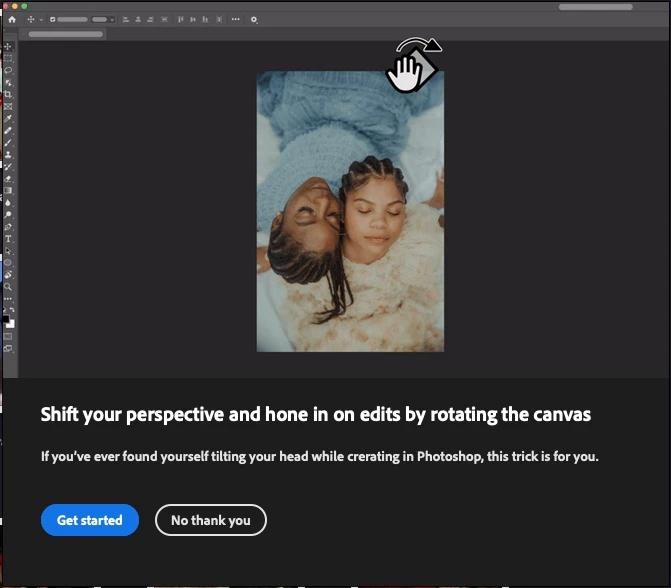
On A MAC Pro, Monterey 12.6.9, PS 25.9.0. This morning I tried to double click on image files to open them, and each time I'm greeted with this stupidly obnoxious popup and it will not go away. I click on "dismiss" but it does nothing. I can't open any images. Each time I get this popup and when I click "no thank you" it does nothing, and I can't open images.
This has got to be the most obnoxious thing Adobe has done in a while. I know how to rotate images. I don't need this. I don't need the popup. I need to work, and I need this to go away. How do I stop this????
 AdChoices