How do I keep the hard mix blending style when I merge down
Helllo,
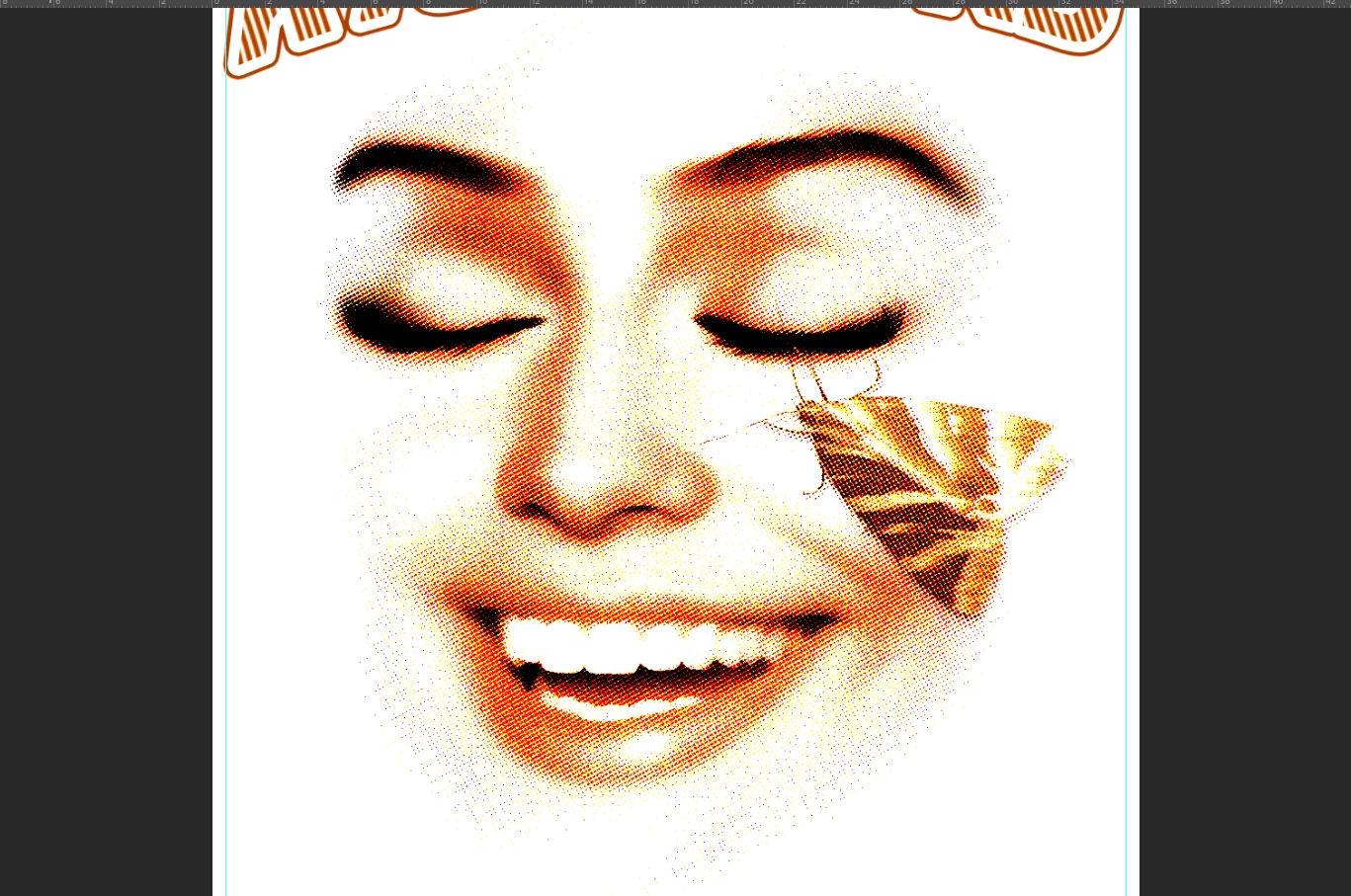
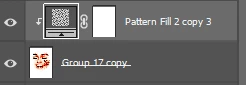
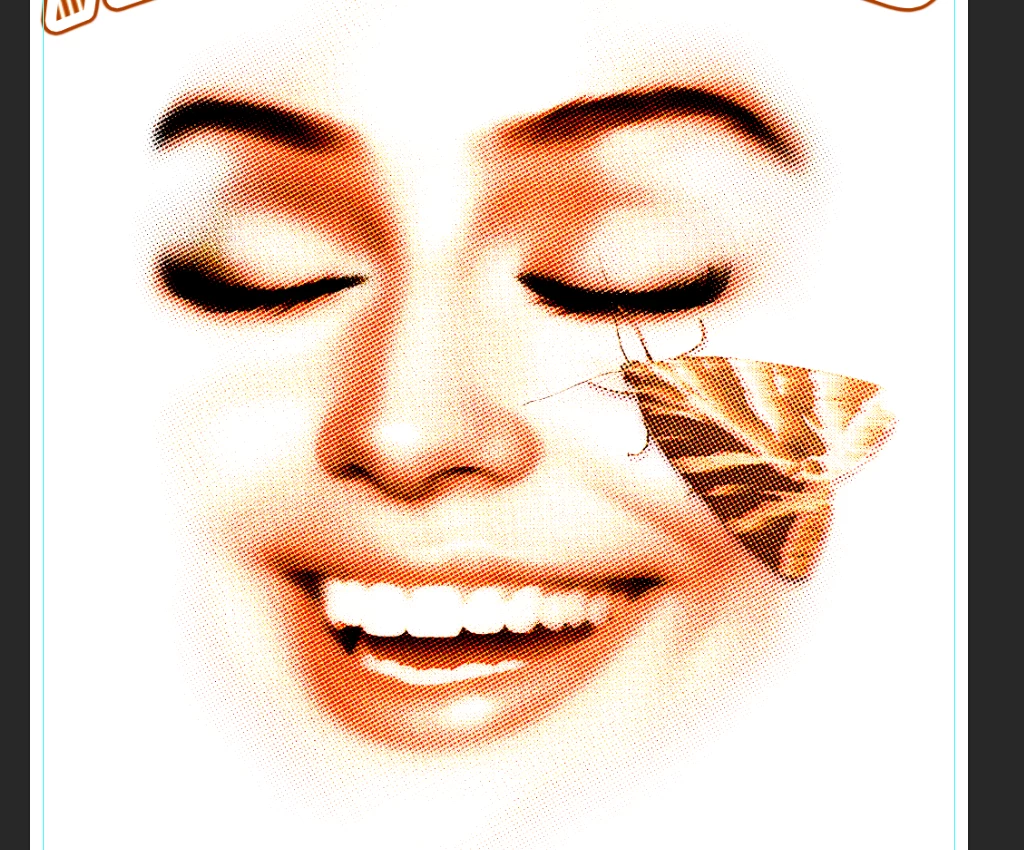
I need help! whenever i merge down my pattern in blendings style > hardmix it loses the orginal effect that I like.
Ive tried everything, Is there a way around this?
Sam 

Helllo,
I need help! whenever i merge down my pattern in blendings style > hardmix it loses the orginal effect that I like.
Ive tried everything, Is there a way around this?
Sam 


The halftone screen is the problem here. To see the real effect of any blending or adjustment, you must view at 100%!
100% has nothing to do with size. It means one image pixel is represented by exactly one physical screen pixel. Any other zoom ratio means resampling, breaking up the halftone grid.
The merged result is correct, but the preview is misleading if it's not at 100%.
For performance reasons, all blending and adjustment previews are calculated on the on-screen version of the image. When you are zoomed out, that means a resampled and softened version of the image. Pixel levels are averaged out. You get a lot of intermediate values that aren't there in the full original data.
When you merge, commit an adjustment etc, the numbers are re-calculated on the full original data, pixel for pixel.
Viewing at 100% avoids all this and gives you a consistently correct view.
Already have an account? Login
Enter your E-mail address. We'll send you an e-mail with instructions to reset your password.
