
Participant
June 20, 2017
Answered

How do I make overlapping text with a stroke in photoshop or AI

  • June 20, 2017
  • 1 reply
  • 4712 views

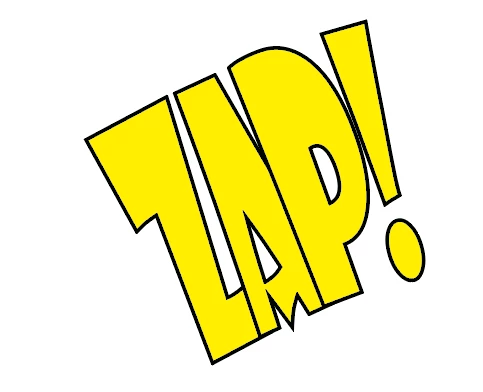
I would like to stack text with an outline like in this picture.
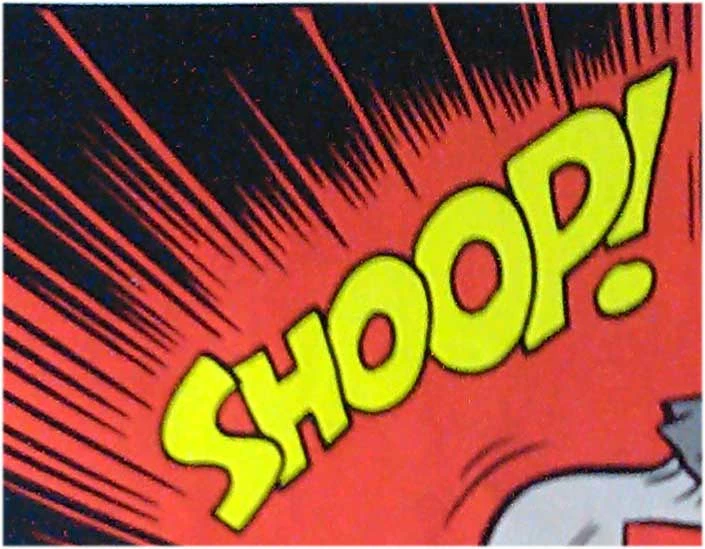
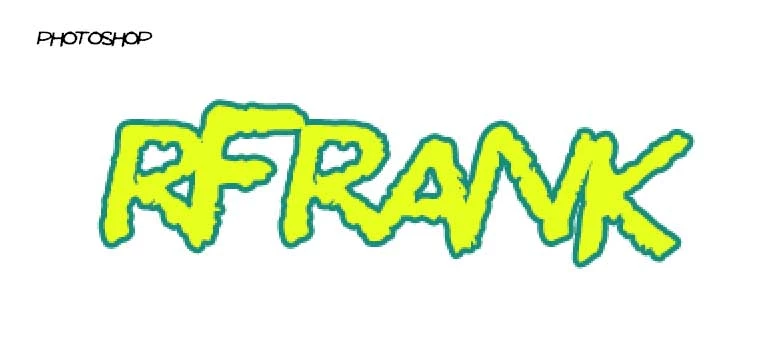
In photoshop the stroke outlines all the text
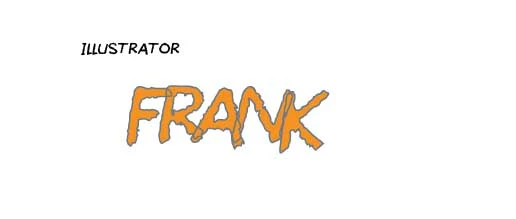
and in illustrator it just overlaps, can I get some help?
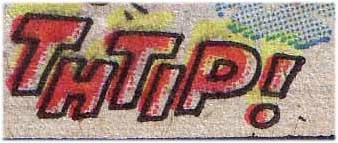
Also is there any way to have the font size stagger like the "THTIP!" image automatically
Thanks!
    This topic has been closed for replies.
    Correct answer davescm

    thats not quite it either. I'd like to make the changes within the text tool and I feel its possible I just dont know how. Splitting it into layers isn't great because I need to do a whole comic and it takes a lot of time for every sound effect. and its extra time if I have to change spelling or font.

    thanks though


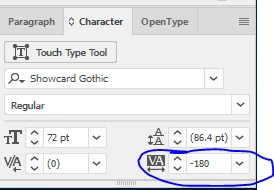
    There may be other ways, but if you go to Illustrator and put your text on a path, with the spacing set to give an overlap  - the new letters will hide the previous letter as you type :

    Dave

    1 reply

    Sahil.Chawla
    Adobe Employee
    Adobe Employee
    June 20, 2017

    Hi seamusv,

    Would you mind checking this link and let us know if it helps How to Make Overlapping Text in Photoshop - YouTube

    Regards,

    Sahil

    Participant
    June 20, 2017

    Hey Sahil,

    Thanks but thats not quite what Im looking for. not intersecting but overlapping

    davescm
    Community Expert
    Community Expert
    June 20, 2017

    Put each letter on it's own layer. You can use preset fonts or just draw the letters for the comic book effect as I did below.

    Dave