



WizWorldLIVE
Inspiring
April 26, 2024
Question

How do I turn off the increasing number of popups?

Popups to use the new AI features, popups to download the beta & use the AI features, & now a popup when I save a document:
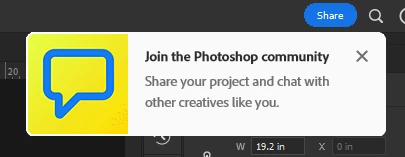


I'm working. I really don't need PShop & Creative Cloud nagging me about random things. Is there any way to deactivate this stuff?


Thanks

This topic is closed to new replies. Start a new post to keep the conversation going.

3 replies

c.pfaffenbichler
Community Expert
Community Expert
April 27, 2024

Haven’t seen that one before – it actually appears on Save rather than Save As, Save a Copy, …? 


What are your Home Screen and Tooltips settings? 

Translate
WizWorldLIVE
Inspiring
April 27, 2024

When I pressed Save, it went BY THE WAY HAVE YOU SEEN THE FORUM? Extremely annoying!

Tooltips & Rich Tooltips are on...are you saying Adobe's abusing tooltips to make them ads? That's really disgusting, if true.

Translate
c.pfaffenbichler
Community Expert
Community Expert
April 28, 2024
quote

Tooltips & Rich Tooltips are on...are you saying Adobe's abusing tooltips to make them ads? That's really disgusting, if true.

I am not saying that and even if a connection existed I would assume it would simply be a bug, not a deliberate decision. 

But I think in a thread about the Generative AI-popup someone mentioned that the Homescreen seemed to have some influence. 


Could you try disabling the Homescreen and the Tooltips and restarting Photoshop? 

Translate