

Question
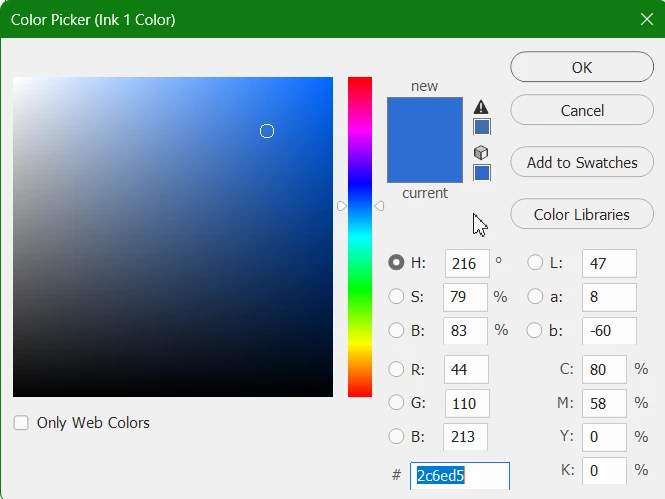
How do I use a Pantone swatch from Pantone Connect to create a monotone logo? It is not available in the color picker.
I frequently need to change monotone logos to match documents in InDesign. I’ve always used photoshop to create a monotone logo and chosen the pantone swatch that matches the document in InDesign. Since the removal of Pantone books from Photoshop, this has not worked. The Pantone swatch from Pantone Connect is not available in the color picker in the monotone panel. Surely there has to be a way to use the Pantone swatches in this area. Any idea how I can add the Pantone swatch to the color libraries? Or is a there a better way to change the color in the logos? Some of them are fairly complex.
Thank you for your help,
GS


 AdChoices