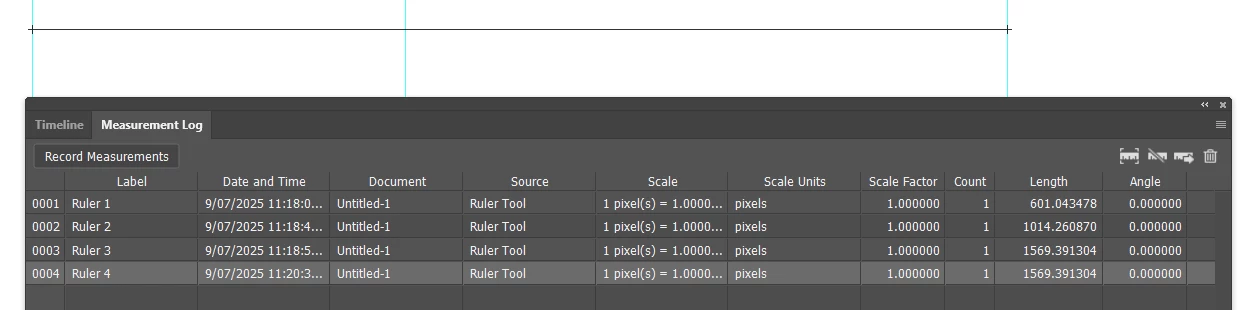
No one has mentioned the Measurments Log panel. Measure with the Ruler tool and click on Record Measurements.
The ruler will snap to guides, and stay perpendicular to the document window with shift as already mentioned.
I measured between the outermost guides twice to demonstrate how accurate the Snap function is.
You can also snap the grid origin to a guide, or better still, a guide intersection, but note the Measurement log always records pixels regardless of what the Document Rulers are set to.
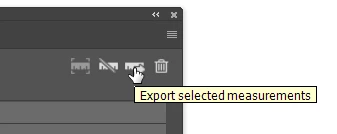
You can export the log to a text file using the right most ruler icon.
...and import into Excel. Note: this is exactly how it was formated when I imported the text file. I bet there is a creepy Ai creature lurking in the computer making it do that. I wonder what it likes to eat?






 AdChoices