

Answered
How do you set Fill Screen as default view mode?
Does anyone have a way to set the Fill Screen view mode as the default view?
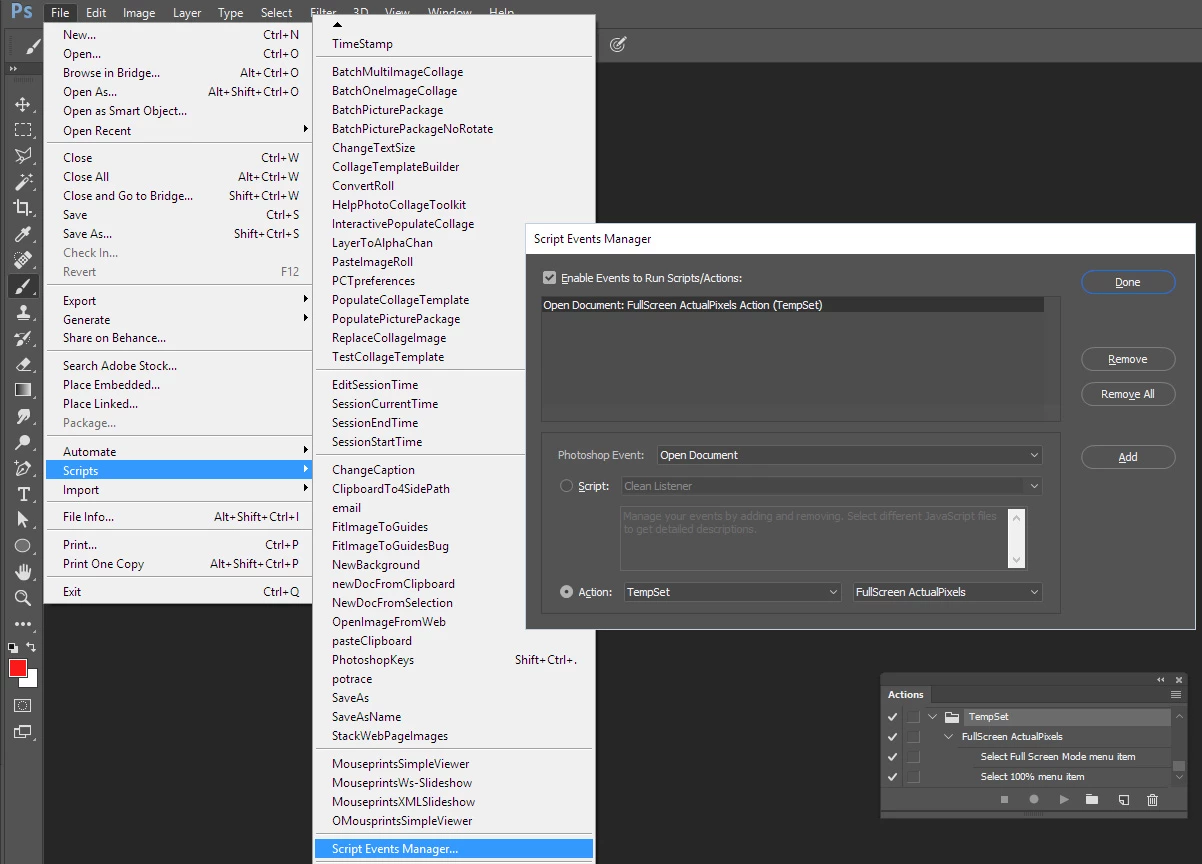
This would work if there was a hotkey for it, or if it could be selected while recording an action.
And then run it in the Script Events Manager with the "Open Document" option.
When the zoom tool is selected and the option window is on, there are four options...
Actual Pixels, Fit Screen, Fill Screen, Print Size
But in the Menu options, Fill Screen is NOT an option (for some odd reason).
My only guess is this has to be done with a script, but I cannot find anything online that addresses this problem
and I'm not a script programmer. Although I know how to use them (and modify them a little).
By the way, I'm using Photoshop CS5
Thanks for any help!


 AdChoices