
Answered
how do you smooth out lines in Photoshop CS5
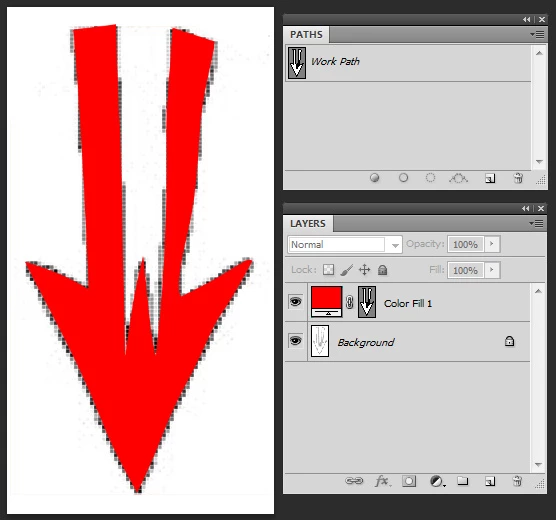
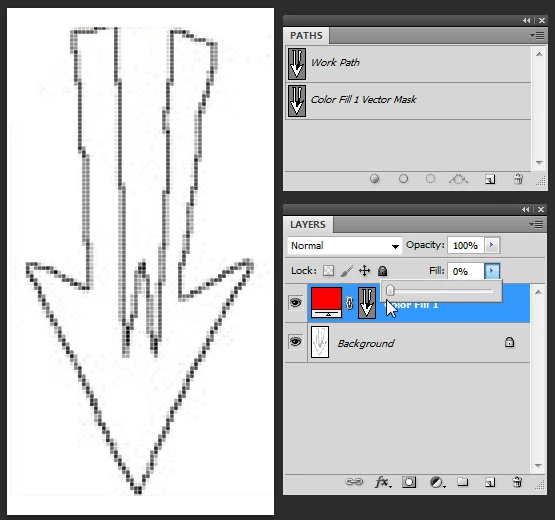
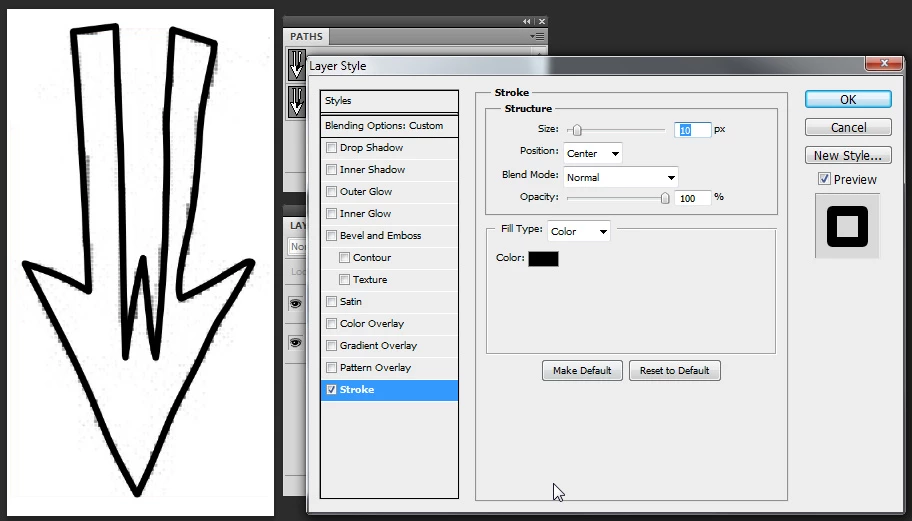
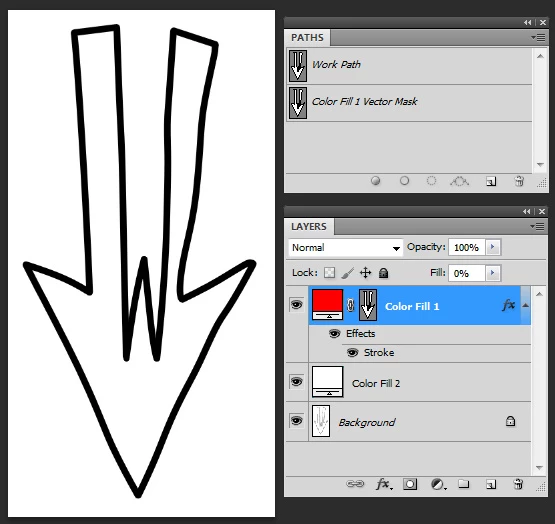
I have some black and white line art drawings. The lines are not smooth and sharp, and instead have tiny jagged edges. I tried using the smudge tool, and that does smooth out the lines but it also makes the lines a little sloppy. That's probably how the Smudge Tool got its name. Is there a way to use this incredible software to create smooth lines? I've learned how to create paths, but I can't figure out how to use the paths to change the line art. Maybe this is what I'm looking for?
 AdChoices