Participant
October 30, 2021
Answered

How not to have these layers floating

  • October 30, 2021
  • 1 reply
  • 613 views

Hello, I would like to know how to make my layers always visible.


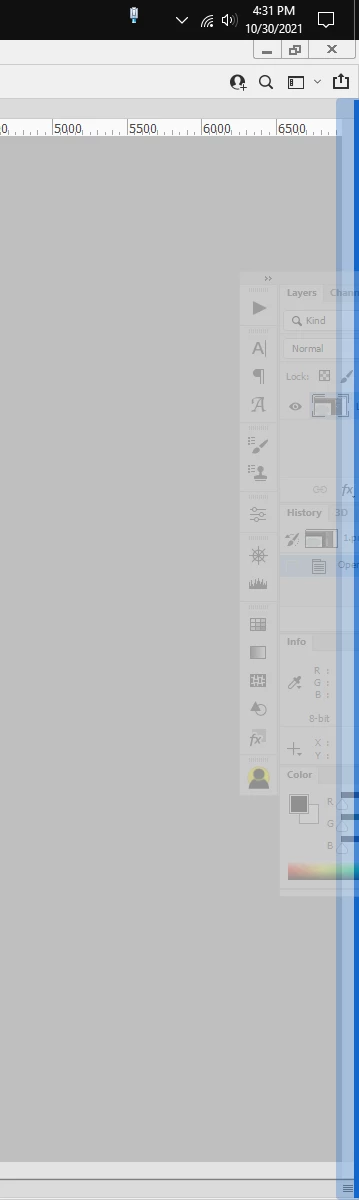
I don't know why they became floating, and it annoys me to see them disappear when I click somewhere else than in photoshop.

The second image is after I click somewhere else


Thanks. 

 
This topic has been closed for replies.
Correct answer Jeff Arola

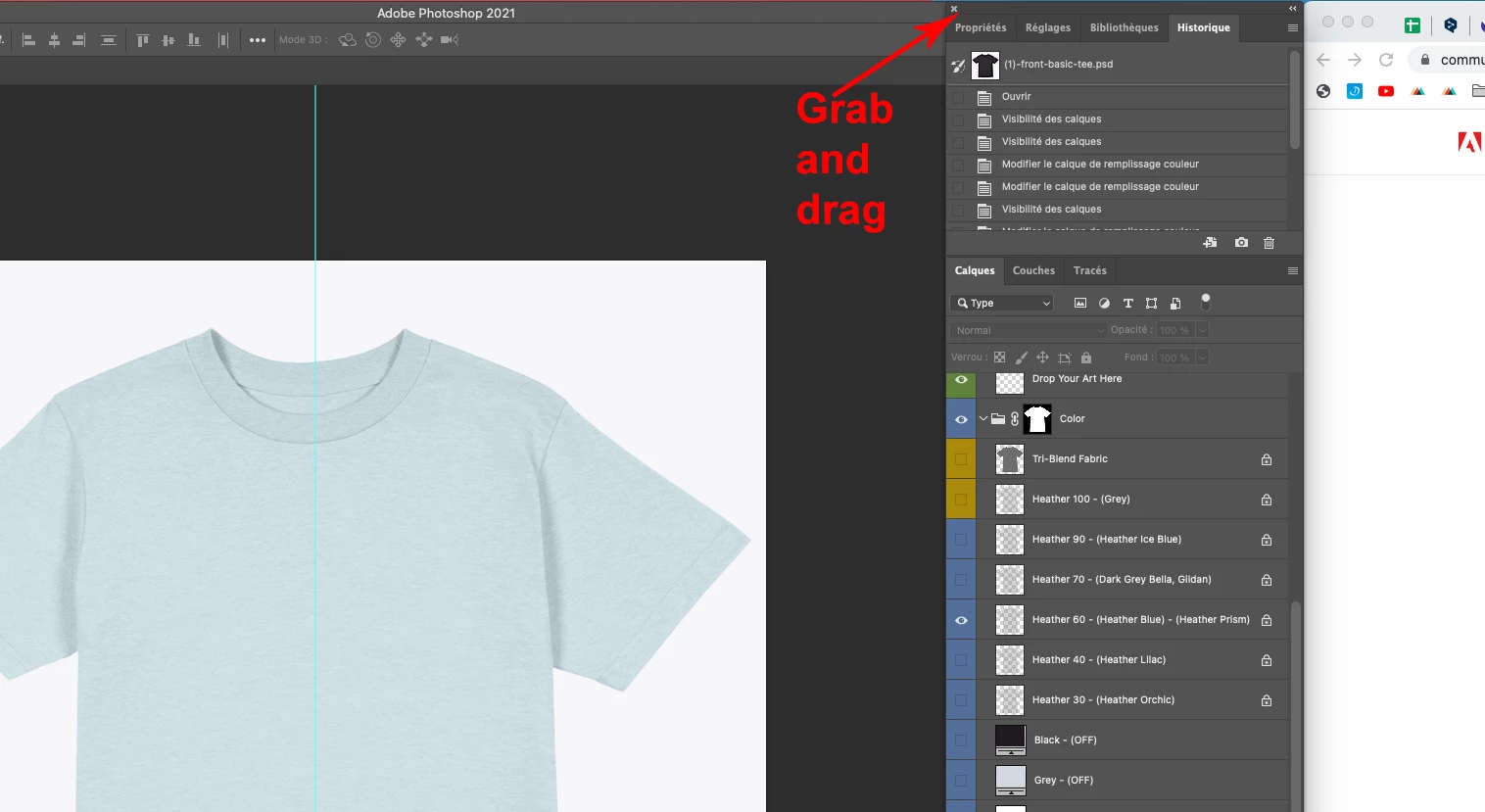
Click and drag on the top panel area just to the right of the x to the edge of the screen until you see a blue line, then release the mouse button/trackpad to dock the panels.


If that doesn't work, in photoshop go to Window>Workspace>Reset Workspace

1 reply

Jeff Arola
Community Expert
Jeff ArolaCommunity ExpertCorrect answer
Community Expert
October 30, 2021

Click and drag on the top panel area just to the right of the x to the edge of the screen until you see a blue line, then release the mouse button/trackpad to dock the panels.


If that doesn't work, in photoshop go to Window>Workspace>Reset Workspace
