Answered
How to calculate the perimeter of a selection
Hi forum.
Is there a way to calculate the perimetre of the marching ants around a selection?
Thank you.
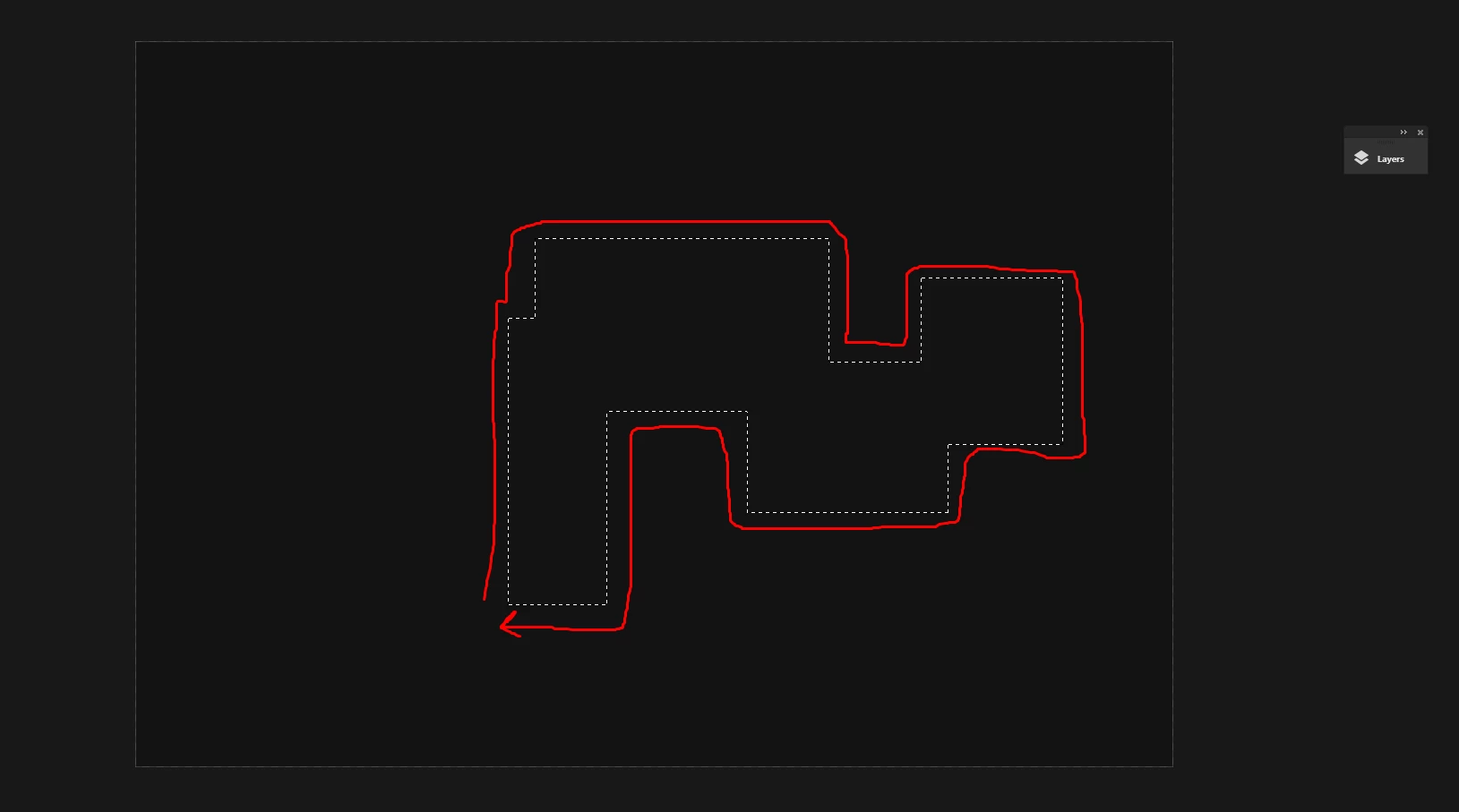

Hi forum.
Is there a way to calculate the perimetre of the marching ants around a selection?
Thank you.
Stefan,
You need to click the Menu (the three bars at the top right, then tick Selections only and Objects in the dropdown, to get the Length.
What you have marked in your screenshot is the size (of the Bounding Box) expressed as Width and Height, corresponding to the W and H boxes in the Transform panel.
Already have an account? Login
Enter your E-mail address. We'll send you an e-mail with instructions to reset your password.


 AdChoices