Known Participant
February 22, 2017
Answered

How to Change Color of the T-shirt Please help!

  • February 22, 2017
  • 2 replies
  • 4131 views

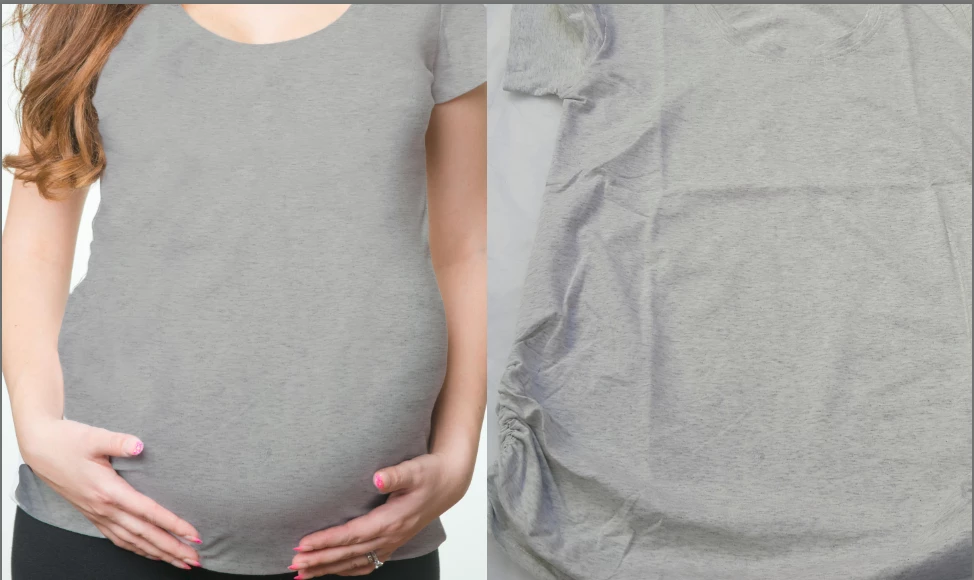
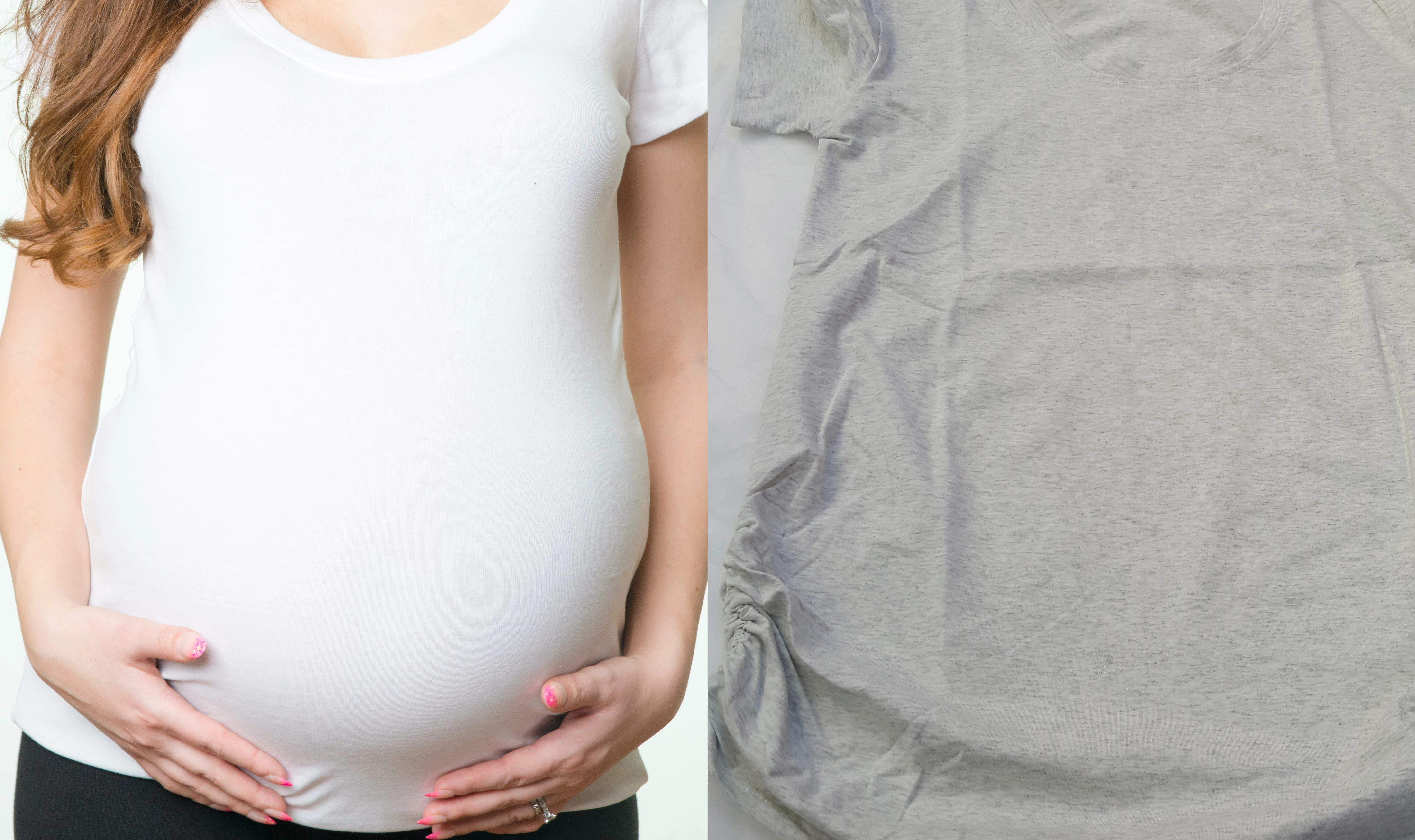
Hi everyone, need help, how do I change color of the shirt. I have white t-shirt, and want to make is heather gray or Ash Gray.  I can select around white shirt and do HUE SATURATION, for small black dots or whatever it's called, I tried ADD NOISE and MOTION BLUR, but it comes out too blurry and to much motion. is there any specific way I can add what black things on white shirt to make it look like ash gray. My phone shows image darker, Shirt itself is off-white, milky white, thanks in advance.
    This topic has been closed for replies.
    Correct answer davescm

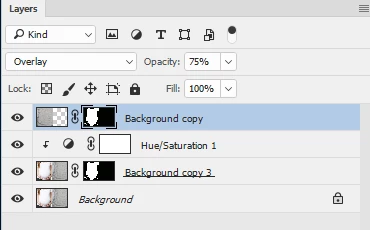
    After using Hue and Saturation on the White shirt as you had done,  I just duplicated the layer dragged the grey T shirt across, cloned out the folds and set blending mode to overlay

    Dave

    2 replies

    Participating Frequently
    February 23, 2017

    I only spent a couple minutes on this so it isn't perfect. Selected the Tee, put it on a new layer, mezzotint filter (fine dots) then motion blur.

    JJMack
    Community Expert
    Community Expert
    February 22, 2017

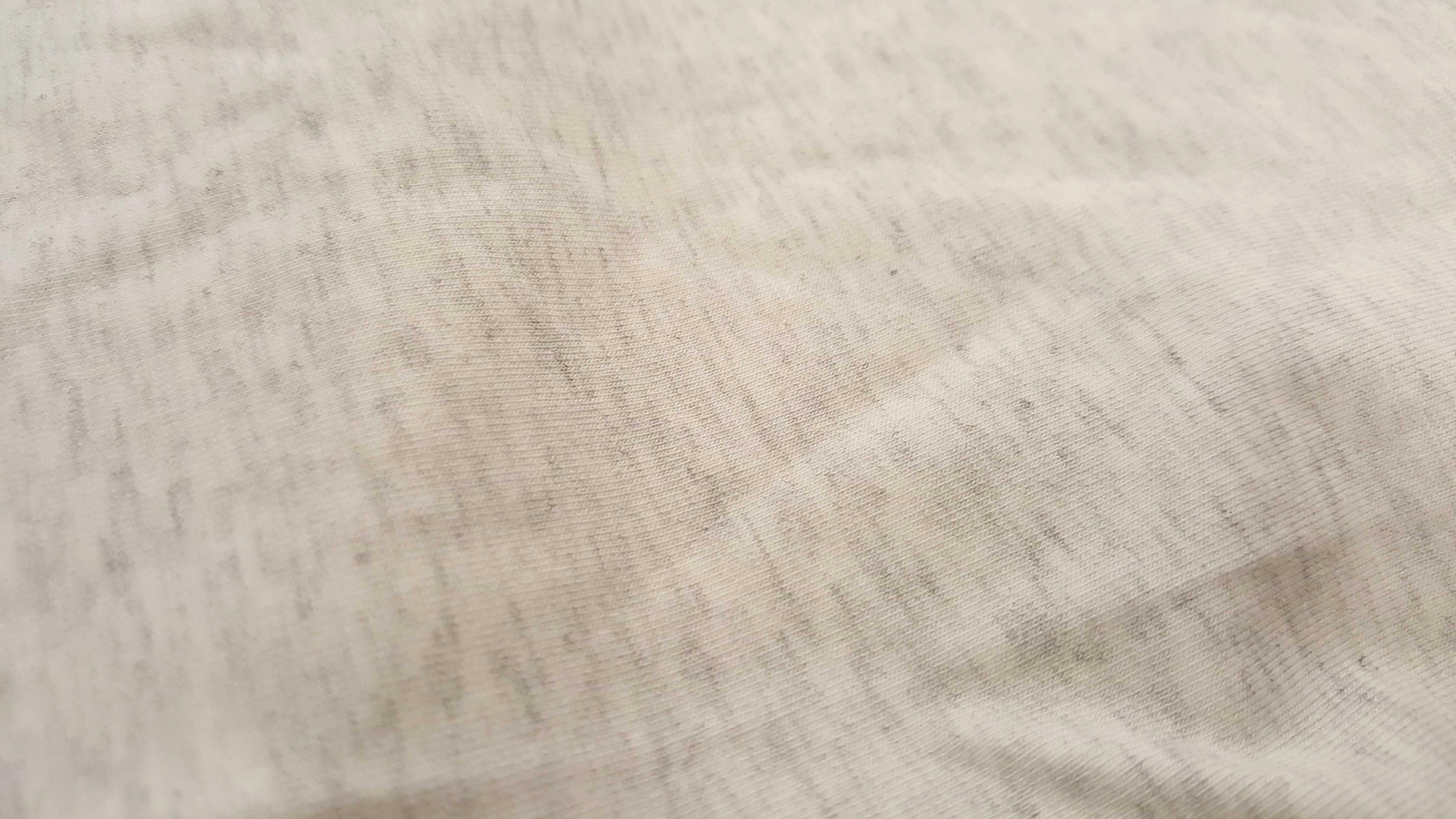
    If you can do as you wrote select the white shirt like you wrote. You should not have any problem. Select an area of the gray teen shirt without wrinkles and shadows to define a decent seamless repetitive pattern,  Select the white shirt add an empty layer and fill the selection with the pattern you defined. Set the later blend mode to multiply and adjust layer use opacity, filters whatever hits you. Here a quick not perfect go at it. The hard or easy part is using the gray matter between your ears.

    JJMack
    paata01Author
    Known Participant
    February 22, 2017

    Thank you so much, I will take a picture of my gray shirt which I have here, hi should I take sample or pattern from gray shirt, should I create gradient?

    davescm
    Community Expert
    davescmCommunity ExpertCorrect answer
    Community Expert
    February 22, 2017

    After using Hue and Saturation on the White shirt as you had done,  I just duplicated the layer dragged the grey T shirt across, cloned out the folds and set blending mode to overlay

    Dave