

JBJB1029
Known Participant
June 23, 2022
Question

How to Convert a Picture into one that was made using Traditional Animation?

  • June 23, 2022
  • 4 replies
  • 1370 views

How do I Convert a picture (like this one (below) for example): 
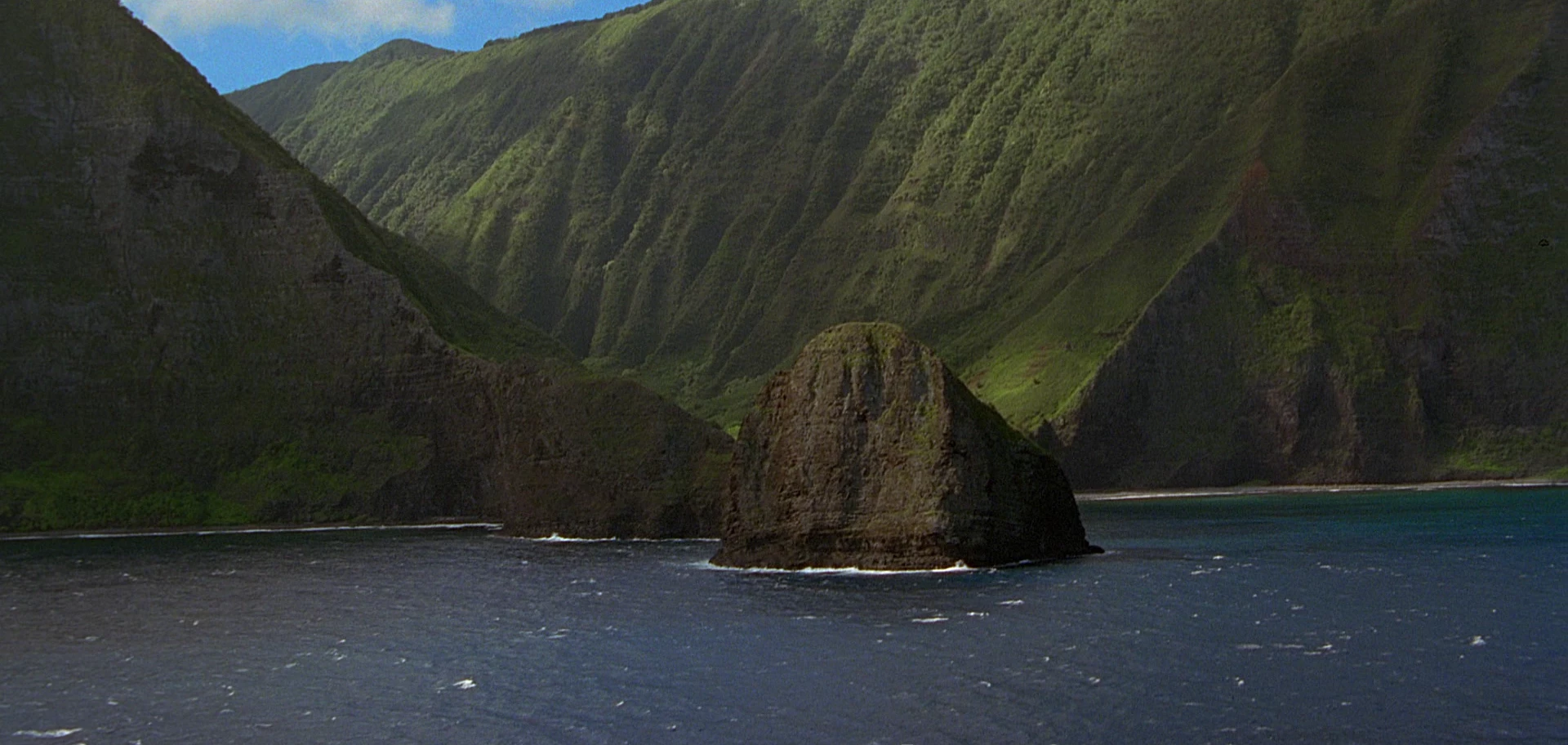
into one that was made to look like it was created [using/for] Traditional animation (aka classical animationcel animationhand-drawn animation, or 2D animation) without having to use the long time-consuming way to accomplish it?

This topic has been closed for replies.

4 replies

Trevor.Dennis
Community Expert
Community Expert
June 24, 2022

I was going to suggest using the Neural Filter > Style Transfer.  You can see that I have it open, but have not turned Style Transfer on.  This is because four times in a row, turning it on and trying to select one of the sample styles crashed my computer.  That is to say my system shut down and restarted, and did so at the same point four times in a row.  It seems to me that it might do what you want, and the Neural filters that I have used and that worked, were little short of amazing, so give it a try.


Note that your image was so dark and flat, it would have given any plugin or filter too little to work with, so I used ACR to increase exposure, boost shadows, add lots of clarity and some vibrance to get it to the state below.

The Neural filter not withstanding, this is Topaz Glow

This is the Photoshop Stylize > Oil Paint Filter 


There are plugins like Topaz Studio.  I tried it but it has countless effects, so you'd need to try it for yourself


mglush
Community Expert
Community Expert
June 24, 2022

Oooo, I like the Oil Paint Filter! Thanks for sharing that!

Michelle

Trevor.Dennis
Community Expert
Community Expert
June 24, 2022

I'd love for someone to try the Neural Filter > Style Transfer to see if it is just my system that it is crashing.

mglush
Community Expert
Community Expert
June 24, 2022

Hi!

I agree with c.pfaffenbichler  below--there are some things that only come with doing it the old fashioned way--by drawing it.


But, there is an action that I have played with and you might find it helpful (or at least fun!) -- that is the Toon Artist Action. Check out this link: https://creativecloud.adobe.com/cc/discover/article/toon-artist-action-set?locale=en

I took a screeshot of your photo, played with Curves and brightened it:

Thenk I did a quick Toon Artist Action:

And then I took your image and duplicated it, and placed it on top with a blending mode of Hard Light. 

To get a true animated look, takes time and work, but this might get you part of the way there!


Definitely checkout the Toon Artis Action!

Michelle

JBJB1029
JBJB1029Author
Known Participant
June 24, 2022
Like with these 2 pictures (below) for example: 

rayek.elfin
Legend
June 28, 2022

Nope, you are expecting too much from automation. The two examples that you've provided demonstrate a unique style - including shapes and forms. Automation can't do that (yet?).

c.pfaffenbichler
Community Expert
Community Expert
June 23, 2022

Please post examples of what you strive for (images, not links). 


But ultimately »simulating« illustration might necessitate some illustrating. 

JBJB1029
JBJB1029Author
Known Participant
June 23, 2022

@c.pfaffenbichler wrote:

Please post examples of what you strive for (images, not links). 


But ultimately »simulating« illustration might necessitate some illustrating. 


What do you mean by, "But ultimately »simulating« illustration might necessitate some illustrating."?


c.pfaffenbichler
Community Expert
Community Expert
June 24, 2022

What do you mean by, "But ultimately »simulating« illustration might necessitate some illustrating."?

I mean that automatic procedures or Filters may not suffice to get a result that truly resembles a »classic« illustration. 

So some manual input (»painting«) may be necessary.