Participant
April 15, 2025
Answered

How to create a Vichy pattern

  • April 15, 2025
  • 1 reply
  • 177 views

How to create a Vichy pattern.

Correct answer davescm

Try something like this:


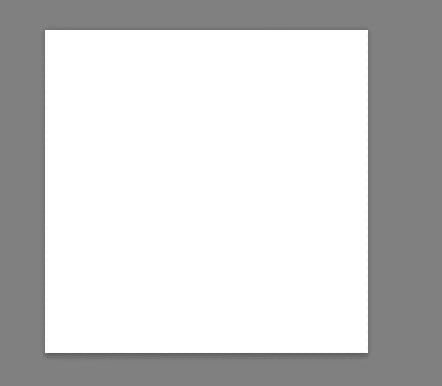
1. Make a small square document - I used 200 x 200 pixels below.
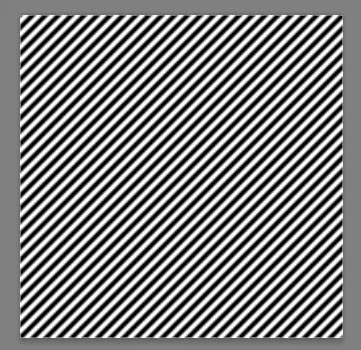
2. Fill it with a diagonal striped pattern. I used Legacy Patterns > Web Patterns
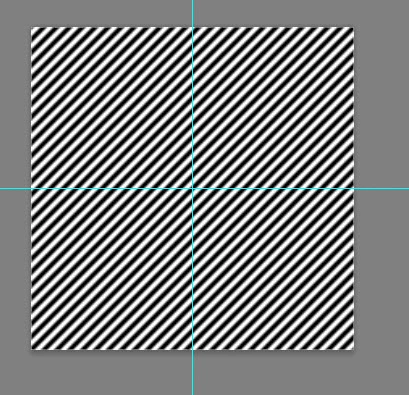
3. Use guides to divide the document into four (View >Snap is on they should snap to the mid point
 

4. Make a selection, using the rectangular marquee of the bottom quarter, using the guides to position, and fill it with black
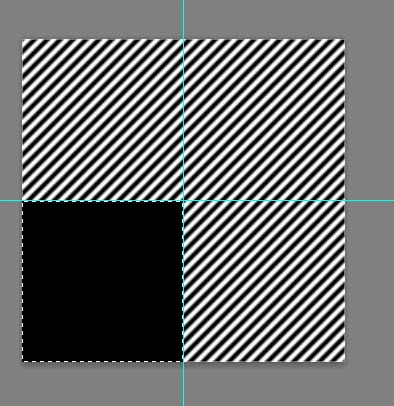
5 Repeat for the top right quarter and fill it with White
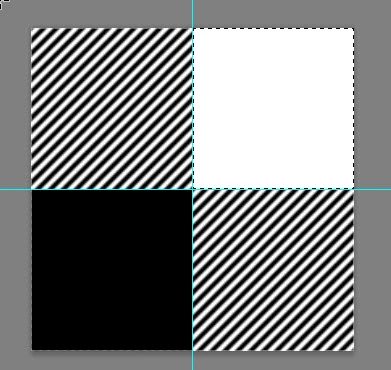
6. Select All then use Edit > Define Pattern to save your pattern


7. You can use it as is in a larger document from Fill > Pattern
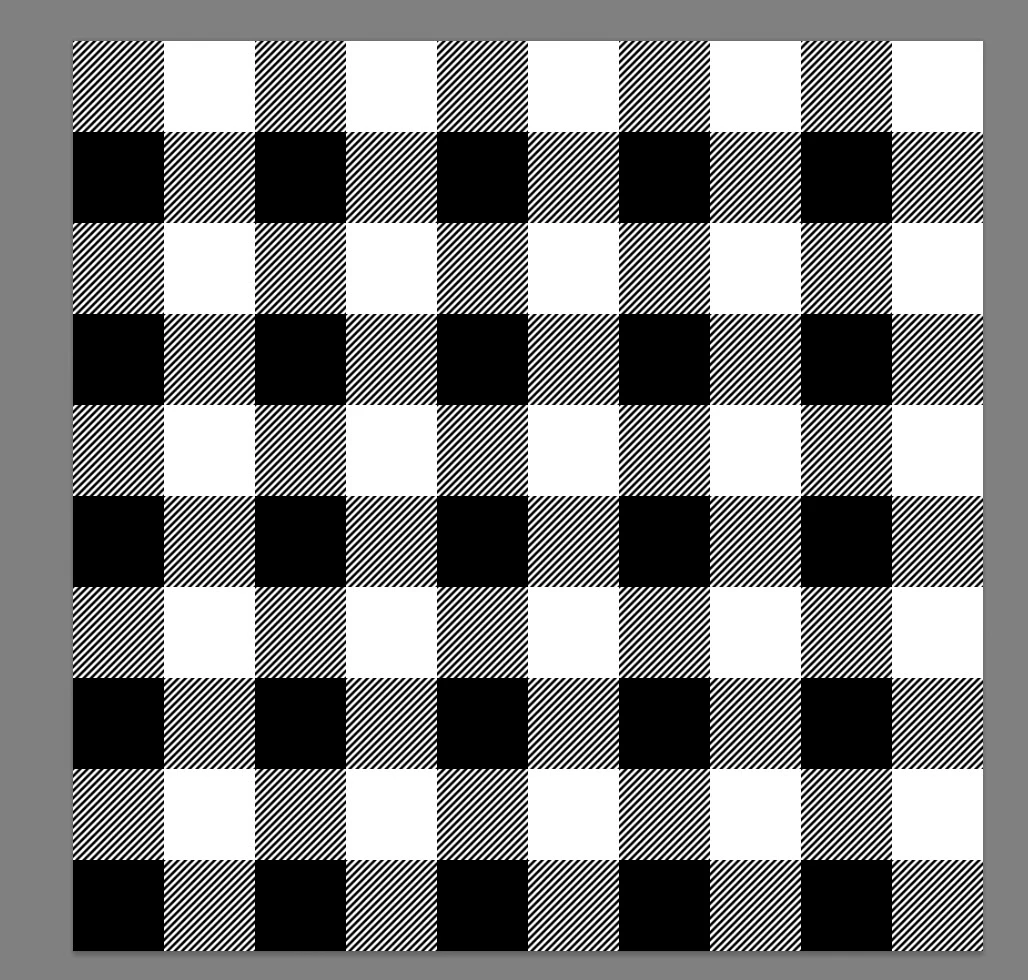
 

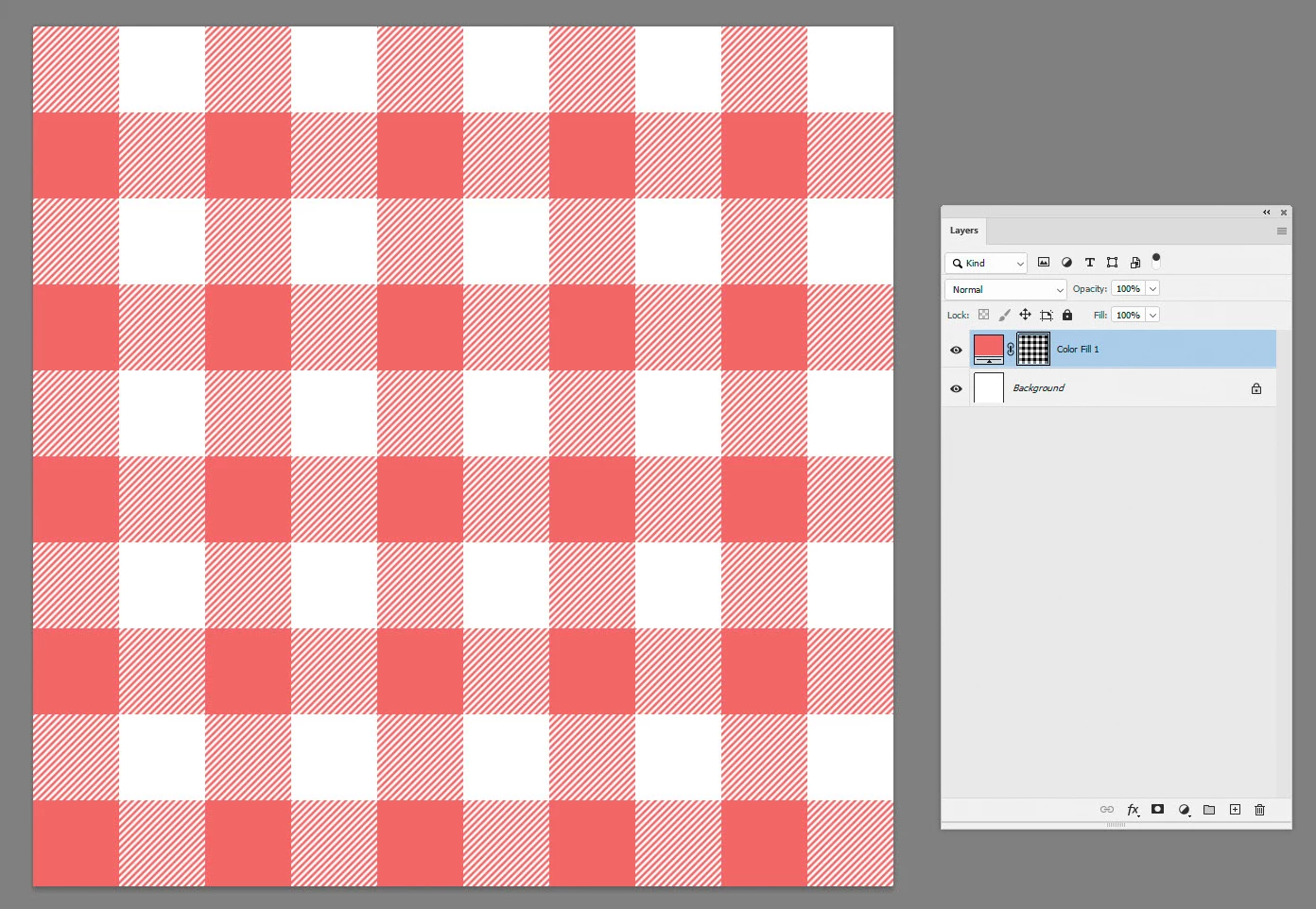
8 Or use it on the mask of a color fill layer (here I inverted the mask to keep the same positions of the pattern)
I hope that gets you started


Dave


Edit : Sorry these instructions were for Photoshop, I just noticed you had tagged Photoshop on the iPad which I do not use. You may or may not have the same functions.


1 reply

davescm
Community Expert
davescmCommunity ExpertCorrect answer
Community Expert
April 15, 2025

Try something like this:


1. Make a small square document - I used 200 x 200 pixels below.

2. Fill it with a diagonal striped pattern. I used Legacy Patterns > Web Patterns

3. Use guides to divide the document into four (View >Snap is on they should snap to the mid point


4. Make a selection, using the rectangular marquee of the bottom quarter, using the guides to position, and fill it with black

5 Repeat for the top right quarter and fill it with White

6. Select All then use Edit > Define Pattern to save your pattern


7. You can use it as is in a larger document from Fill > Pattern


8 Or use it on the mask of a color fill layer (here I inverted the mask to keep the same positions of the pattern)

I hope that gets you started


Dave


Edit : Sorry these instructions were for Photoshop, I just noticed you had tagged Photoshop on the iPad which I do not use. You may or may not have the same functions.

