Known Participant
July 2, 2025
Question

How to create realistic pencil and charcoal brushes?

  • July 2, 2025
  • 3 replies
  • 1651 views

Hi there.


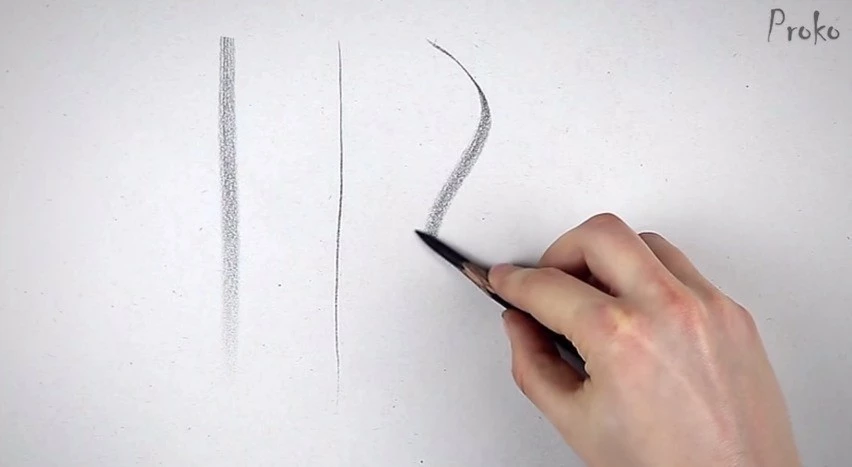
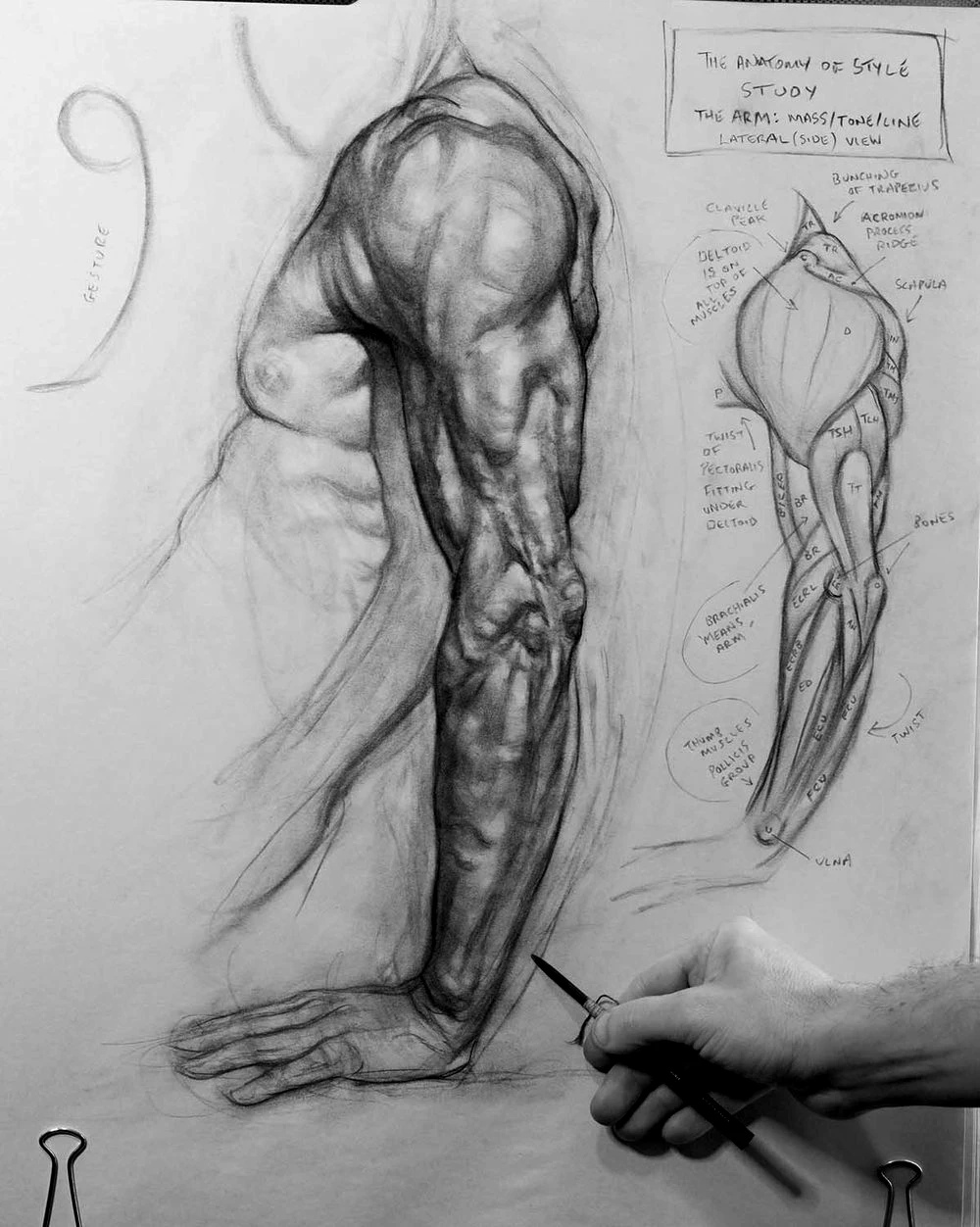
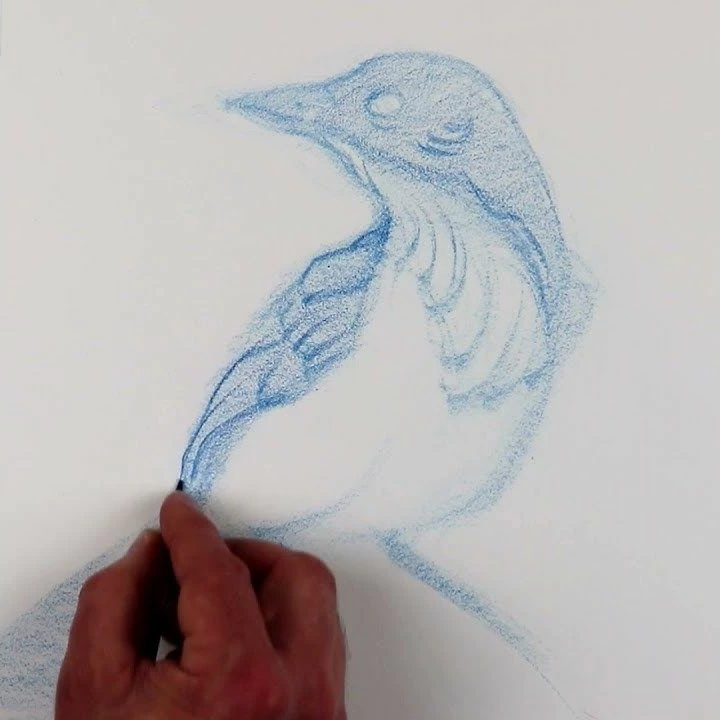
I’m new to using brushes with Photoshop, and have been researching brush creation. How can I create a brush that has a look and feel to realistic pencils and charcoal? What I am specifically trying to achieve is strong thin lines when the pen is held upright, and soft creamy wide shading ability when the pen is on its side. Shading should be able to build up smooth and softly. 


Example images from Brent Eviston, Proko, and Patrick Jones are attached. If anyone can please assist with the technicalities of setting this up, that would be greatly appreciated.


Thank you.


3 replies

Participant
November 3, 2025

Hi there, I hope you’re doing well!
I’ve been experimenting in Photoshop for a while, trying to capture that realistic graphite and charcoal feel. I know exactly what you mean — those fine, firm lines when the pencil is upright, and that smooth, creamy shading when it’s tilted.

After a lot of testing with brush dynamics and textures, I created a brush set designed specifically for that natural drawing experience. It includes graded graphite pencils (from 2H to 8B), charcoal brushes, and soft blending tools. You can check it out here:
creativemarket.com/erdidurmaz/291925595-E.D-Drawing-Box%E2%80%93Graphite-Set-for-PS

Semaphoric
Community Expert
Community Expert
July 2, 2025

Are you using a graphics tablet?

jonoiiiAuthor
Known Participant
July 2, 2025

Yes, a Wacom Cintiq Pro.

Trevor.Dennis
Community Expert
Community Expert
July 3, 2025
quote

Yes, a Wacom Cintiq Pro.


By @jonoiii


I have not used tilt sensitivity, because it tend to work the oposite way to what I'd like, and I don't know how to change it.  A pencil would produce a larger and more soft stroke when angled, but in Photoshop tilting the pen produces a smaller, less opaque stroke, according to what settings you are using.  Using the pen more perpendicular to the tablet produces a larger denser stroke with those same settings.


This lady has some nice ideas, but does not make use of pen tilt.   I totally agree that always relying on downloaded presets does not teach you the brush engine,  but you can reverse engineer downloaded presets.  


Being a specialist area, I think you'll find more relevant expertise in the likes of Digital art forums and sub-reddits

Digital Art

Digital Art | Artist Forum


I'd be interested to know what you find if you wouldn't mind post back here.  Thanks

creative explorer
Community Expert
Community Expert
July 2, 2025

@jonoiii Honestly, for the time being, I would download some free pencil brushes see what works, and then create some of the settings on your own. https://helpx.adobe.com/ca/photoshop/using/creating-modifying-brushes.html 

m
jonoiiiAuthor
Known Participant
July 2, 2025

Hi there. Thank you for your reply. I've tested many brushes so far and none really behave the way I'm looking for. The one brush that works out of box is the default Pencil in Fresco for iPad, but I don't believe I can extract it. This is why I would like to try building one from scratch.