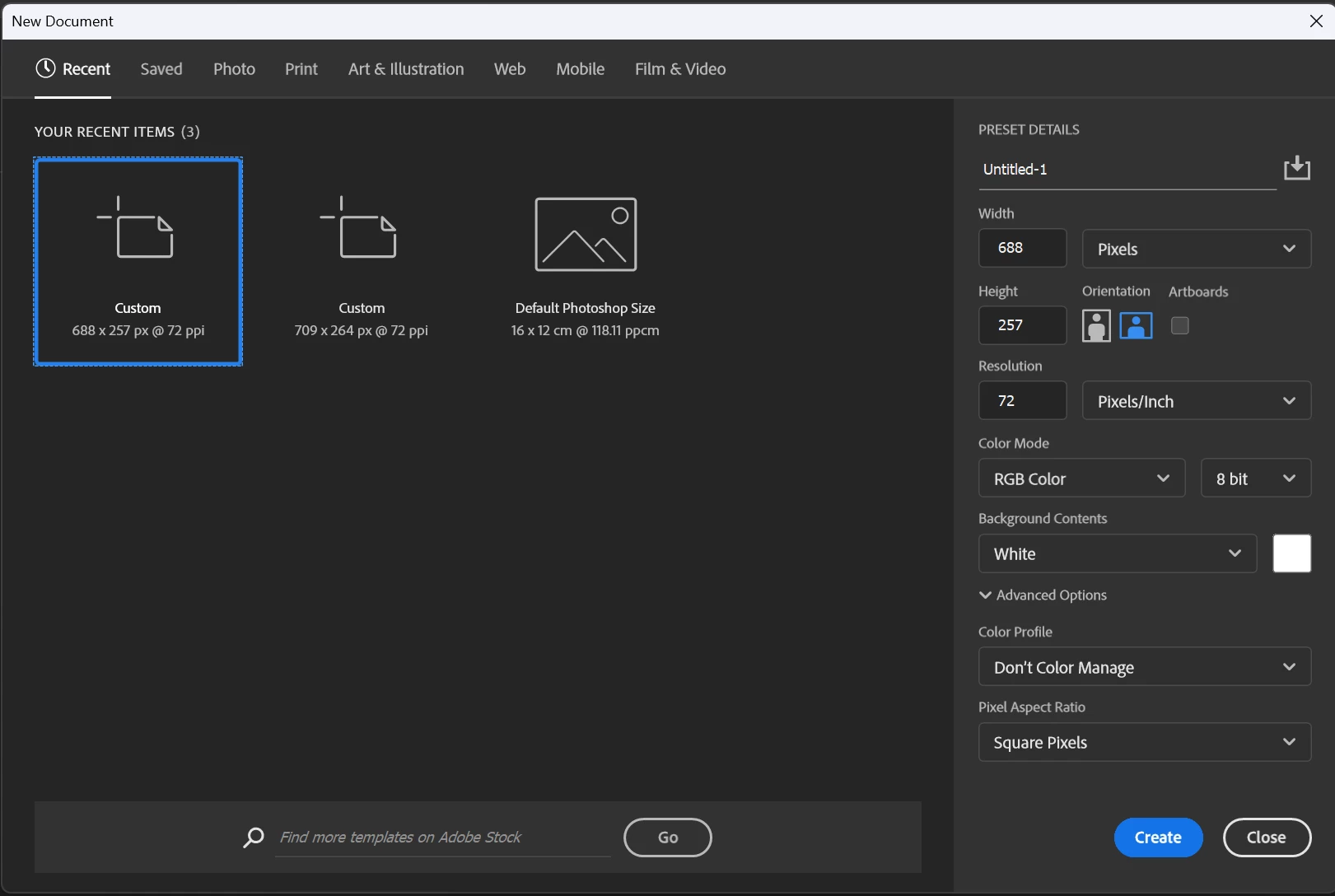
Hi @Dominic_Wayman6461! Thank you for reaching out and welcome to the community! Unfortunately, you cannot delete a single custom preset from the "Recent" tab in Photoshop's "New Document" window. However, you can clear the entire list of recent document sizes by deleting a specific settings file.
- Open the File Explorer and navigate to: C:\Users\YourUsername\AppData\Roaming\Adobe\Adobe Photoshop (Version)\Adobe Photoshop (Version) Settings\
- Find and delete the file named: MRU New Doc Sizes.json (MRU stands for "Most Recently Used"), then relaunch Photoshop.
Let us know how it goes!
Cheers!




 AdChoices