
How to disable Brush menu pop-up?
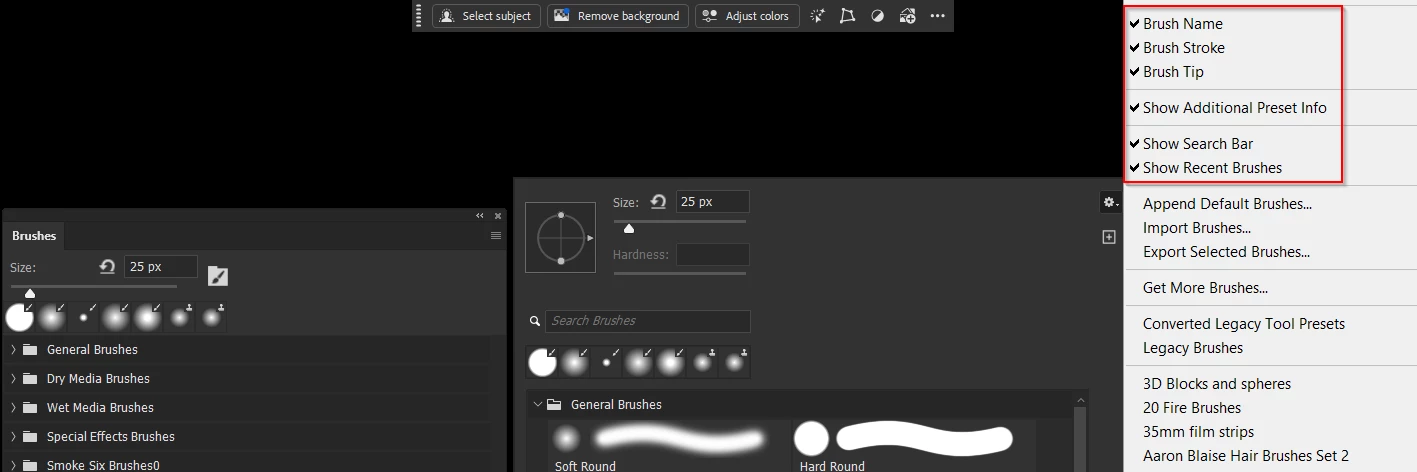
How do I disable the brush menu pop up and remove it from right clicking?
In 6 or 7 years I've never used it and in 6-7 years, every single day it has been an annoyance randomly popping up and I finally realized it was because it is set to right mouse click and that button is right under my finger when I'm using the pen tool and gets accidentally tapped ALL the time popping up that menu and sometimes randomly clicking some brush option on there or rearranging things that SHOULD have a lock option after all these years with all the requests for it to prevent saved brushes from being moved around, because I'm actively tapping the photo using the brush and it thinks I am wanting to click something on that pop up window which is 99.999999% useless for me.
It's not a tablet option either, I seen other posts responding with that answer, I can literally right click my mouse and that is the exact issue. It needs to be removed from right click.
I can't find it in the keyboard layout because it does not show any mouse hotkey options on it.



 AdChoices