
Known Participant
October 12, 2022
Question

How to divide layer into tiles and preserve position for use INSIDE photoshop (not to export tiles)

  • October 12, 2022
  • 2 replies
  • 1650 views

Hello all! I have a gradient layer which I'd like to divide into individual tiles as the grid in my screenshot shows. I would essentially like to divide these tiles and maintain their position in the project so I can selectively use them over a photo inside photoshop. I thought the slice tool would work for this but I could only find info about using the slice tool for exporting these tiles for the web. I want to essentially create individual layers for each square tile so I can selectively use the tiles of my liking on top of a photo. Does anyone know how I can achieve this here? Thank you so much for reading this!
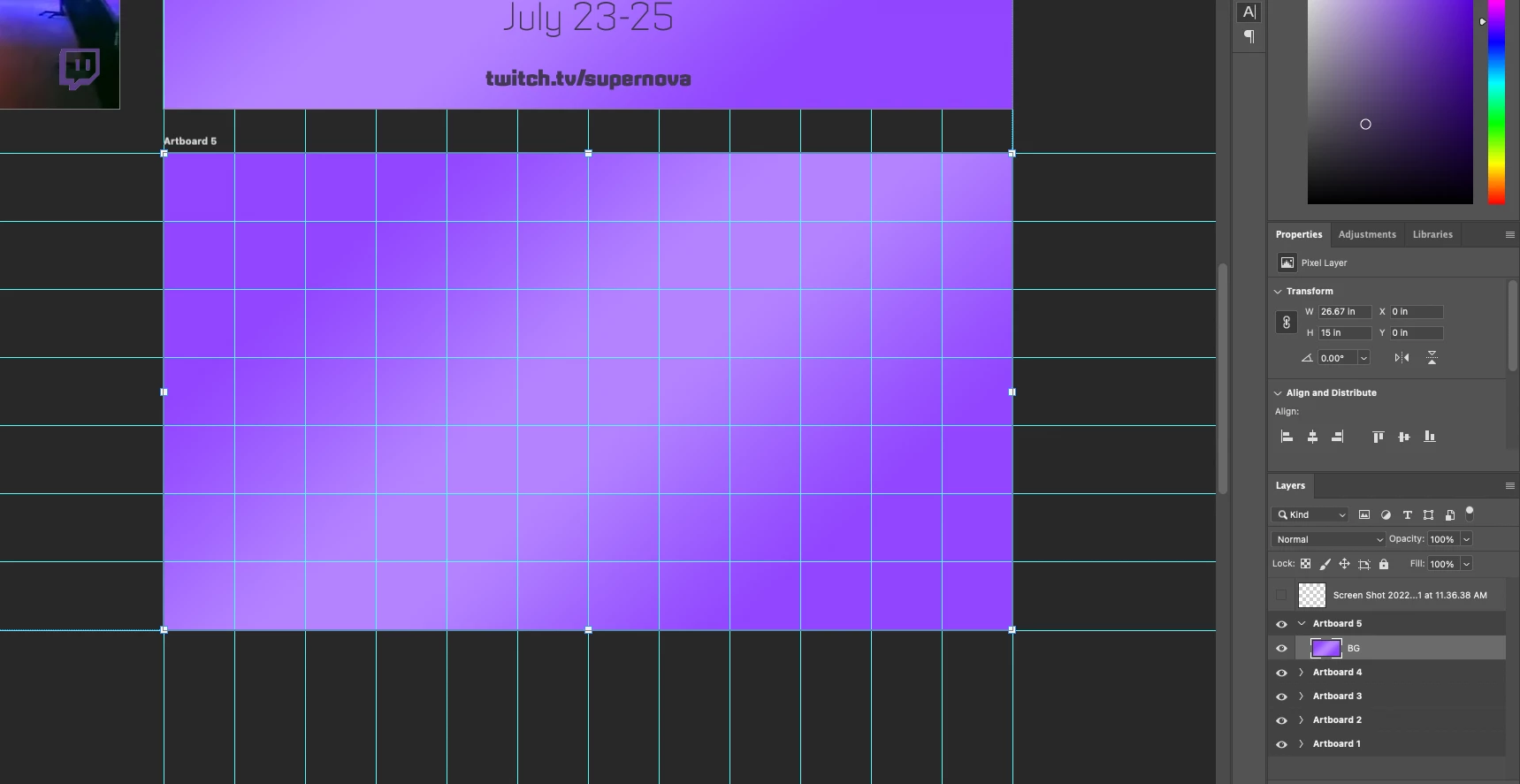
This topic has been closed for replies.

2 replies

Stephen Marsh
Community Expert
Community Expert
October 13, 2022

I know that you have done this, however there is a script to create layers from slices:


Known Participant
October 14, 2022

This is amazing!!! Thank you Stephen!

Mylenium
Legend
October 12, 2022

Rasterize the layer, use a marquee selection with a fixed size, copy & paste to new layers. takes a bit of work, but is perfectly doable in a few minutes.


Mylenium

Known Participant
October 12, 2022

Thank you Mylenium! Pardon my ignorance here, but you're saying I should use the marquee selection for each individual square?

jane-e
Community Expert
Community Expert
October 12, 2022

@Pixel Lake 

If you do it in PS, set a W and H for the rectangular marquee.


If you have Illustrator:

  • Draw a rectangle
  • Object menu > Split into Grid
    Choose number of rows and columns. Gutters and guides are optional
  • Edit > Copy and Edit > Paste to PS if it has to be in Photoshop.


Jane