Answered

This topic has been closed for replies.
The shape tools are here:
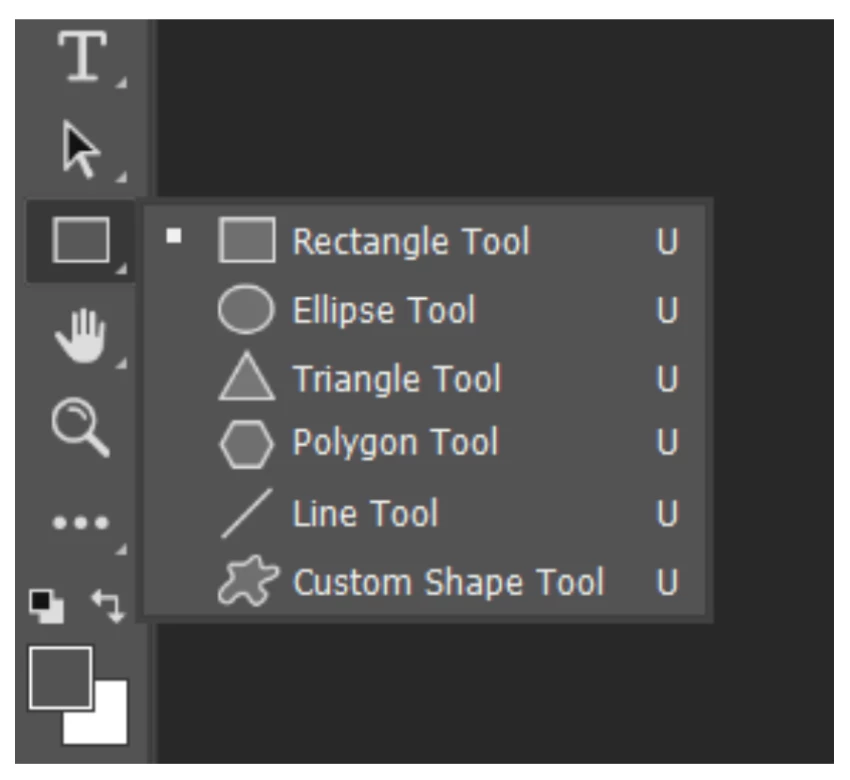
- First draw a Rectangle. In the Properties panel, format it to have white fill, black stroke, rounded corners. Details here:
https://helpx.adobe.com/photoshop/using/drawing-shapes.html - Second, type your text. Format it using the Character panel (Window menu) and the Type tool. Move it with the Move tool. Details here
https://helpx.adobe.com/photoshop/using/add-edit-text.html
See Derek's screenshot and note that the rectangle and text are on separate layers.
Jane


Sign up
Already have an account? Login
To post, reply, or follow discussions, please sign in with your Adobe ID.
Sign inSign in to Adobe Community
No account yet? Create an account
To post, reply, or follow discussions, please sign in with your Adobe ID.
Sign inEnter your E-mail address. We'll send you an e-mail with instructions to reset your password.
 AdChoices