Participant
August 28, 2025
Answered

How to do transparent gradient on both ends?
  • August 28, 2025
  • 2 replies
  • 236 views

Hi!

I'm trying to make an animated gradient divider. Is there an option where I can have transparency from both ends, but color in the middle? 

Correct answer Semaphoric

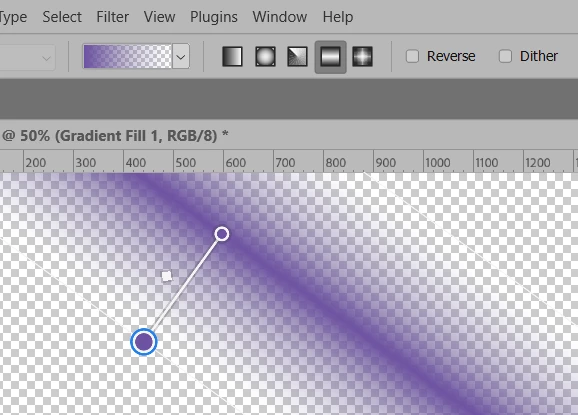
You could use a Reflected  Foreground to Transparent Gradient:


2 replies

Semaphoric
Community Expert
SemaphoricCommunity ExpertCorrect answer
Community Expert
August 28, 2025

You could use a Reflected  Foreground to Transparent Gradient:


Myra Ferguson
Community Expert
Community Expert
August 28, 2025

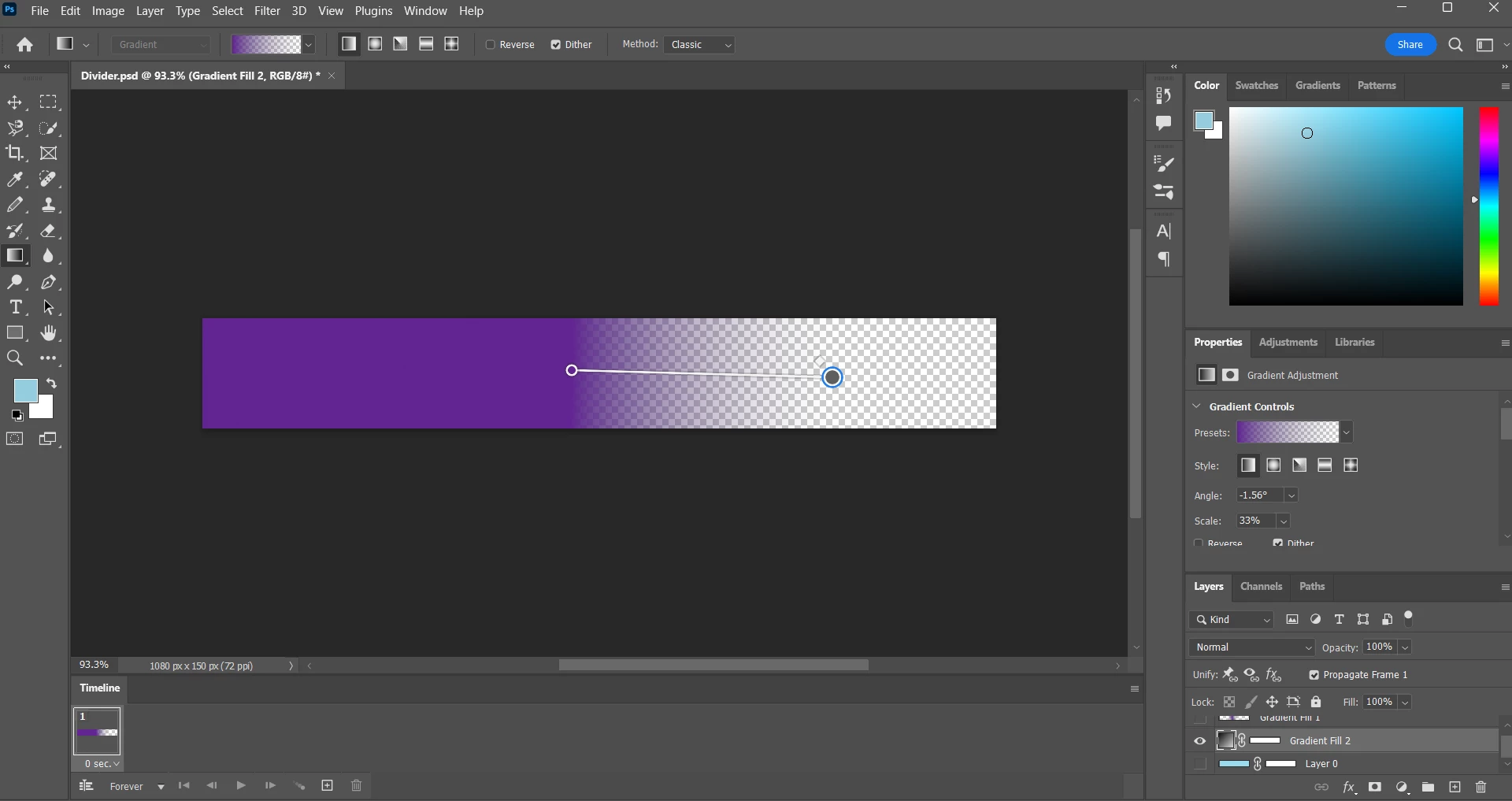
You can make the gradient transparent on both ends by adjusting the gradient in the Properties panel.

  1. With the gradient selected in the Layers panel, open the Properties panel (Window > Properties)
  2. In the Properties panel under Opacity Controls, drag the black circle to the middle (when it's selected, you can also set the Location to 50 so that it's in the middle)
  3. Click on the lower left edge of the ramp in Opacity Controls to add a new circle that should be set to 0% Opacity.


Then you can move the gradient on the canvas wherever you'd like it.