Known Participant
December 19, 2021
Answered

How to fix accidentally rotated grid? Please help

  • December 19, 2021
  • 2 replies
  • 636 views

I apologize if this is the wrong section. I'm not sure what the "ecosystem" is. I didn't see a forum for regular photoshop.

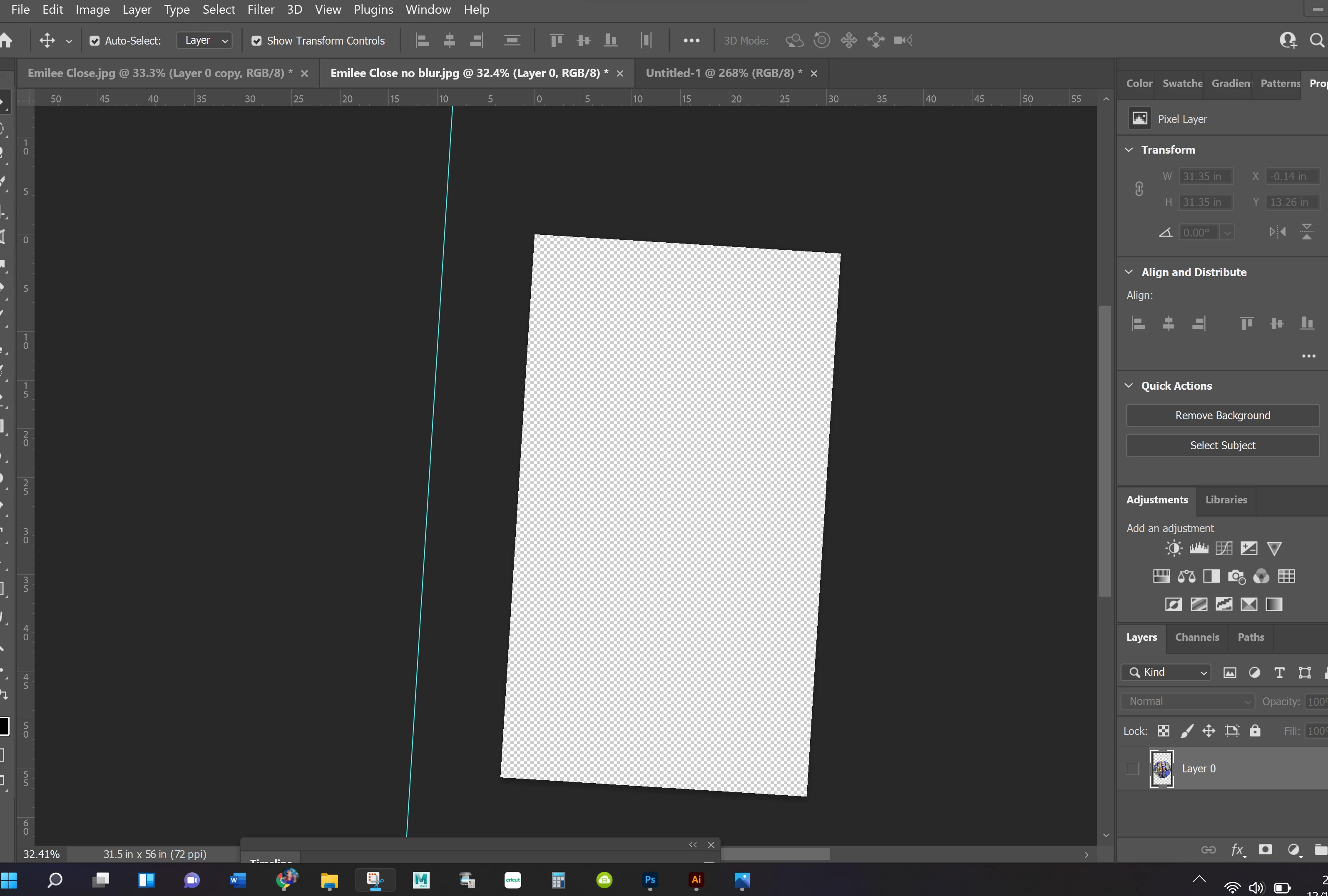
Somehow my background grid got completely crooked, and unlike in Illustrator where there is a very simple rotation window to type in whatever rotation you want, I see nothing to straighten this out. I'm going bananas not seeing a simple fix for this. Surely it's not that difficult. I would very much appreciate your knowledge. thank you 😕😕 
 

This topic has been closed for replies.
Correct answer Semaphoric

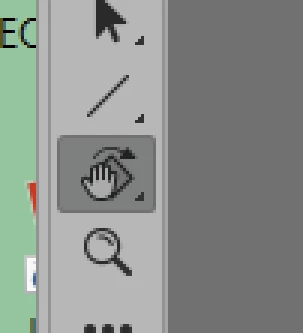
Looks like you've use the Rotate canvas tool:

If you look in the options for it, there is a Reset Veiw button.

2 replies

Semaphoric
Community Expert
SemaphoricCommunity ExpertCorrect answer
Community Expert
December 19, 2021

Looks like you've use the Rotate canvas tool:

If you look in the options for it, there is a Reset Veiw button.

Known Participant
December 20, 2021

OhMiGosh thank you!. I watched multiple youtube videos telling me I had to use a measuring tool to line it up, etc. and nothing worked. I new it had to be so simple. I just don't use Photoshop enough to know the shortcuts and tool bar. I predominately use Illustrator. Thank you Again! 🙂 

jane-e
Community Expert
Community Expert
December 19, 2021

@Disney Up, Boiler Up! 


You're in the right place. "Ecosystem" is the name Adobe came up with to include applications like PS for iPad, etc.


It looks like you accidentally used the Rotate View tool "R". Try pressing Escape.

https://www.photoshopessentials.com/basics/photoshop-rotate-view-tool/ 


Jane