
bschaefer6
Inspiring
November 11, 2022
Answered

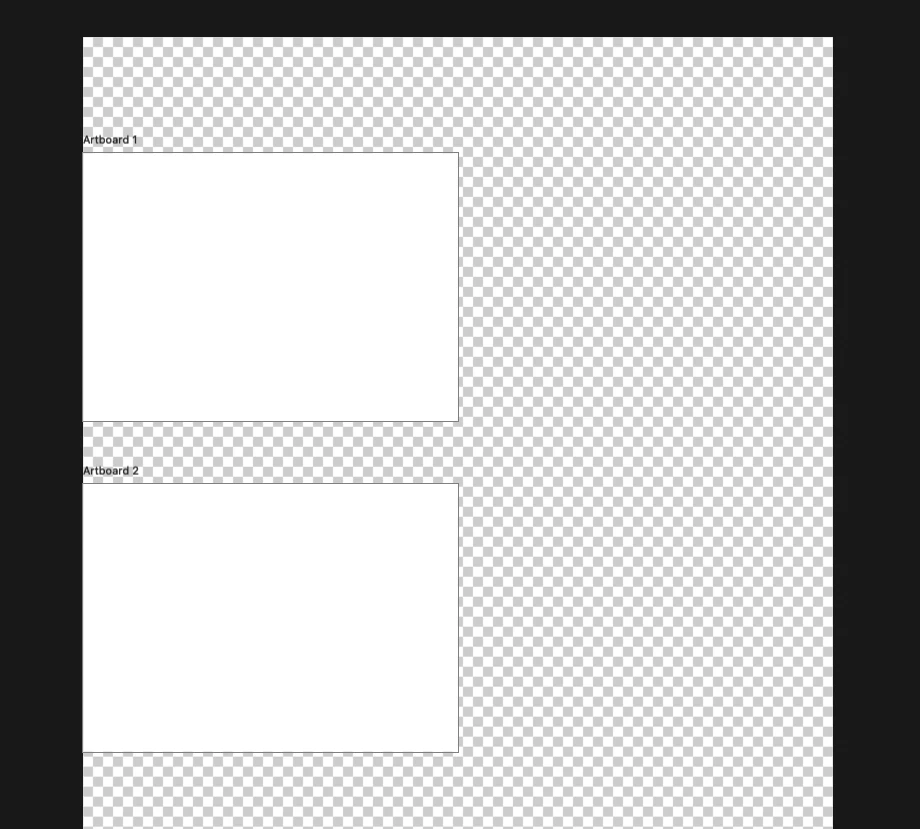
How to get rid of checkered background behind the artboards?

  • November 11, 2022
  • 3 replies
  • 3499 views

...changing the canvas size isn't working.

Correct answer Bojan Živković11378569

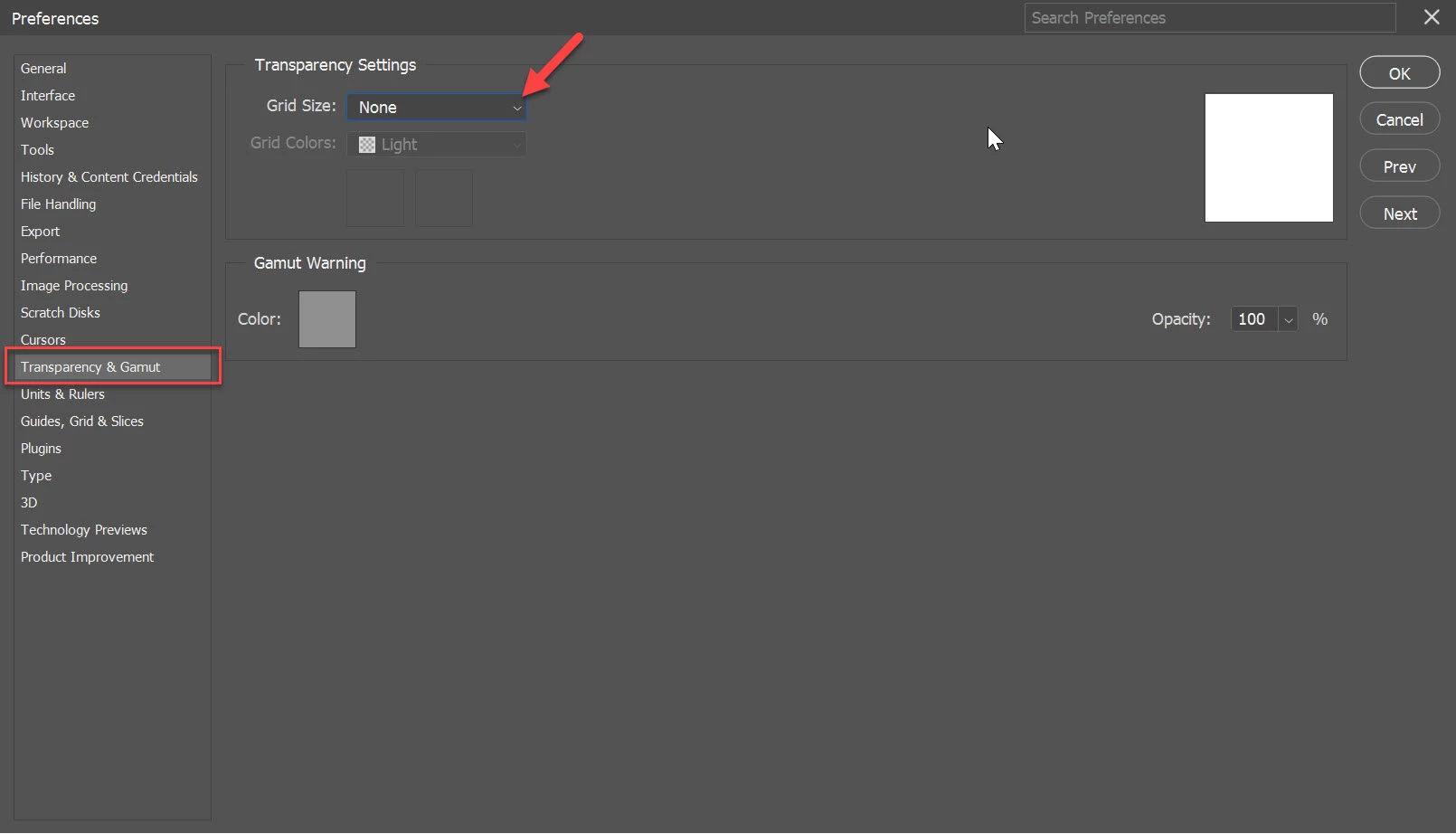
Preferences > Transparency and Gamut > Grid Size > None may also do the trick. Note: transparency checkerboard will be disabled completely.
3 replies

Participant
February 11, 2025

True solution to this issue:

EDIT > Color Settings

Uncheck this:


Bojan Živković11378569
Community Expert
Community Expert
November 12, 2022

Preferences > Transparency and Gamut > Grid Size > None may also do the trick. Note: transparency checkerboard will be disabled completely.

Community Expert
November 11, 2022

Set artboard background

In the Properties panel (Window > Properties) for the artboard, set the desired value for Artboard Background Color field. You can also set the artboard background to transparent.

Bojan Živković11378569
Community Expert
Community Expert
November 12, 2022