


Participant
September 4, 2025
Answered

How to keep floating window stay on top of the tabbed document?

  • September 4, 2025
  • 1 reply
  • 175 views

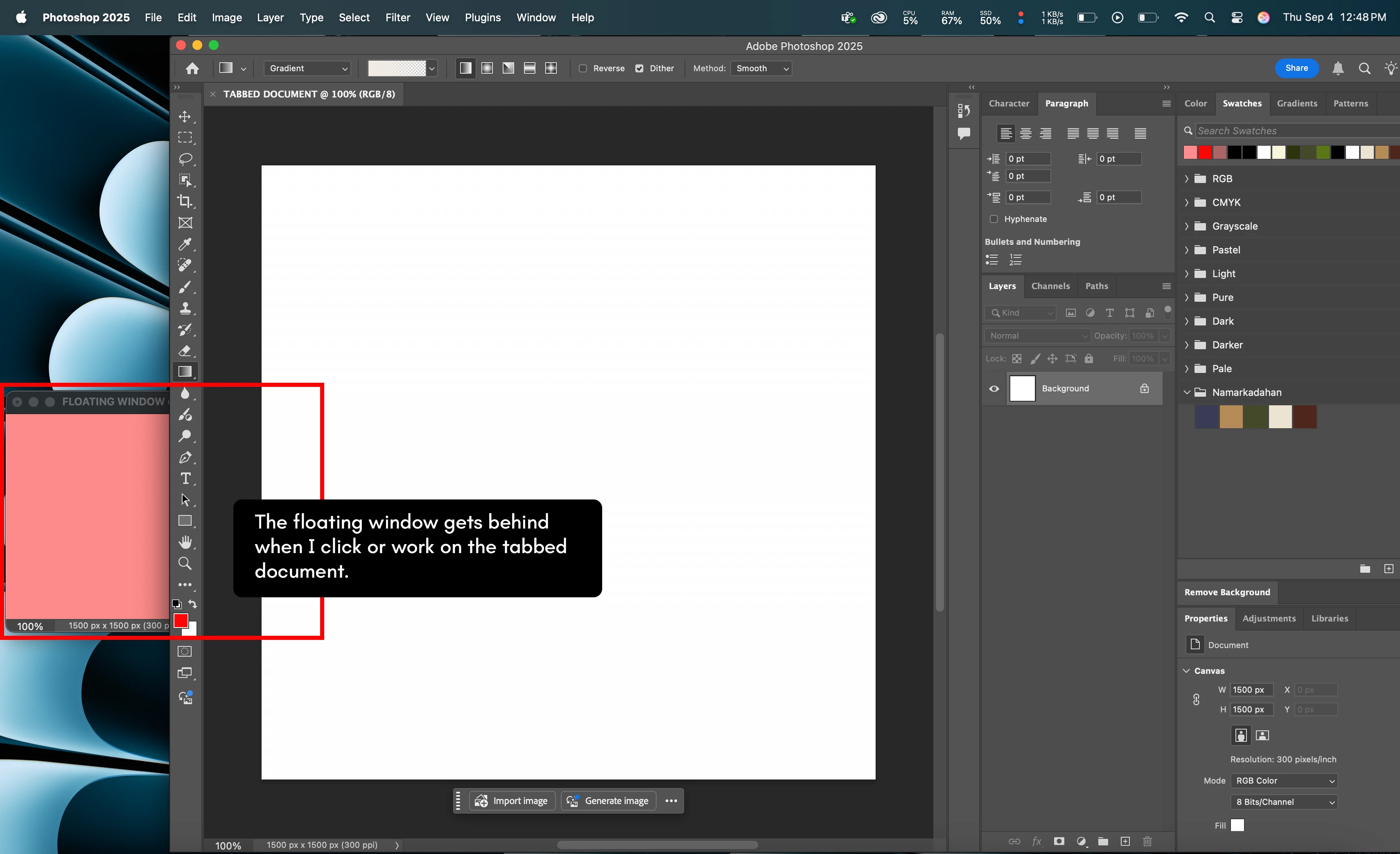
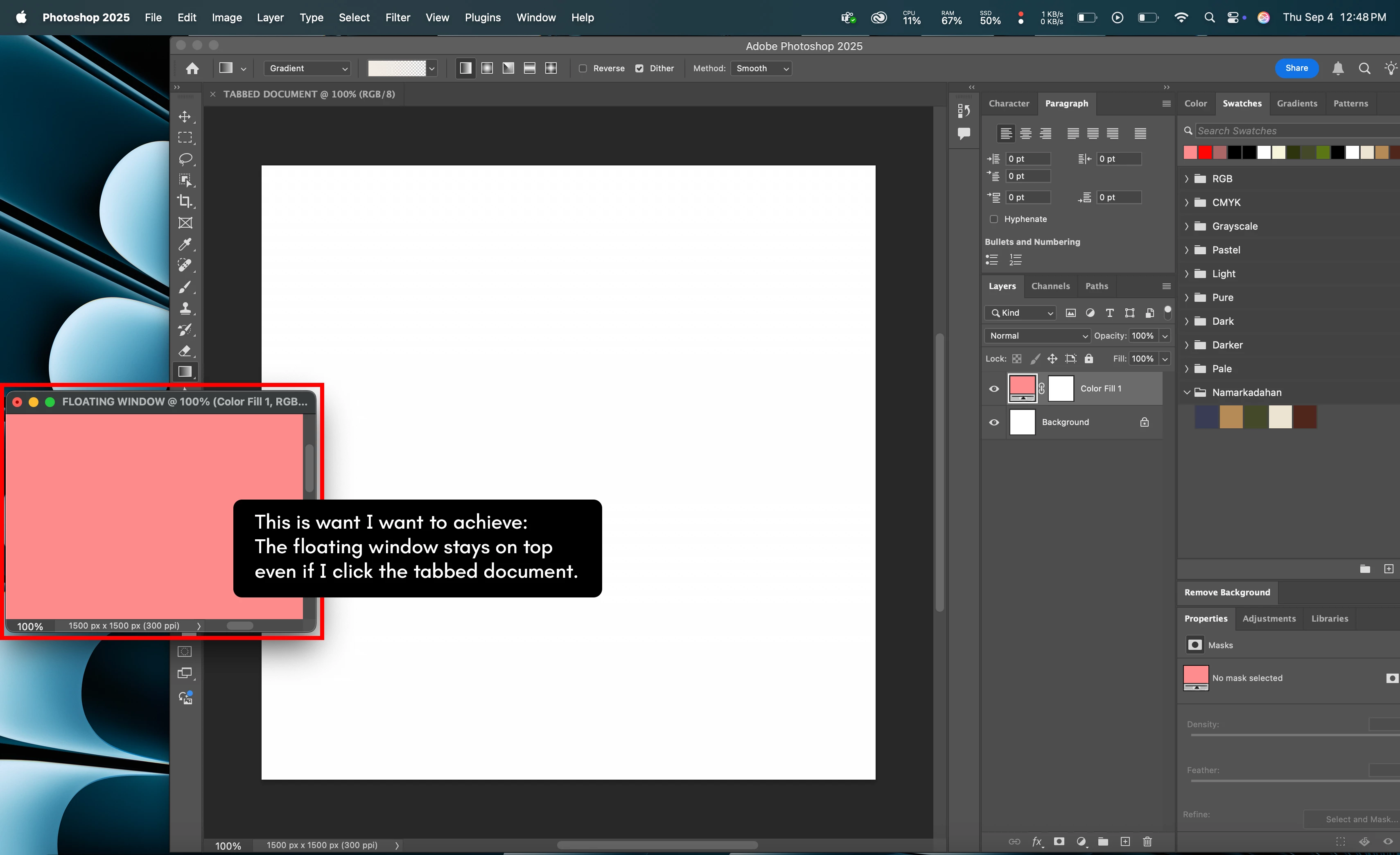
I just switch to macOS (current version: Sequoia 15.6.1) from Windows and encountered this issue. Whenever I drag a document to be a floating window, it gets behind a tabbed document. Now, I can't work on fullscreen because I have to manually drag photoshop everytime I want to see or work on the floating document/window. This is not an issue on Windows OS because the floating windows always stays on top.


For reference, this is the problem:
 

And this is what I want to achieve:


Correct answer Sameer K

Hey, @emmanpalada. Thanks for the detailed post and for including the correct information. This is a Mac OS thing, which has been brought up in the past. Here is the official word & a possible workaround for this behavior: https://adobe.ly/4niA6FW;


I hope this helps. Thanks!

Sameer K
(Type '@' and type my name to mention me when you reply)

1 reply

Participant
September 4, 2025

If anyone will suggest to work on "native fullscreen" mode so the floating window stays on top - it's not the solution I was looking as I don't prefer native fullscreen as my fullscreen option because it's difficult to work around on it.

Sameer K
Community Manager
Sameer KCommunity ManagerCorrect answer
Community Manager
September 4, 2025

Hey, @emmanpalada. Thanks for the detailed post and for including the correct information. This is a Mac OS thing, which has been brought up in the past. Here is the official word & a possible workaround for this behavior: https://adobe.ly/4niA6FW;


I hope this helps. Thanks!

Sameer K
(Type '@' and type my name to mention me when you reply)
