
Legend
August 6, 2022
Question

How To Make a Bold Text Lighther

  • August 6, 2022
  • 5 replies
  • 6985 views

Hello Everyone.

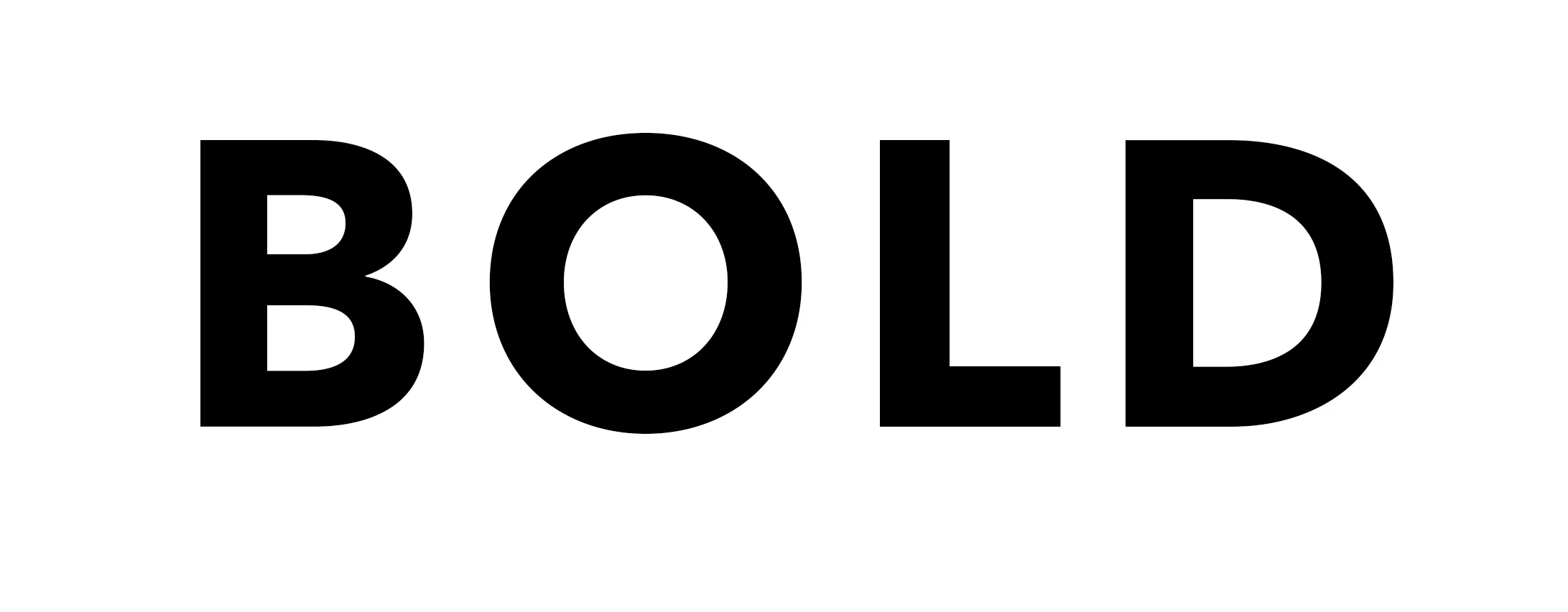
Let's say I Like this Text, but I want the Bold to be a little Lighter not too bold.

How can I do that?

NOTE: I have the option of making It either Italic, or Regular, but I only want to make a less Bold

Thanks.
5 replies

Trevor.Dennis
Community Expert
Community Expert
August 7, 2022

There are those who would think you'll never get to content creator's heaven if you mess around with carefully crafted fonts, so as Jane said, use a similar font with different weights if possible.  However, if you were determined, you could add an inside stroke using the background colour.  This would only work if the background is a solsid colour.


There is a gotcha if you use a simple Layer Style to create the stroke in that that it will round inside sharp corners.  If you check the central B below you can see what I mean.  There is a workaround.  Under the Type menu use Convert to Shape.  You can then select one of the shape tools in the Toolbar and give the shape an inside stroke, and it will keep inside corners sharp as in the bottom example.


Legend
August 7, 2022

Dear Trevor.

This Logo is going to be. PNG File. It is going to be printed for a Garment and Hat. I did try your Technique, using Stroke. But then when saving. PNG Transparency, you can see the Stroke.

My background is In Photography, Video, and Animation. Unfortunately, I don't know Illustrator.

I guess It seems like the things you can do with Illustrator, you can not do with Photoshop. Please correct me If I am wrong.

I like this Forum very much. It's like a family, Everyone is helping each other.

Thank you very much.

Legend
August 7, 2022

UPDATE. UPDATE.

I noticed, inside Stroke Layer properties, If i Bring the Opacity for the Stroke to Zero, It looks like i don't see the Strokes Outline anymore, Even If i use any color such as red. The only problem is it looks different. please look at my screen-Shots.

Thanks.

Legend
August 7, 2022

Ok, I am creating a Logo for my friend, and He likes this Avenir Next LT Pro Font, also he wants PNG file. There are only two options for this font: Bold or Regular, and he wants something in between. If i use the Stroke it becomes Round looking.  I can select the Font, and use the Select-Modify-Contract. and mask it. But the font becomes Round.

Can you guys make a sample so I can see.

Thank you very much.


Zesty_wanderlust15A7
Known Participant
August 7, 2022

If it's for more than a fraction, I think you will indeed run into these problems...

If this was a simple math thing, we would have had Variable Concept fonts ages ago. It's why a font has to be designed.

You might convert it to a selection or path, use some tools on it, and correct the parts/paths that go ugly by hand. Illustrator might better for this maybe (it's been too long).

Zesty_wanderlust15A7
Known Participant
August 6, 2022

There are some Variable Concept fonts in the list. These are made to be tweaked to your exact liking and still look well-balanced.

jane-e
Community Expert
Community Expert
August 6, 2022

@animationlife wrote:

I want the Bold to be a little Lighter not too bold.


What typeface are you using? If the typeface you chose does not come in semi-bold, then find a similar typeface that does. Semi-bold is less bold than Bold.


Jane


Jumpenjax
Community Expert
Community Expert
August 6, 2022

Does the font not have regular instead of bold? If it only has bold and you want to control the thickness. Add a stroke of white choose inner or center stroke. If it is on a color background you can make the stroke the same as the background color

Lee- Graphic Designer, Print Specialist, Photographer