
Answered
How to make a shape into a layer mask
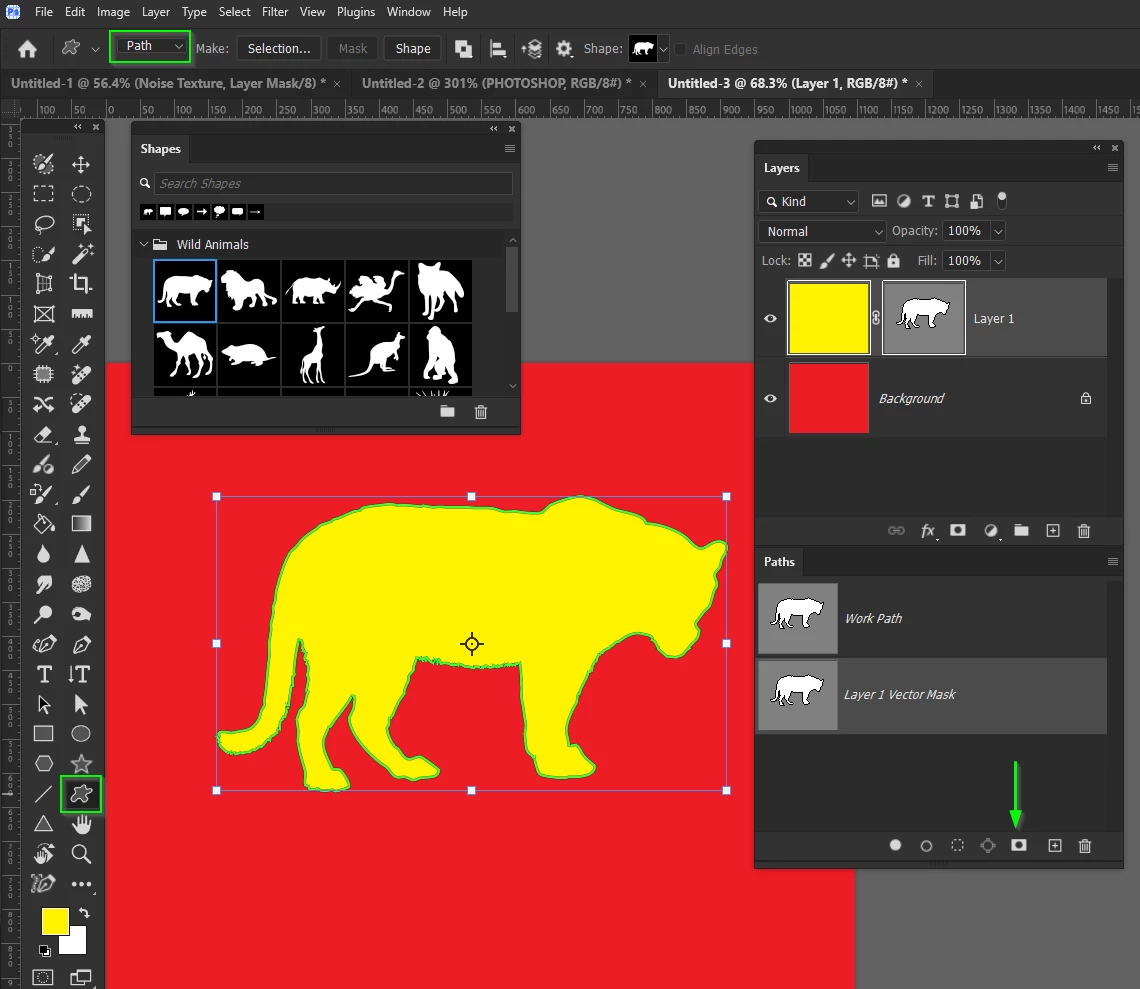
I finally figured this out so I thought I'd share. If you'd like a layer mask that follows specific measurements or a shape, follow these steps.
- Click on your shape and go to Select and Mask (either cmd + opt + r, or right click and select)
- Use the Quick Selection tool to select the entire shape. Make sure your output is a Layer mask. Click OK.
- Drag this new layer mask onto the layer you'd like to mask.
- Go to Select and Mask again, and choose invert. Click OK.
Let me know if this was helpful! Posting so I also don't forget lol.



 AdChoices