
Answered
How to make this file to mockup and keep the shadow
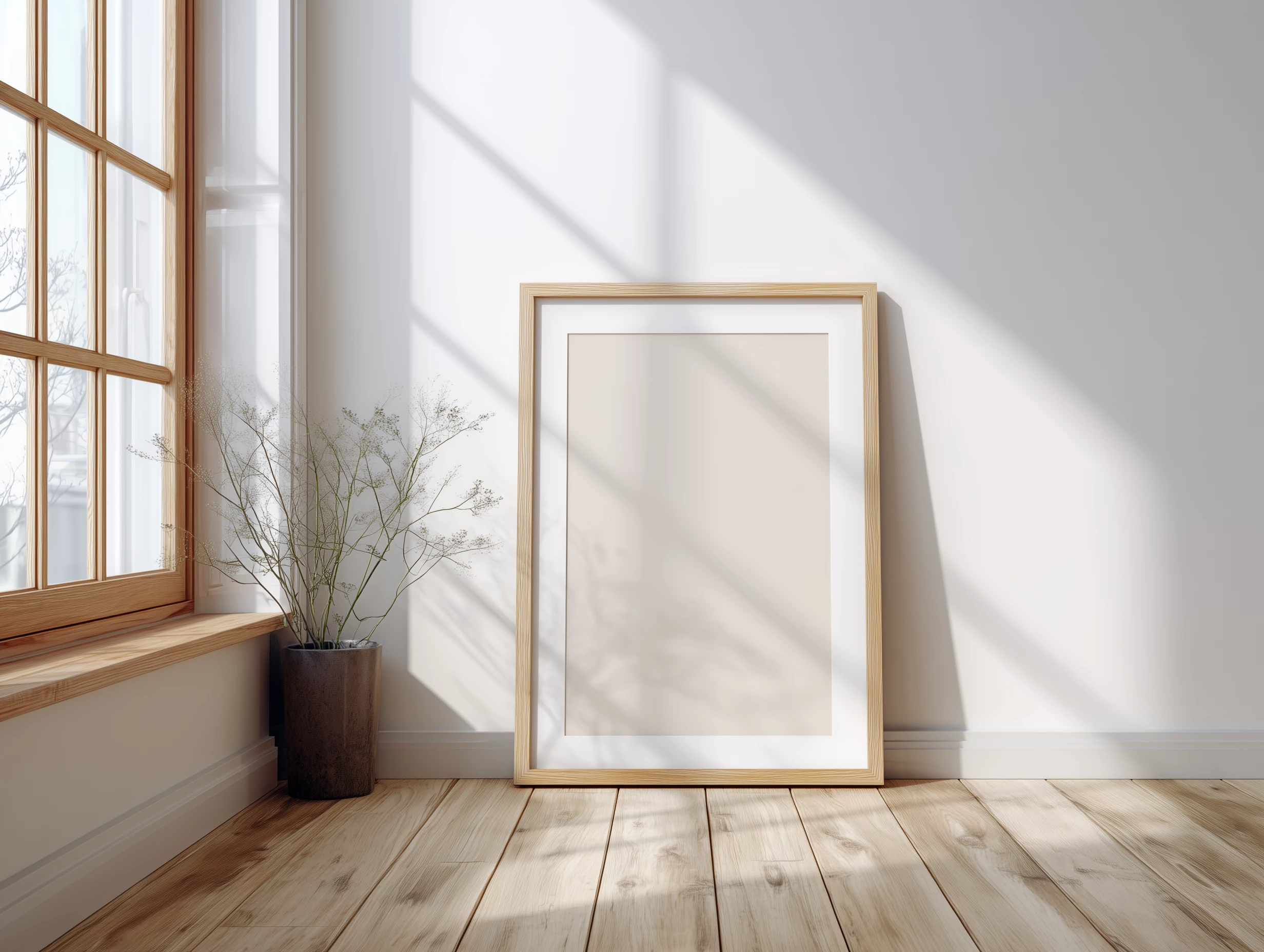
I tried use attached photo to make a mock up PSD
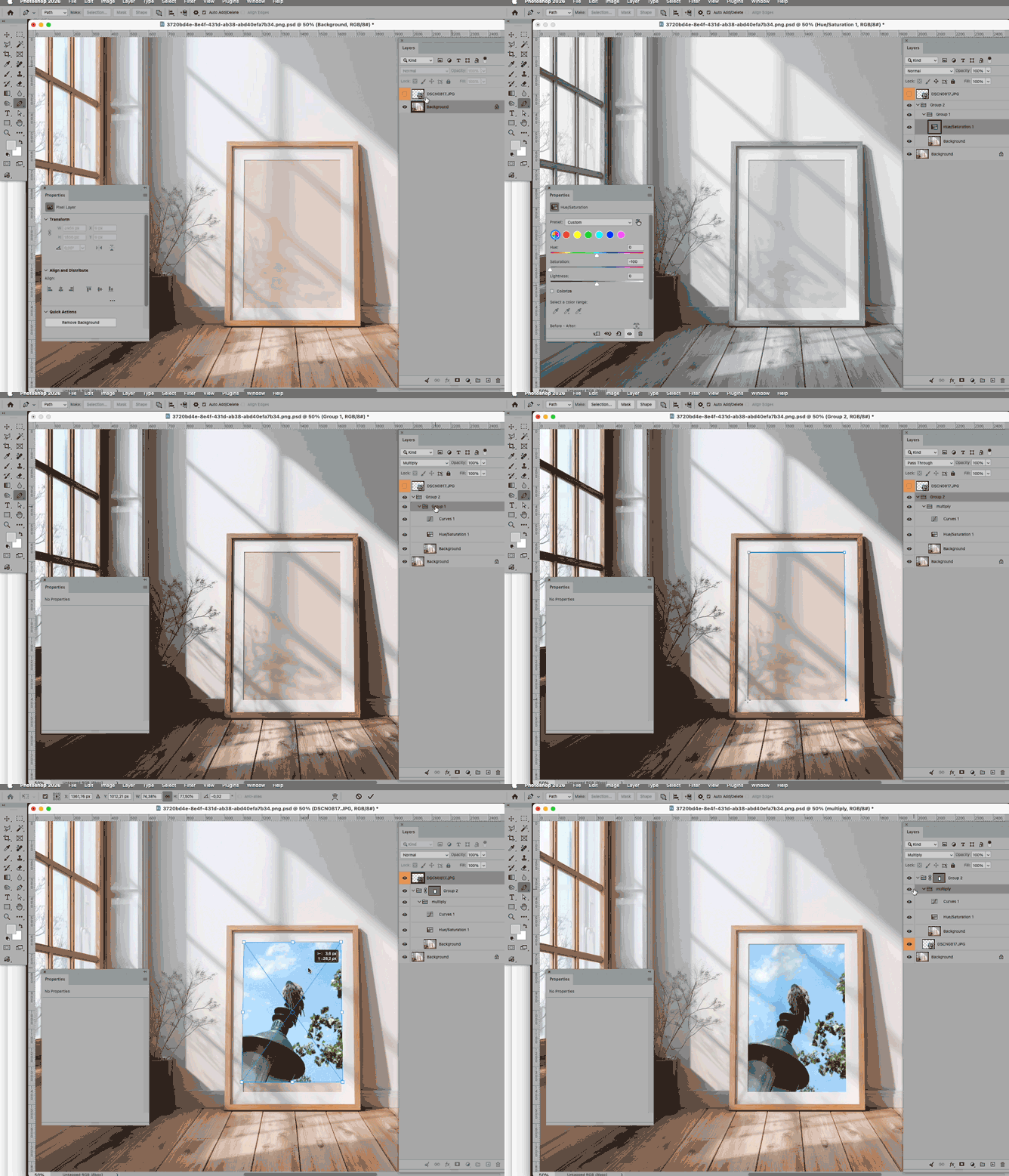
- Add a layer and converted to smart object
- Place image into smart object layer and adjust to fit the frame
- Duplicated photo as third layer (shadow layer) and put it before the smart object layer
- Select the blank area in frame
- Select color rage → shadow → adjust to almost same as shadow
- Add mask to shadow layer
- Blend shadow layer to multiply
- Make shadow layer to opacity to around 25
How ever, the shadow still looks not natural, any steps I missed or any good suggestions ?


 AdChoices